New article
Recently updated
Managing Audits with Mazlan

Who is this article for?
Users working with Audit records using Mazlan.
Mazlan is required.
This article explains how to use Mazlan to manage Audit records.
You will learn how to access the Mazlan chat window, search for records, edit audits and manage your audit calendar.
What is a prompt? A prompt is your instruction or question to Mazlan. The output and quality of Mazlan's responses is determined by your prompt. Clear, specific prompts produce more useful results. For guidance on writing effective prompts when working with Mazlan, see Writing a good prompt when working with Mazlan.
What can Mazlan do in the Audit module?
- Searching and viewing: Find and list existing audits using filters like audit number, title, status, category, dates, or auditor name. Search for auditor assignments and audit observations or findings. Look up full details of a specific audit record.
- Creating audits: Guide you through registering a new audit, including setting up the category, scope, and schedule.
- Auditor recommendations and assignments: Recommend qualified auditors for a specific audit based on their competencies and availability, then assign a lead auditor and audit team members to the audit.
- Audit details: Update an existing audit's category or scope items when information is missing or needs to be changed.
- Checklists: Find audit checklists for specific standards (such as ISO 9001, ISO 14001, or ISO 45001) by searching your existing checklist templates in IQMP. When no template exists, I can build one from the standard's requirements and import it into IQMP as a new template or directly into an existing audit.
- Checklist assessment: Review and validate whether an existing audit checklist template is still current against the latest version of its standard.
- Schedule confirmation and briefing packs: Confirm an audit's schedule (moving it from Scheduled to Schedule Confirmed) and generate an Audit Briefing Pack with historical context—prior audits, open corrective and preventive actions, and observations on the same scope.
- Audit review and acceptance: Review an audit in Performed status to check whether it's ready to accept, flagging potential issues like missing findings or inconsistent severities based on comparable past audits. Accept the audit report on your behalf when the review is complete.
Managing Audits with Mazlan
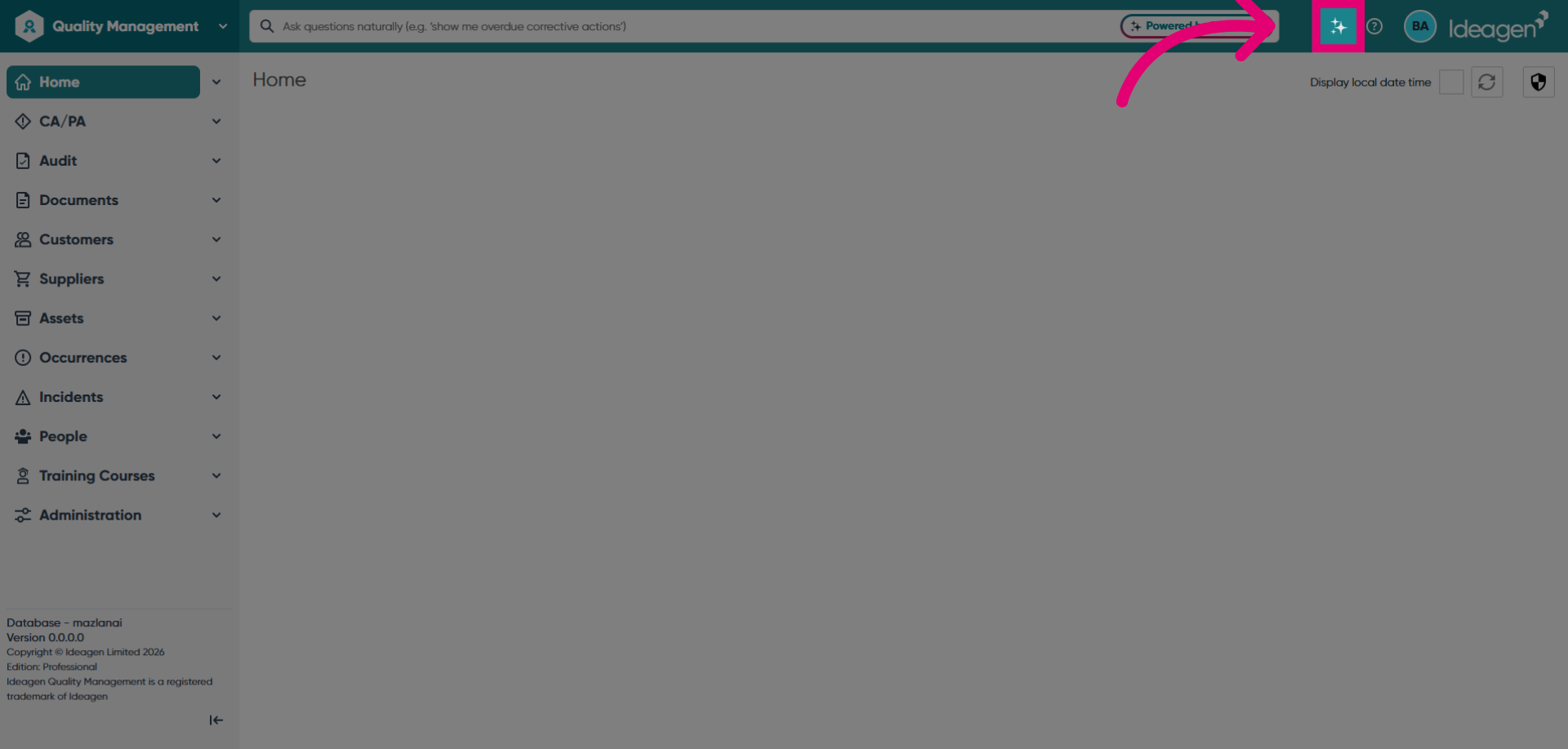
Launch Mazlan using the sparkles icon to access Quality Management Home.
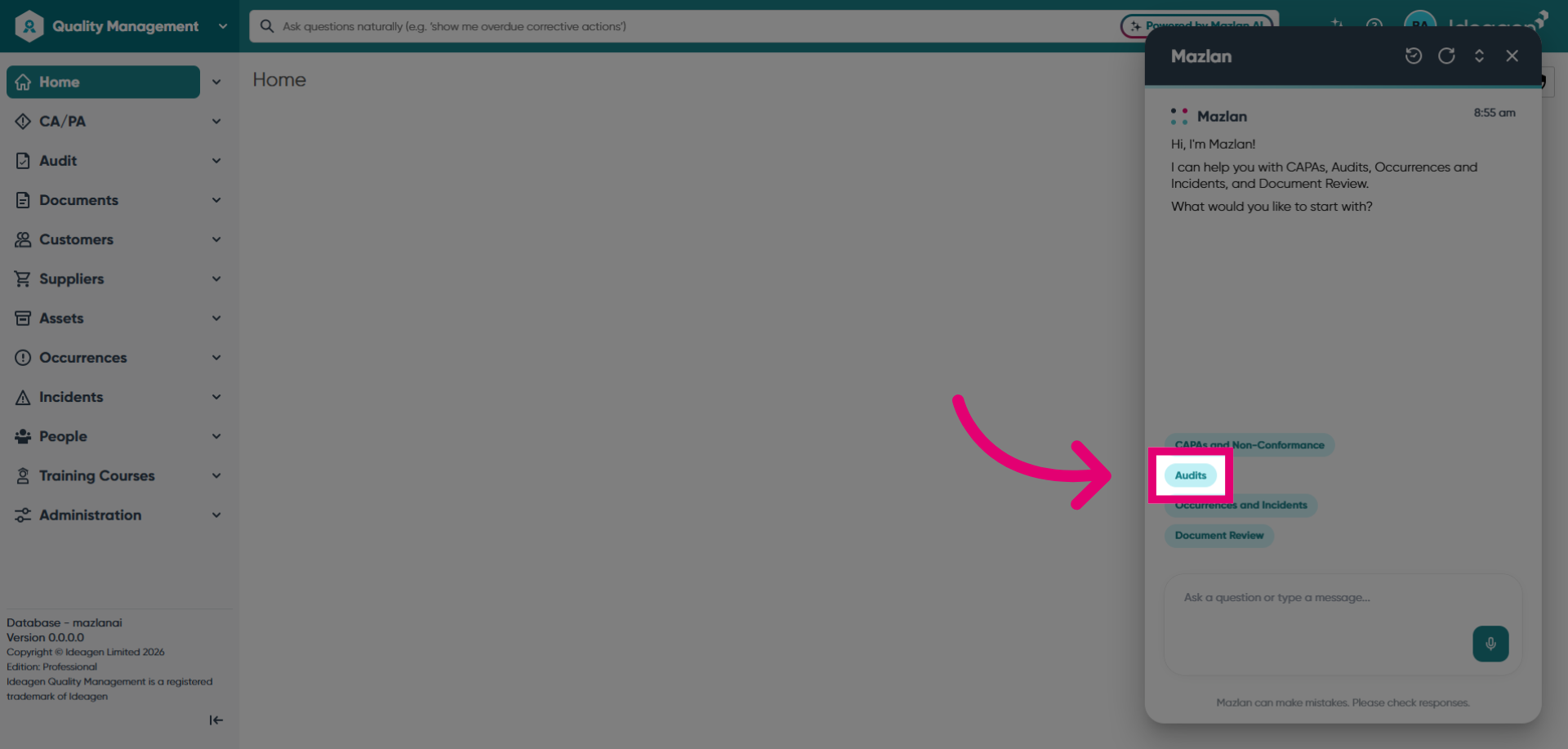
Select the Audits module to open the Audits section.
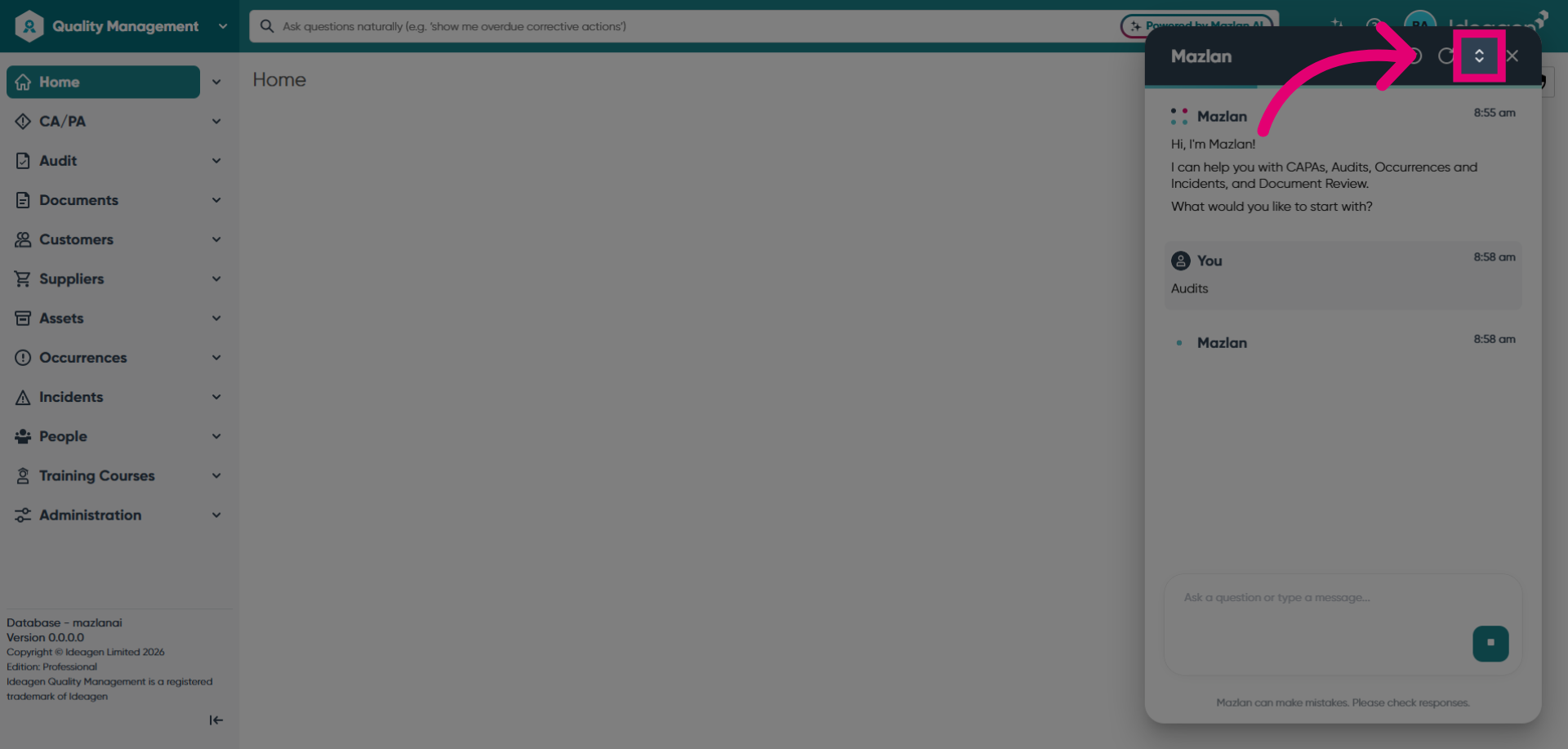
Expand Mazlan to full screen for a better experience.
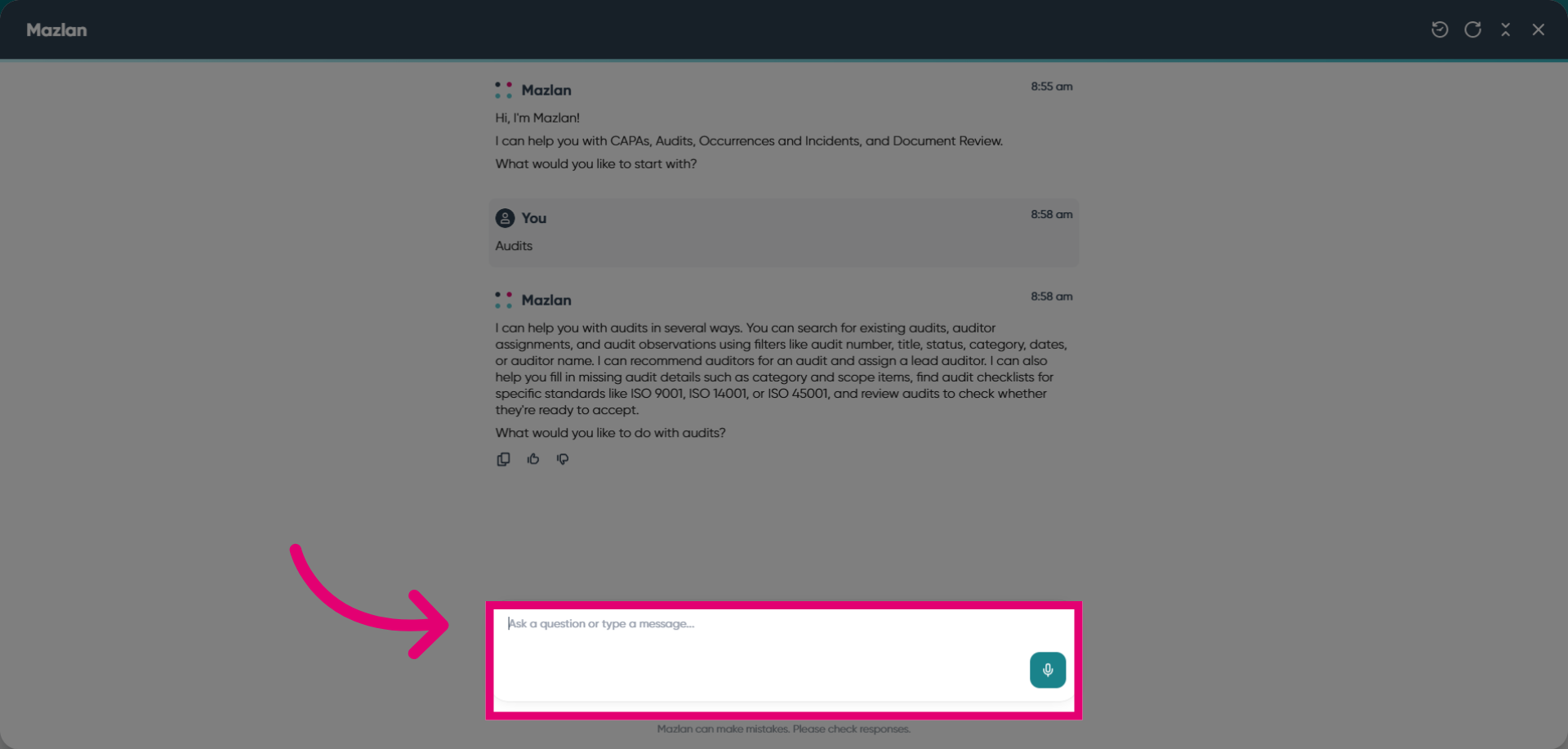
Enter your prompt in the message input field describing what you want to do with Mazlan. In this example, we'll schedule a new ISO27001 internal audit.
Provide the additional information that Mazlan requests to complete the task.
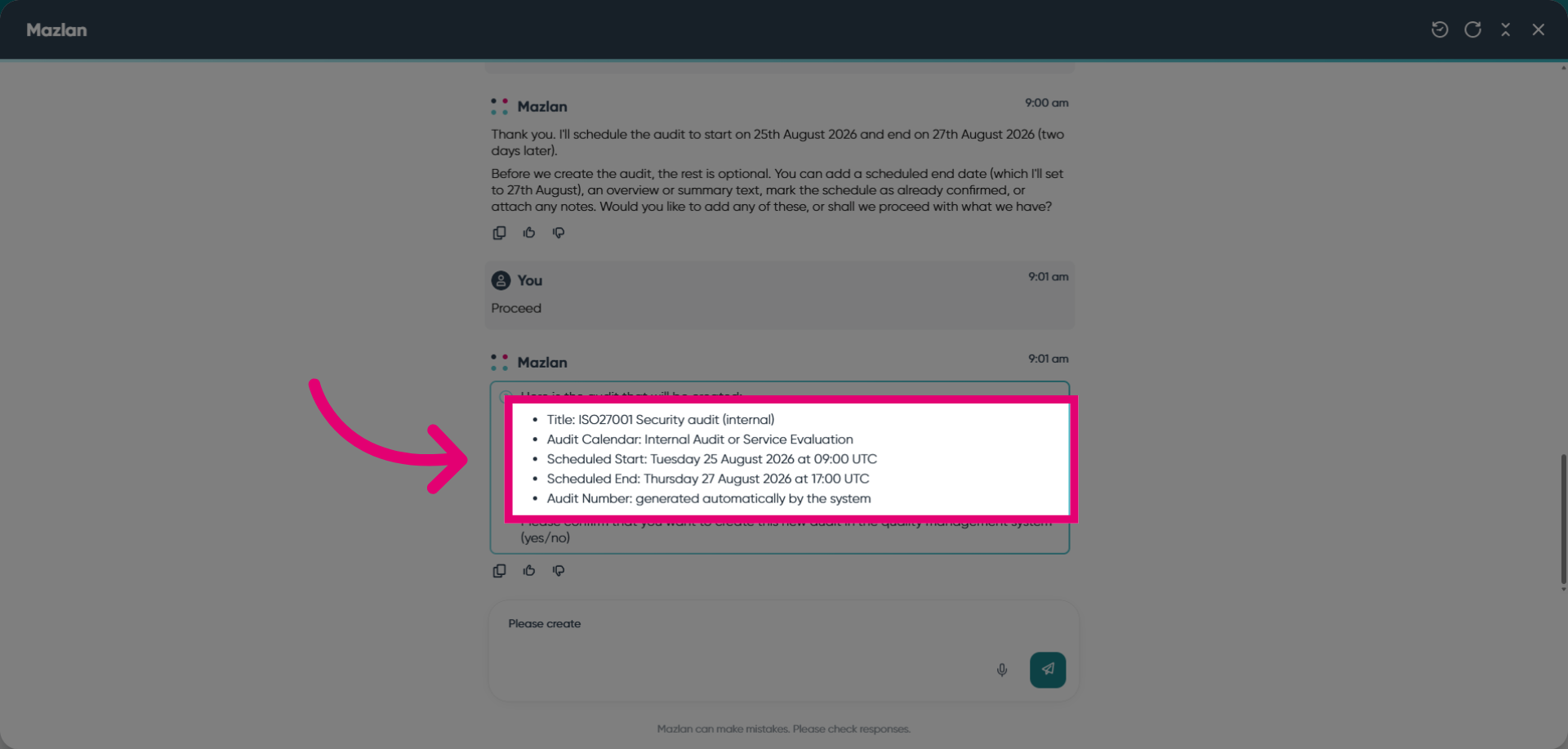
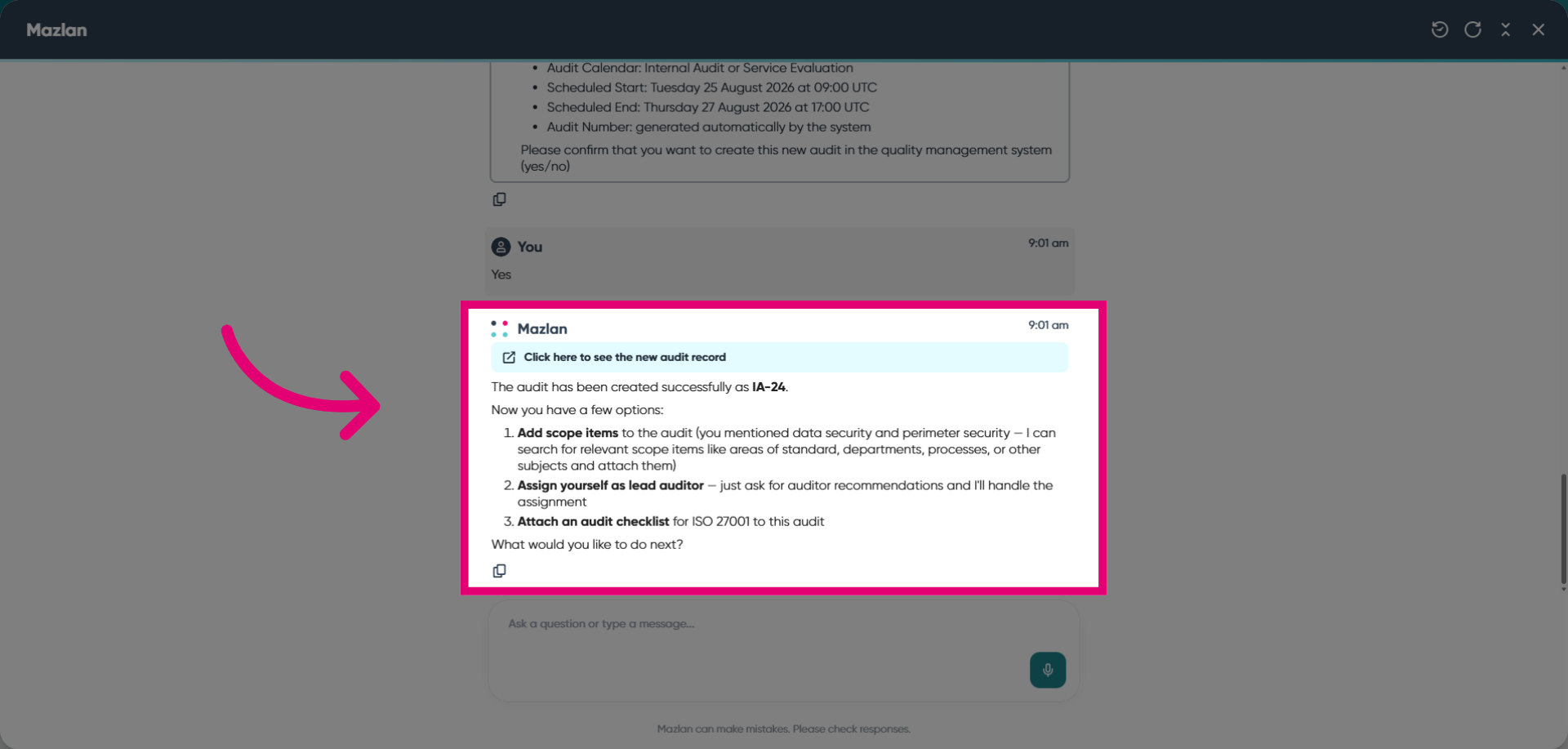
Review the Mazlan output to confirm you are happy with the accuracy and details. You can ask Mazlan to make any relevant changes or you can edit the record directly.