


New article
Recently updated
Managing Occurrences and Incidents with Mazlan

Who is this article for?
Users working with Occurrence and Incident records using Mazlan.
Mazlan is required.
This article explains how to use Mazlan to manage Occurrence and Incident records.
You will learn how to access the Mazlan chat window, search for records, accept occurrences, and escalate occurrences to incident records.
What is a prompt? A prompt is your instruction or question to Mazlan. The output and quality of Mazlan's responses is determined by your prompt. Clear, specific prompts produce more useful results. For guidance on writing effective prompts when working with Mazlan, see Writing a good prompt when working with Mazlan.
What can Mazlan do in the Occurrences module?
- Search and find existing occurrence reports using filters like status, dates, reporter, location, or text content
- Log and register a new occurrence report
- Accept an occurrence as a standard event (which closes it) or accept it as a new incident
- Reject an occurrence with a reason note
- Look up and inspect the full details of a specific occurrence by its number
What can Mazlan do in the Incidents module?
- Search and find existing incidents using filters like status, dates, owner, priority, or text
- Create a new incident from an existing occurrence
- Update an incident's event title
- Look up and inspect the full details of a specific incident by its number, including all investigation stages
- Conduct root cause analysis using techniques like Five Whys and save the investigation narrative to the RCA stage
- Create and manage corrective and preventive action stages with action owners
- Associate existing CAPAs (non-conformances) to an incident stage's findings
- Visualise incident data in charts
Managing Occurrences and Incidents with Mazlan
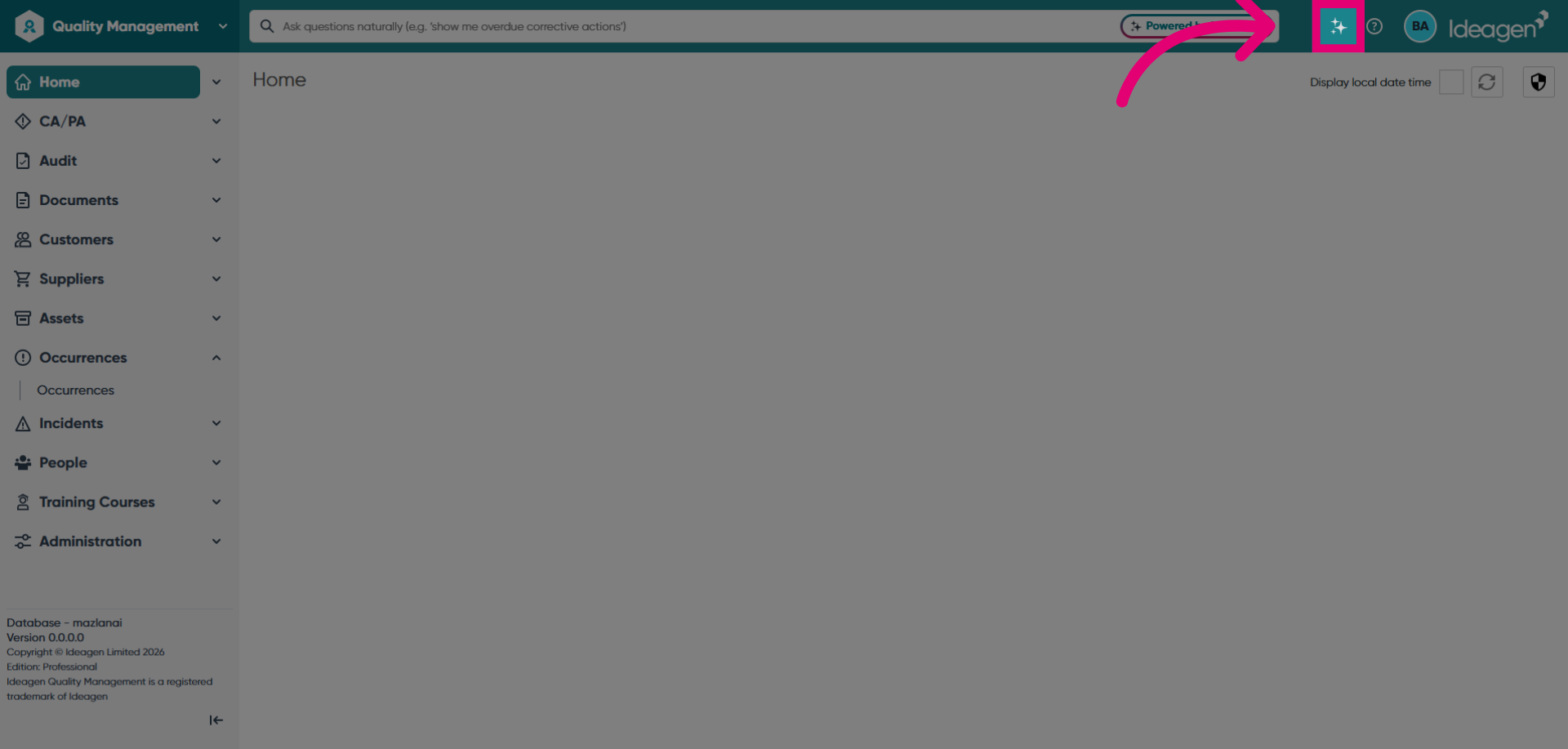
Click on the Mazlan AI sparkles to open the Mazlan chat window.
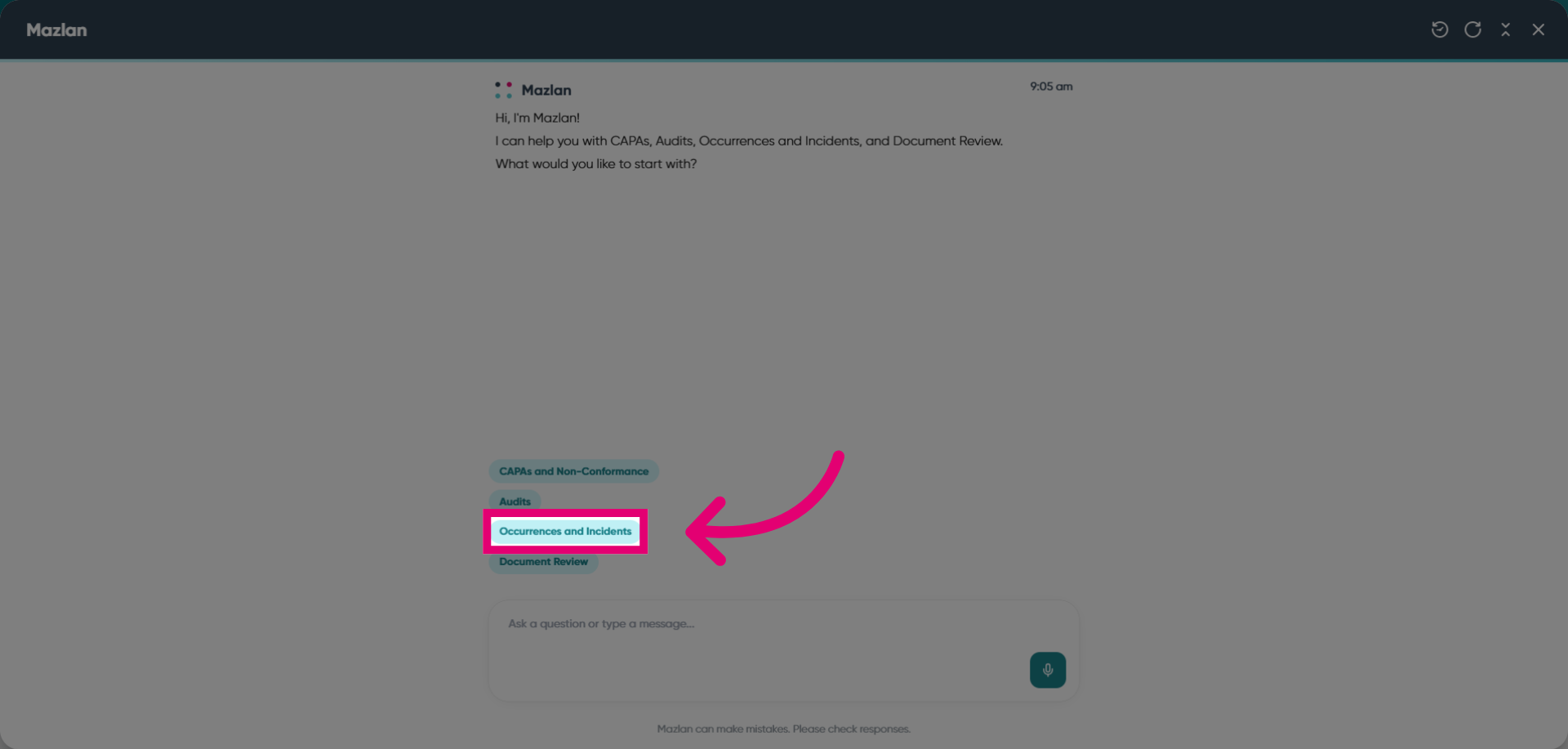
Select Occurrences and Incidents.
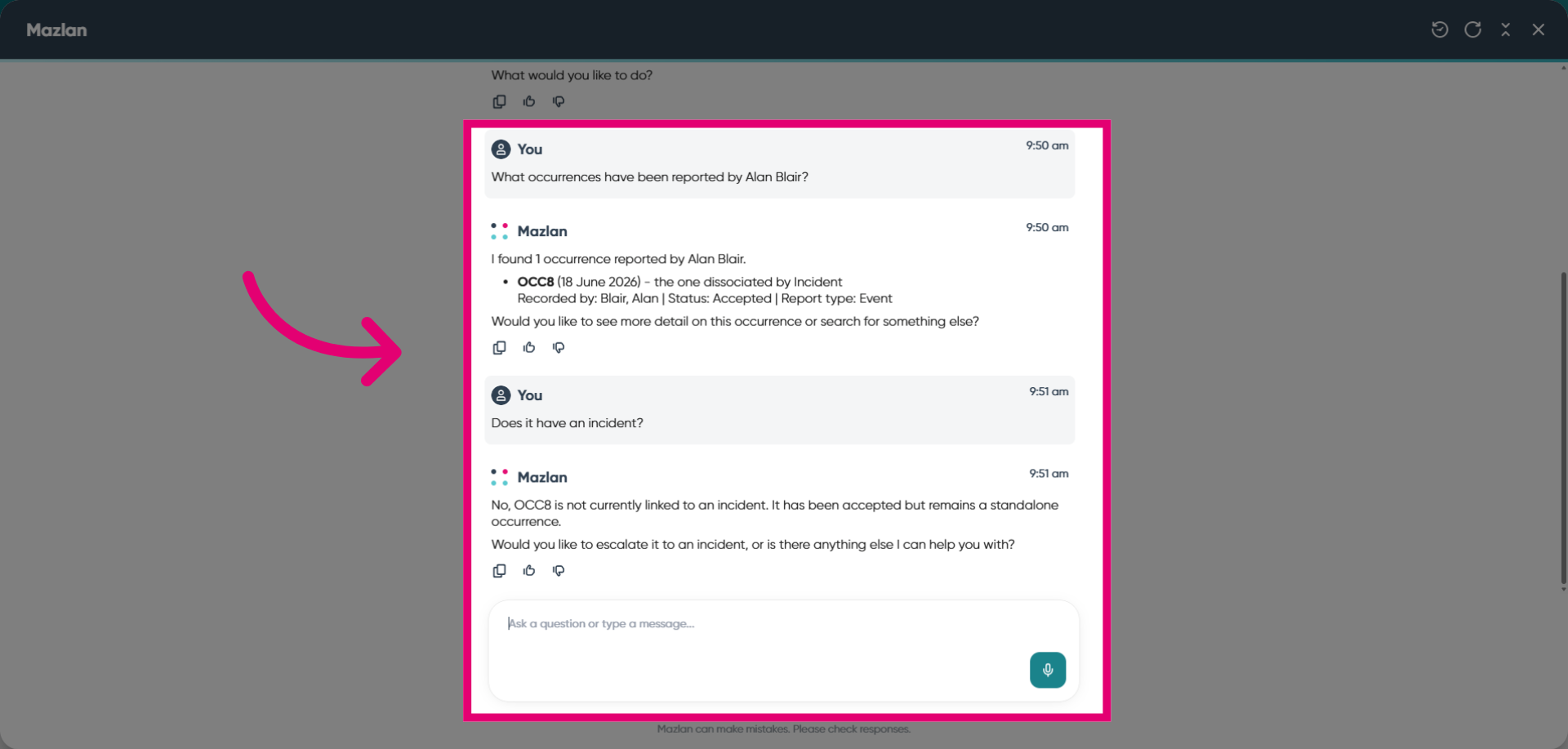
Enter your prompt to tell Mazlan what you would like to do, such as searching for records or accepting an occurrence.
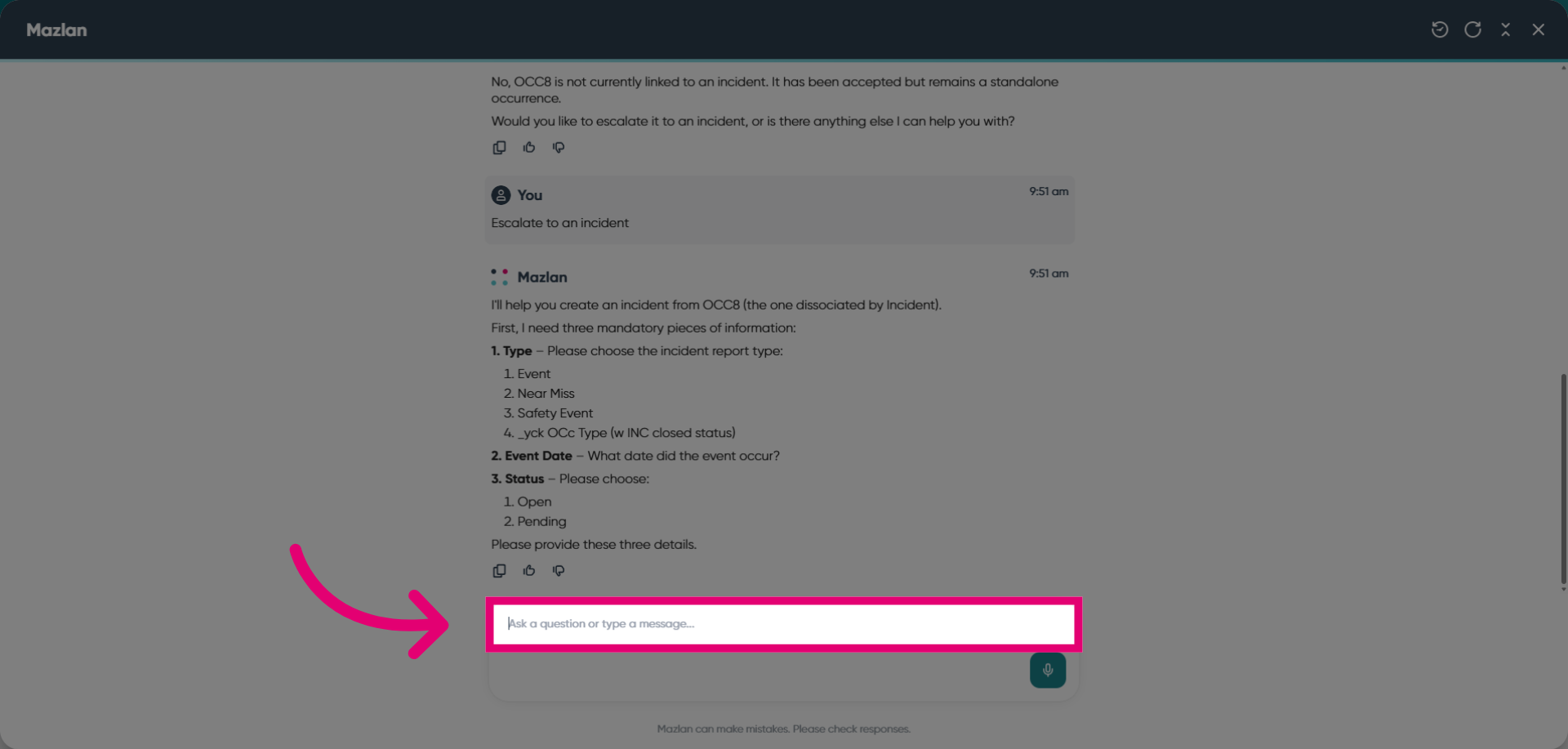
You can also escalate occurrences to incident records. Mazlan will request the information required to complete the action. Provide the required details.
Review before you accept. Always review Mazlan's responses before accepting or taking action. You retain professional and quality responsibility for all decisions and outputs. Adjust the response as needed to meet your requirements, then approve it for use in your system.