New article
Recently updated
Report Designer Example: Adding Only the Current Approval Cycle to a Report

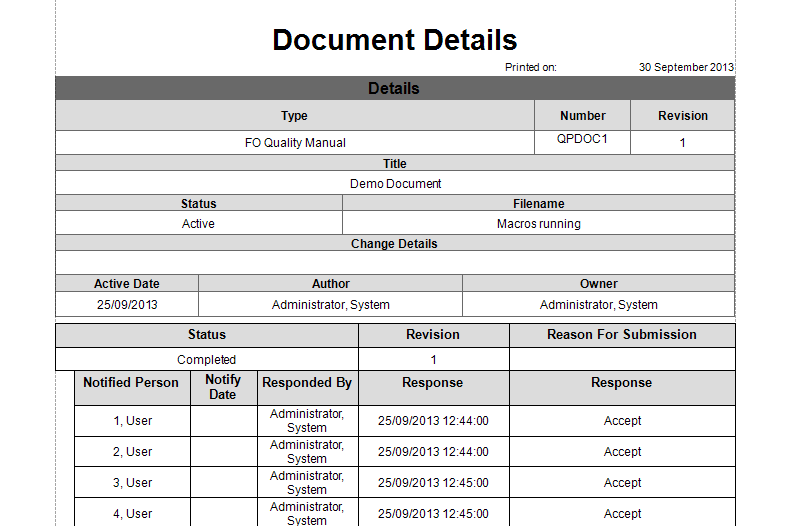
In this example we will create a Detail Report for a Document, and include only the Current Approval Cycle.
Creating your Detail Report
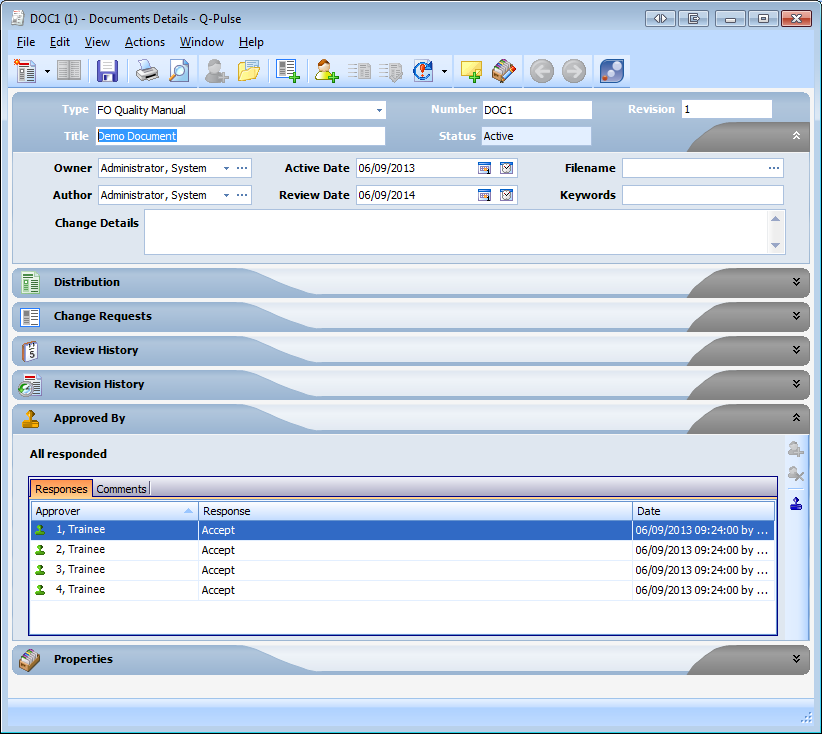
- Open the Document Record
- Click [File], then [Report Designer]
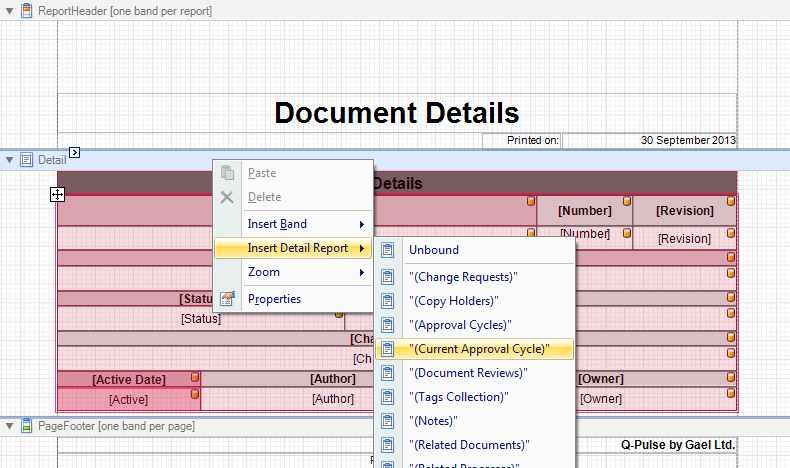
- Right Click the Detail Band
- Select [Insert Detail Report] then ["(Current Approval Cycles)"]
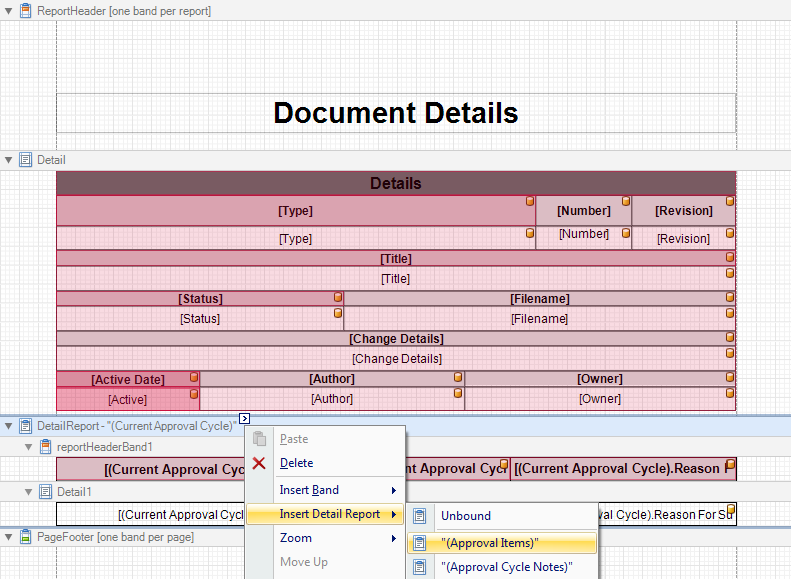
- Right Click Current Approval Cycles band.
- Select [Insert Detail Report] > ["(Approval Items)"]
- The report can be style and format of the report can be customised to meet your needs
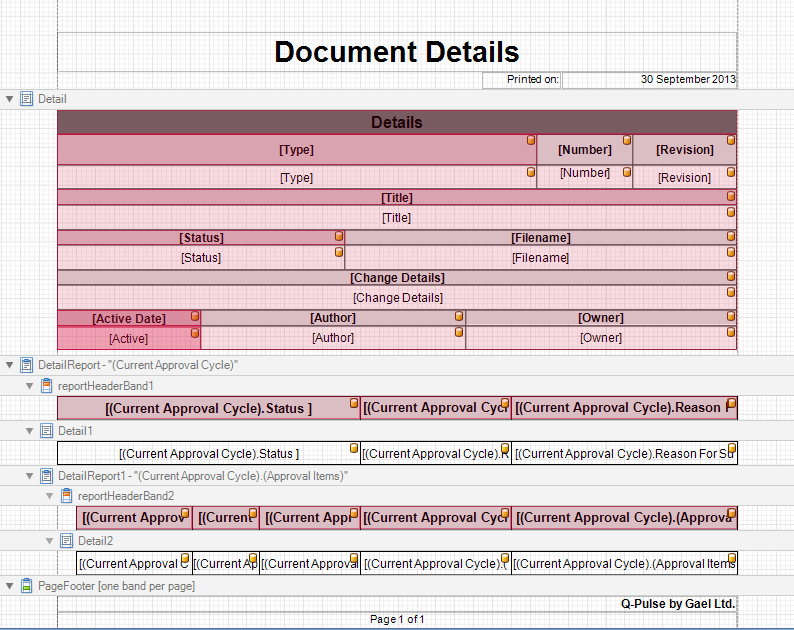
- Click [Preview] to display the report