


New article
Recently updated
Indexing a Document attachment

Who is this article for?Users working with Documents.
Document Edit Attachment permissions are required.
Document indexing allows you to classify a file as the 'home' or 'index' page. This ensures that the correct Document is opened when a user clicks the attachment hyperlink for a record that holds more than one attachment.
This article walks you through the process of assigning an index value to a Document attachment.
1. Indexing a Document
To index a Document:
- Access the Documents module.
- Open a Document record.
- Click Edit (Pencil icon).
- Click the Attachment icon.
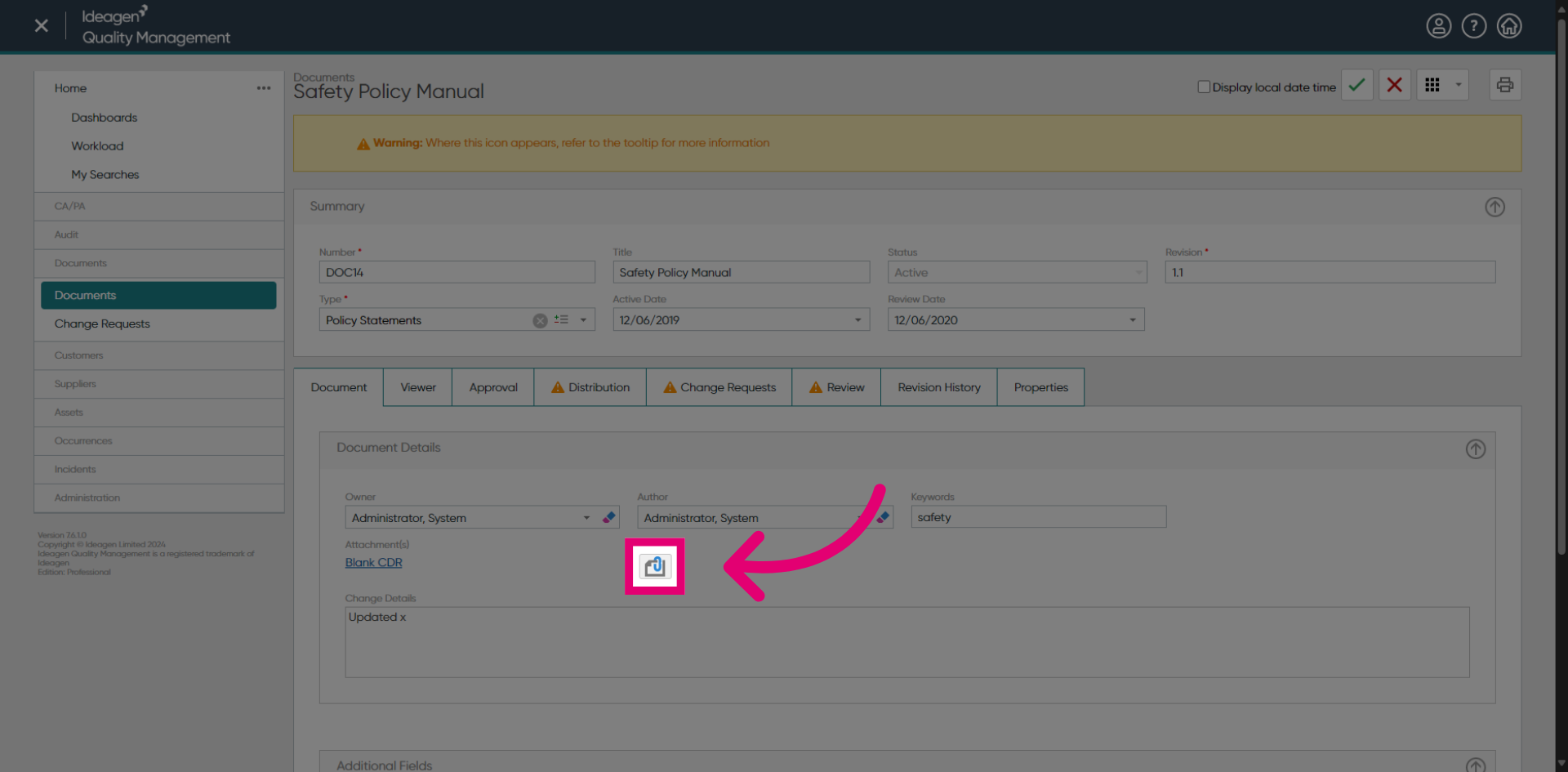
- Tick the box next to the Document to index.
- Select Set Index.
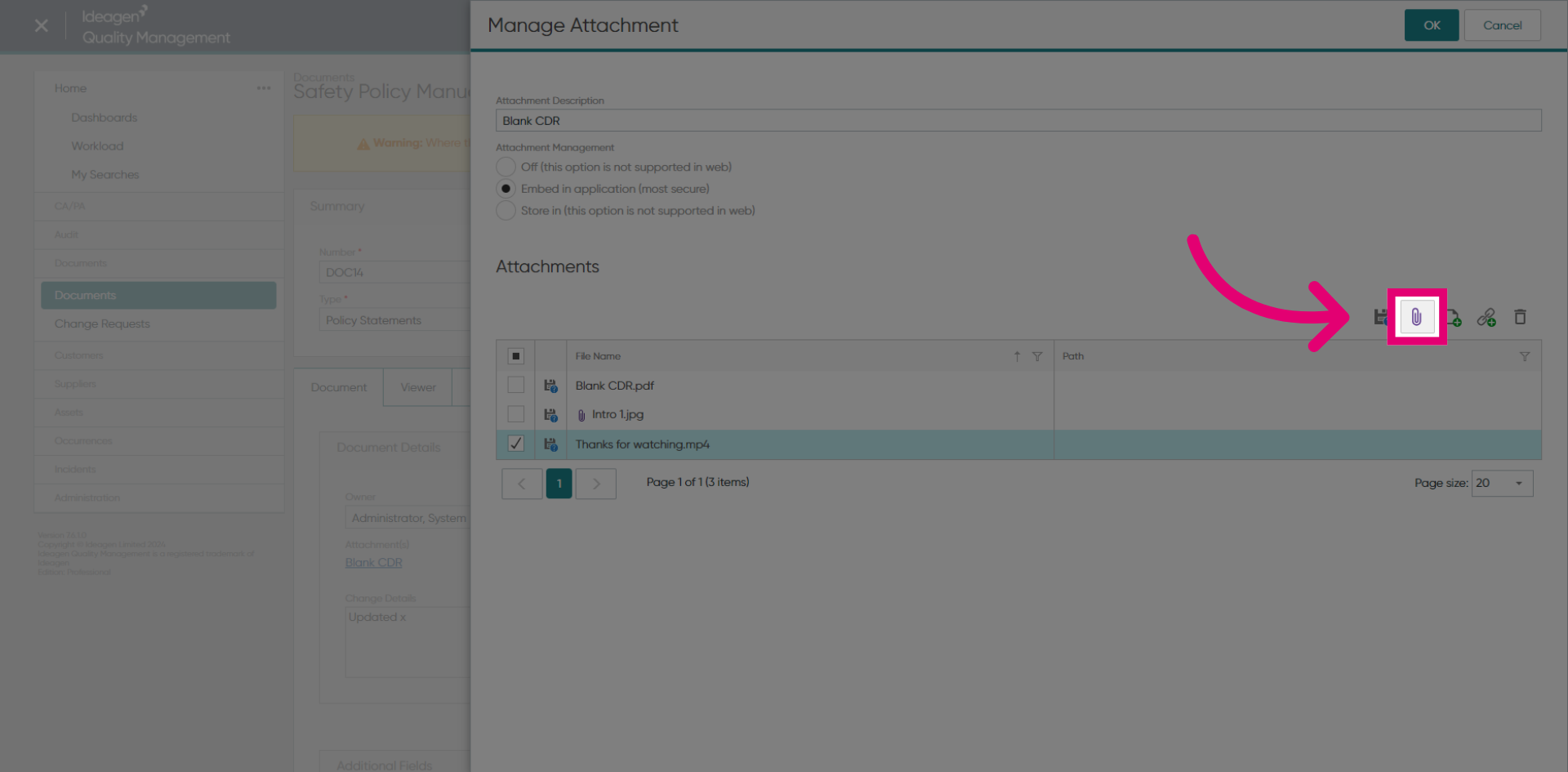
- Click OK.
- Click Save (Tick icon).
Only one attachment associated with each record can be assigned as the index.
1. Indexing a Document
To index a Document:
- Access the Documents module.
- Open a Document record.
- Click the Dots icon next to the Filename.
- Highlight the Document to index.
- Select Set Index.
- Click OK.
Only one attachment associated with each record can be assigned as the index.