New article
Recently updated
Report Designer Example: Adding Occurrence Fields to an Incident Report Using Current View

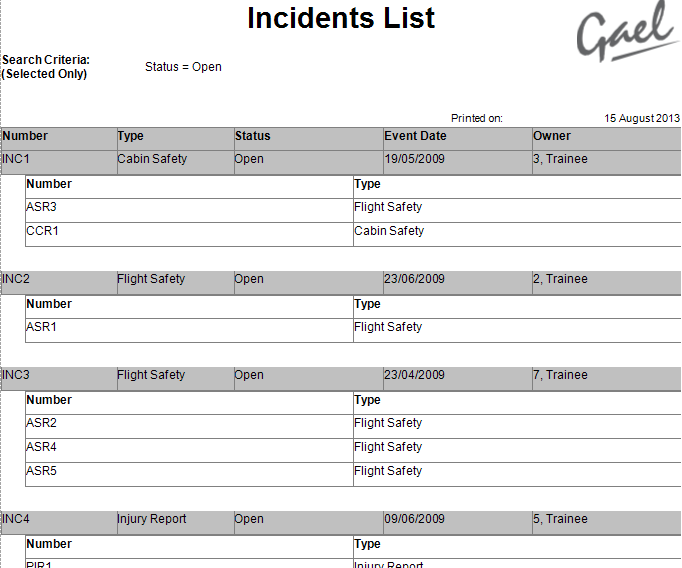
In this example we will create a report of all Open Incidents, and include details of their associated Occurrence Reports.
Creating your report can be performed in stages:
- Finding all Open Incidents
- Adding the associated Occurrences to the view
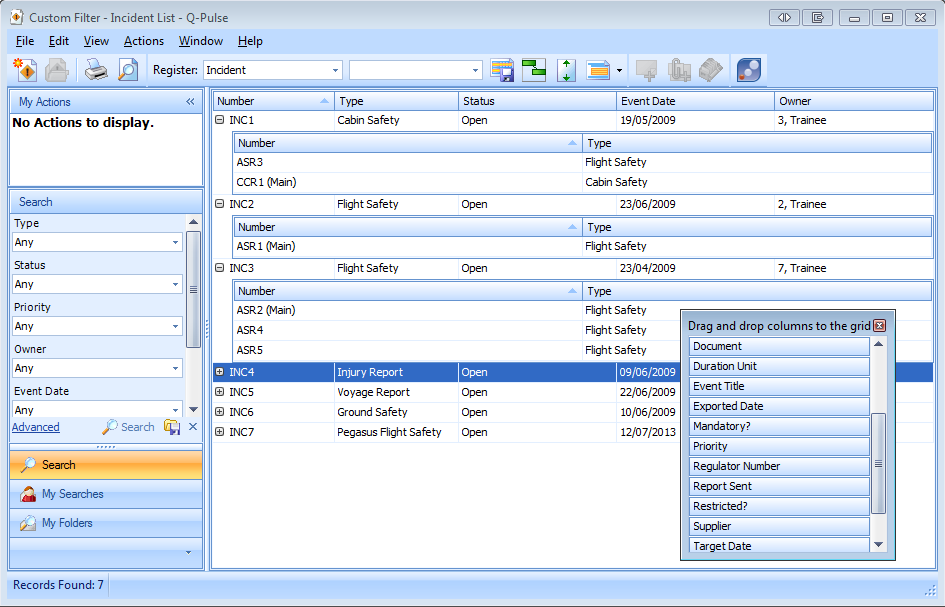
- Customise the columns displayed (Optional)
- Generating the Report
- Within the Incident Module ensure the 'Incident' Register is selected
- Next we select Advanced, and enter our search query as shown below.
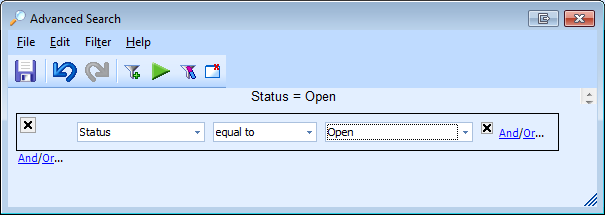
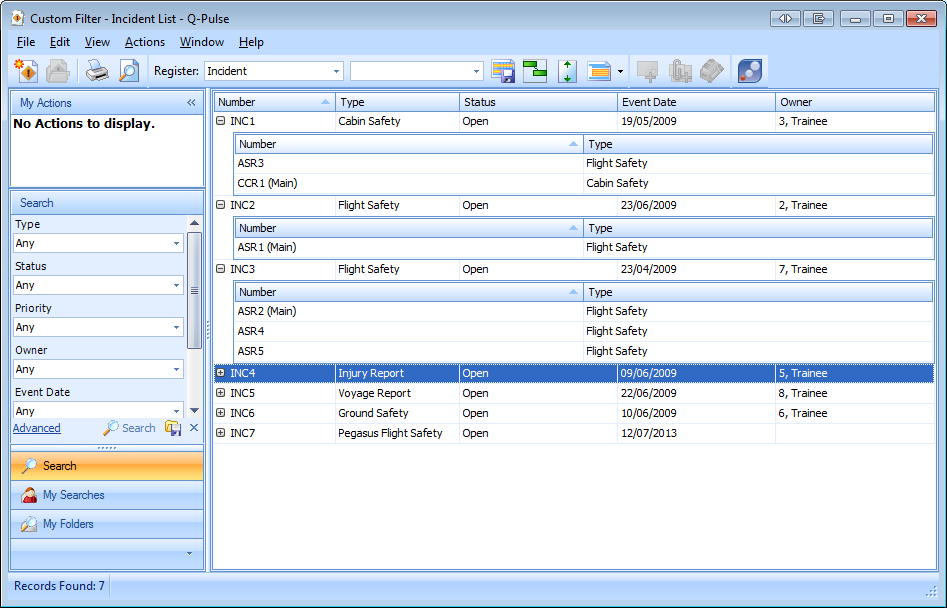
- This returns a list of all Open, Incident Records
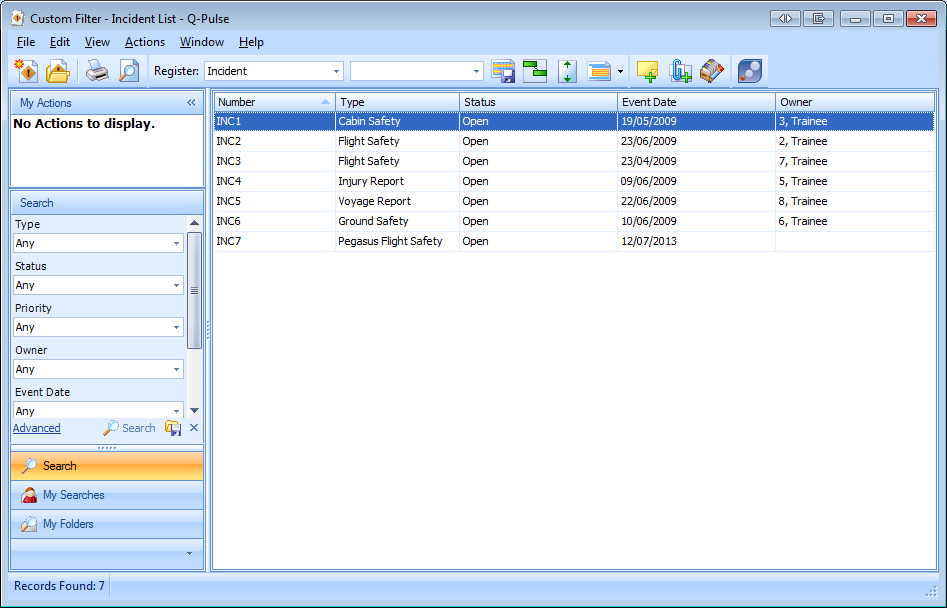
Adding Associated Occurrences to the View
- You can add more detail to the report using Nested Groups, Nested Groups allow some sections from within the record to be included in the List Report.
- To add Occurrences as a Nested Group click [View] > [View Nested] > [Occurrences].
- Once added, the Nested Group can be expanded by clicking [+] icon as shown below