


New article
Recently updated
Adding related documents

Who is this article for?
Users responsible for managing Document records.
Document Edit Related permissions are required.
Some documents may need additional context to be fully understood by your users. You can add these reference points by linking related documents to any document record.
This article walks you through the process of adding related documents.
Adding related Documents
To add related Documents:
- Access the Documents module.
- Open a Document record.
- Click Edit (Pencil icon).
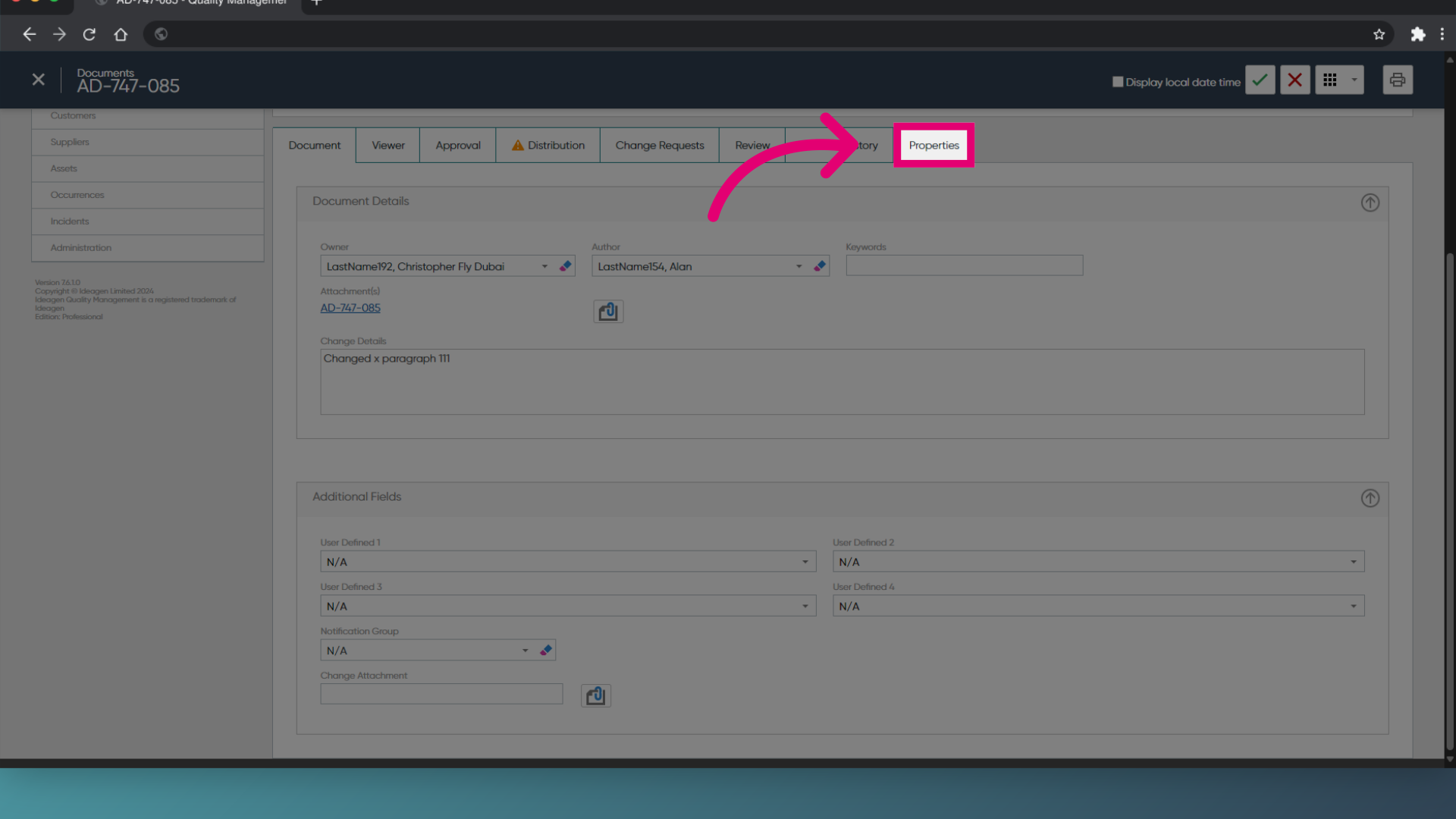
- Switch to the Properties tab.
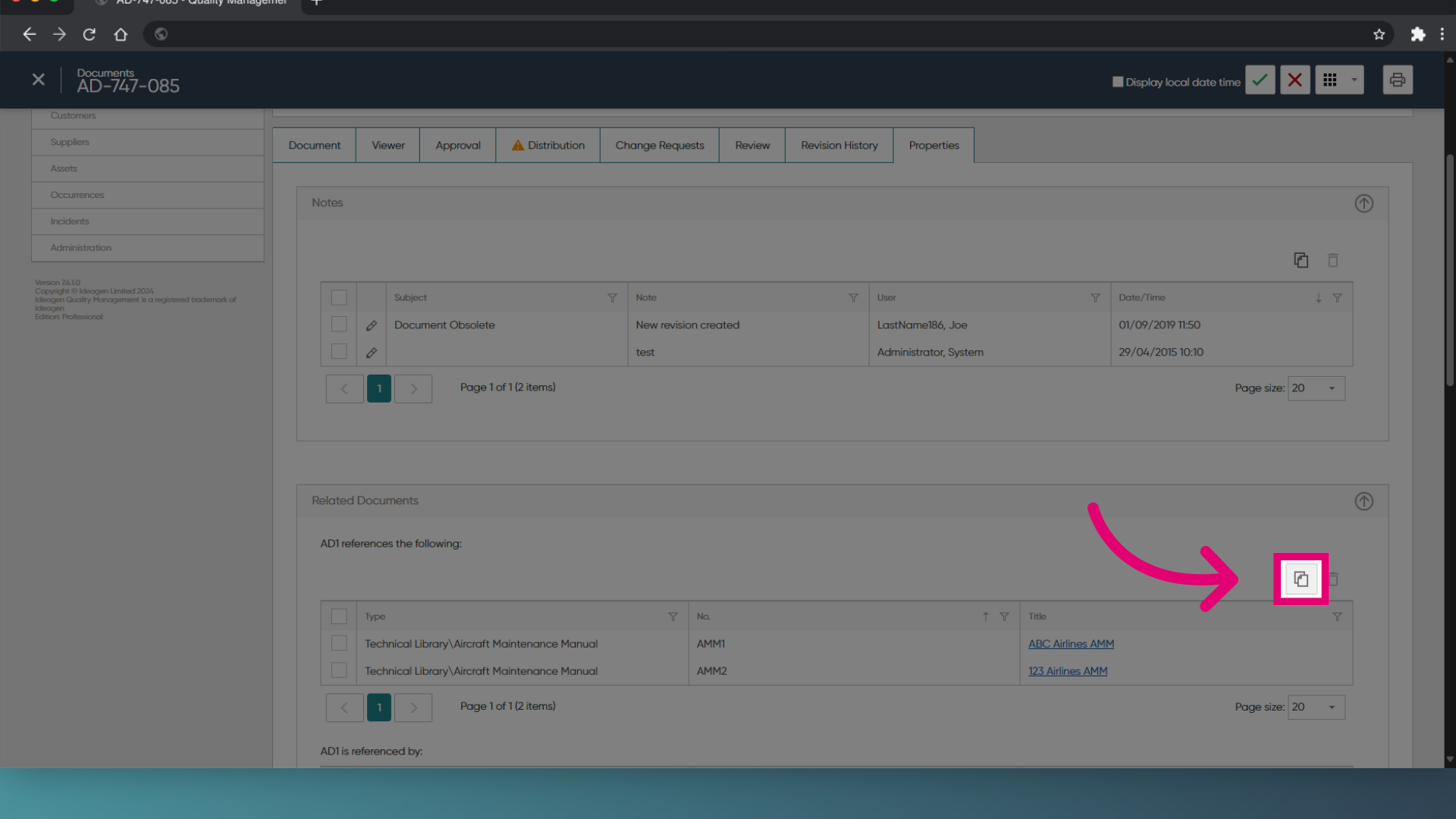
- Click Add Related Document.
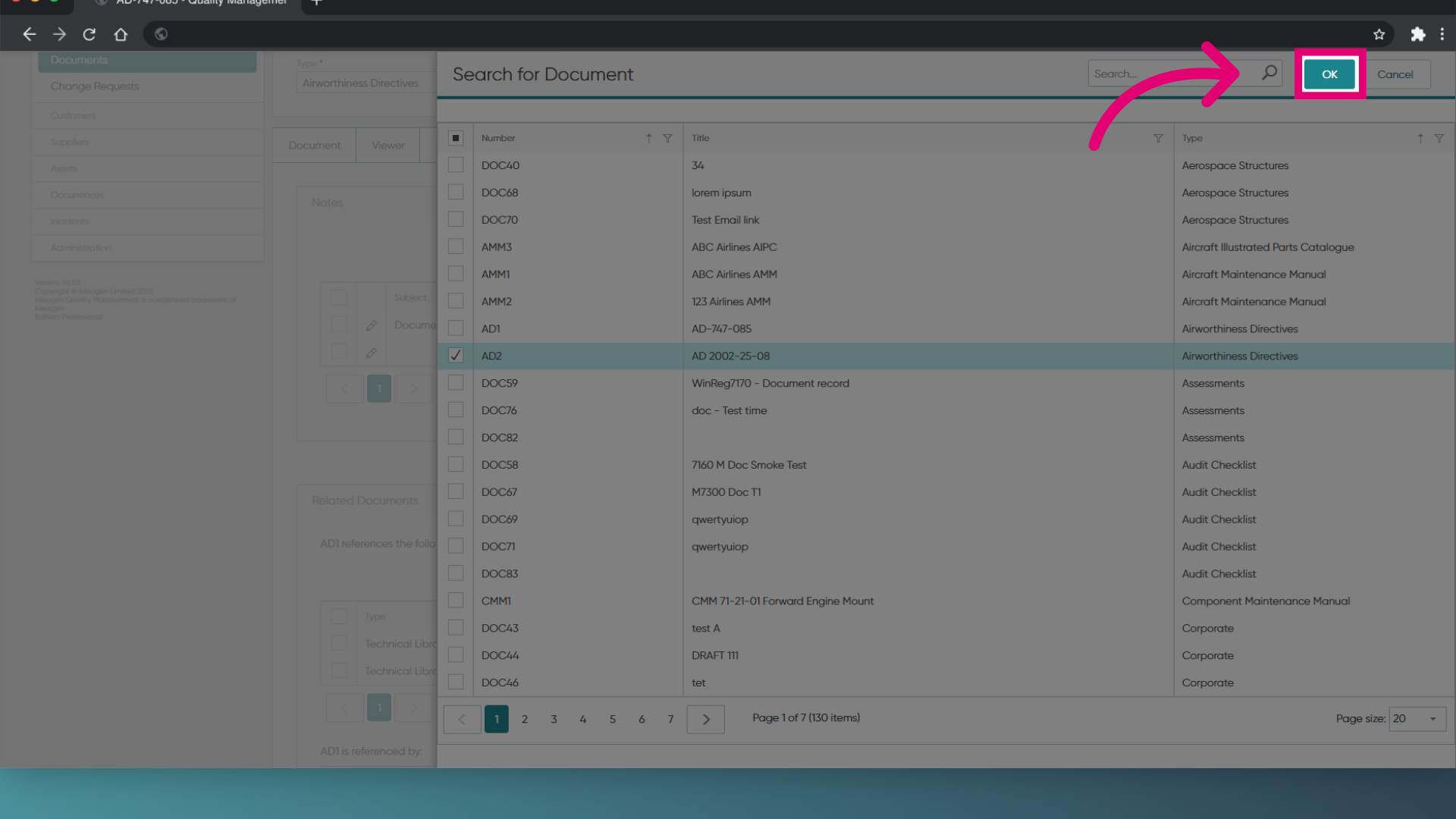
- Tick the Document(s) to add.
- Click OK.
- Click Save (Tick icon).
Adding related Documents
To add related Documents:
- Access the Documents module.
- Open a Document record.
- Expand the Properties section.
- Click View/Edit Properties.
- Switch to Related Documents.
- Click Add....
- Highlight the Document(s) to add.
- Click OK.
- Click Save.