


New article
Recently updated
Assigning recommended actions to a CA/PA

Who is this article for?
Users investigating CA/PA records via Mazlan.
Mazlan is required.
Corrective and Preventive Actions work best when the actions chosen are specific, practical, and aligned with regulatory and organisational expectations. Recommended actions typically focus on strengthening processes, improving controls, and preventing the issue from recurring. These can include updating procedures, improving training, tightening access or approval steps, enhancing monitoring, or introducing new safeguards.
Mazlan builds on this by reviewing the CA/PA record in real time and suggesting actions that match the organisation’s policies, industry standards, and regulatory requirements. Instead of relying solely on individual experience, users receive targeted, context‑aware recommendations that help them choose effective actions faster. The result is a more consistent, compliant, and high‑quality CA/PA process — without adding extra workload.
Assigning recommended actions to a CA/PA
Mazlan is an embedded AI capability within your Ideagen solutions, grounded in your data, your policies and global standards. Simply ask a question or describe what you need — Mazlan surfaces the right information, guides you through the workflow and prepares the output for your review. You stay in control.
-
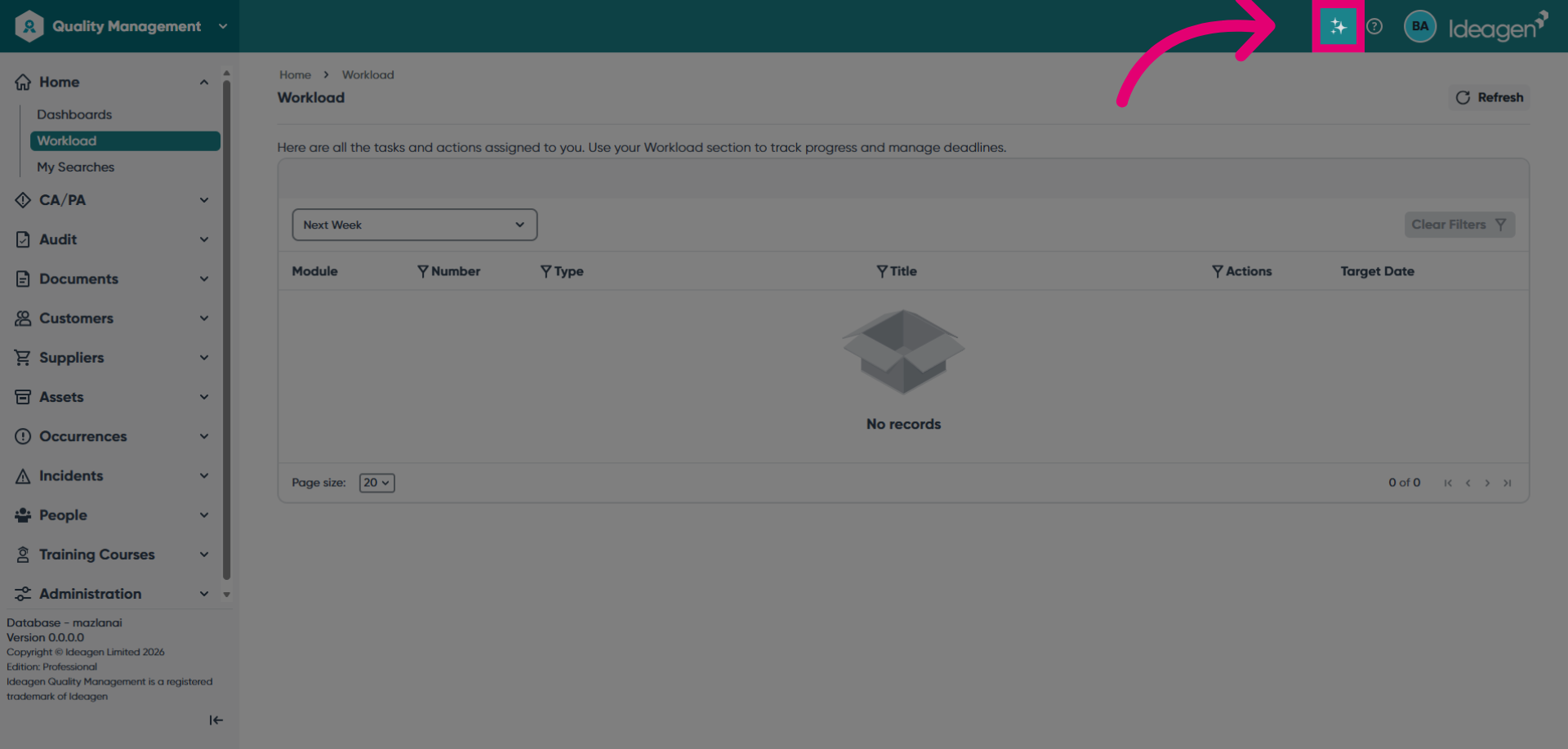
Launch Mazlan by clicking the AI button at the top of the screen.
-
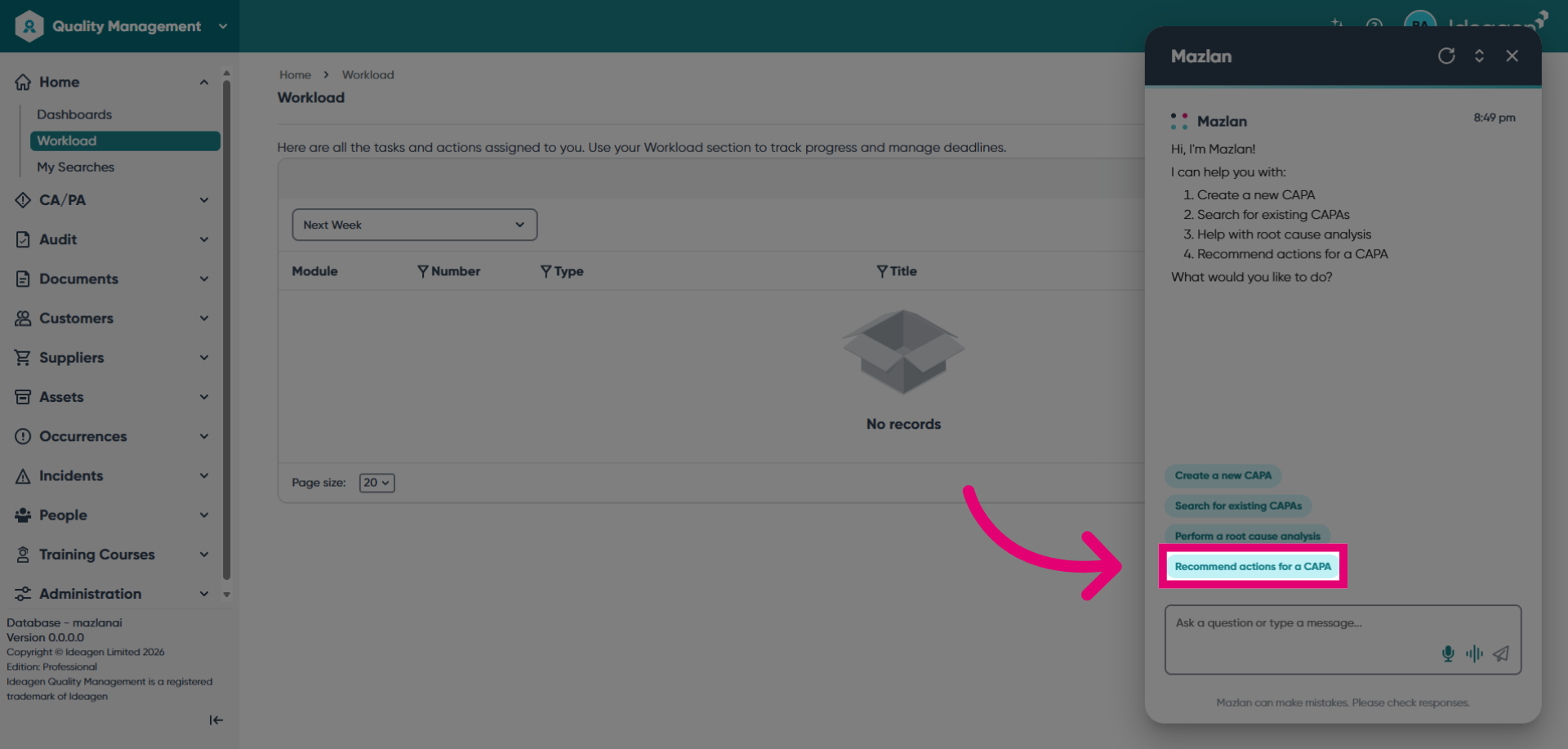
Click Recommend actions for a CAPA to open the CAPA recommendations interface.
-
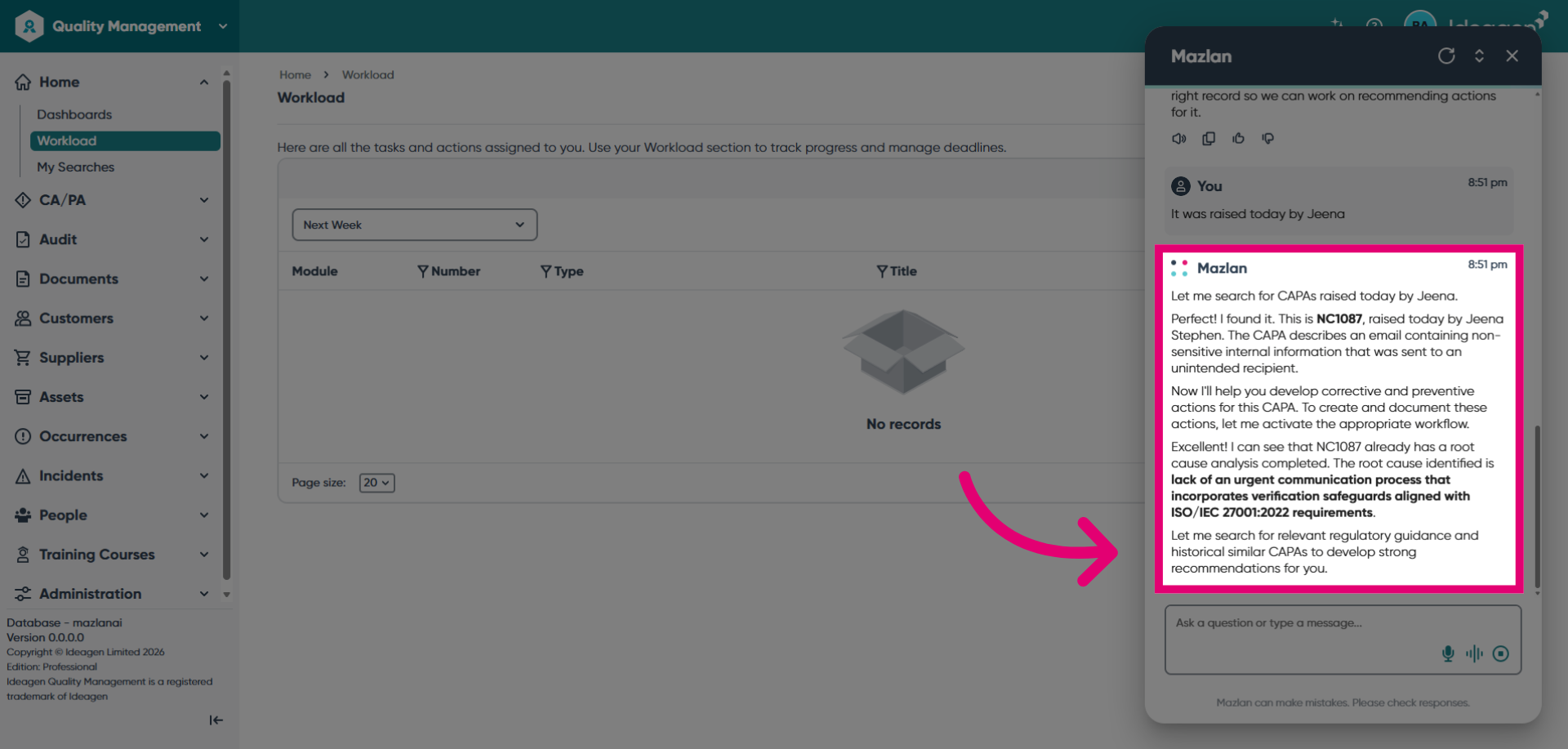
Search for the CA/PA record you want to update. Mazlan will process the information captured and search for appropriate regulatory guidance.
-
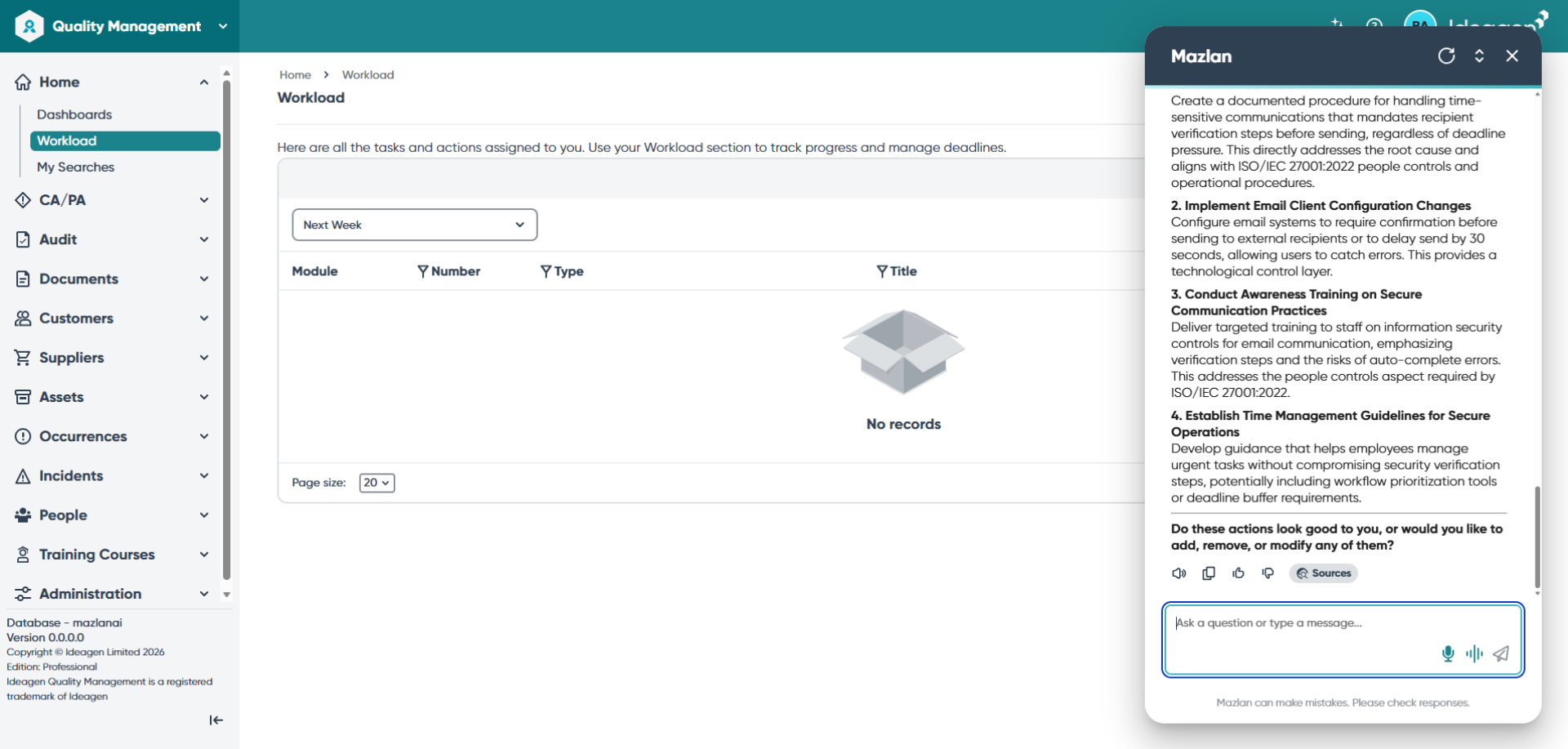
Review the guidance and suggestions provided by Mazlan.
-
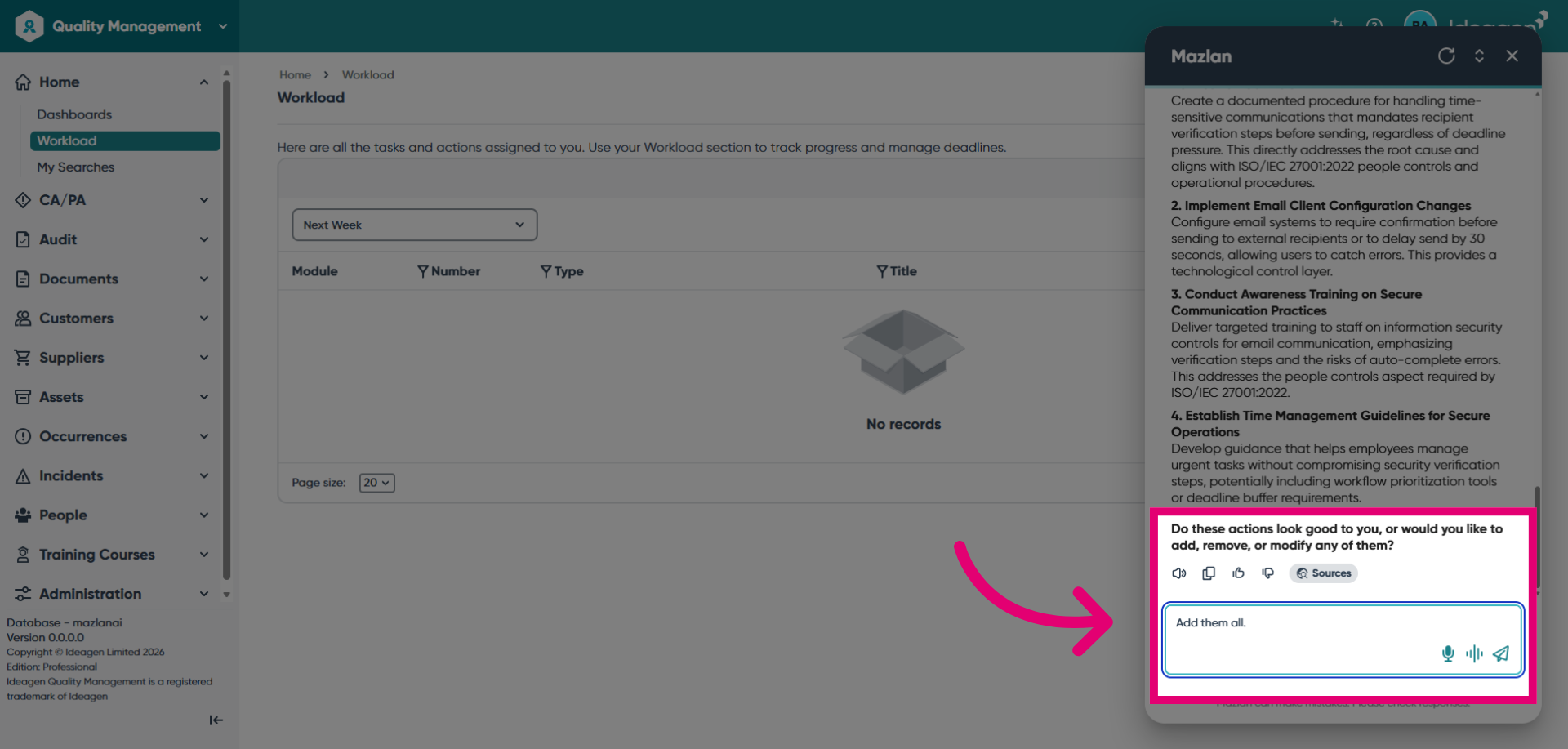
Confirm which items you would like to add to the record.
-
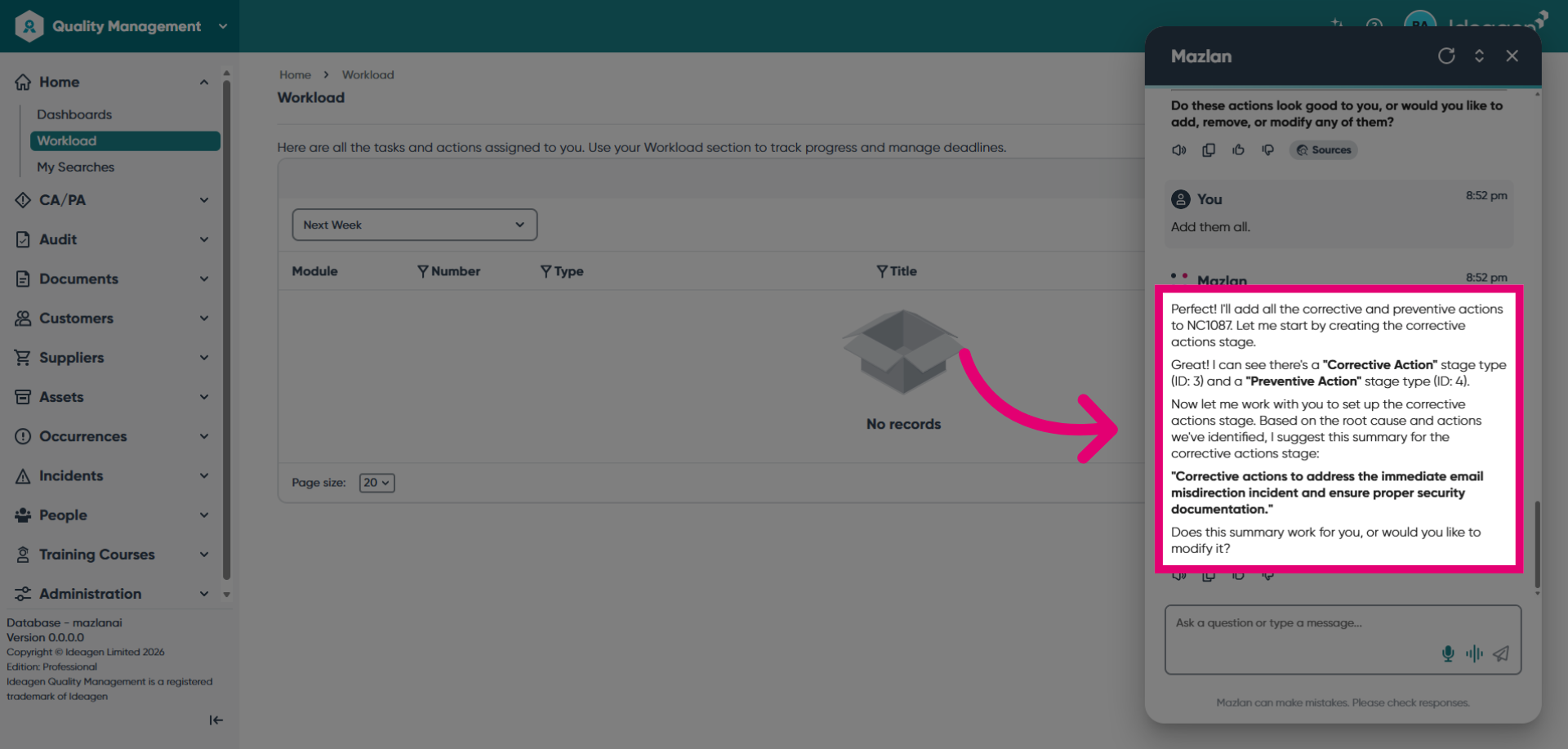
Confirm the updates you want to apply to complete the process.
Ready to unlock the Mazlan experience? Mazlan is only available to customers hosted on Ideagen infrastructure. Visit Implementing Mazlan in Ideagen Quality Management Professional