


New article
Recently updated
Performing a 5 why investigation

Who is this article for?
Users investigating records via Mazlan.
Mazlan is required.
A 5 Why investigation is a simple root‑cause analysis method where you start with a problem and repeatedly ask “Why did this happen?”, usually five times, to drill down from the surface symptom to the underlying cause. Each answer forms the basis of the next “why,” helping teams move past assumptions and identify the real process failure rather than just the immediate trigger.
It’s quick, accessible, and works well for minor incidents or straightforward issues.
This article outlines how to perform a 5 why investigation using Mazlan.
Performing a 5 why investigation
Mazlan is an embedded AI capability within your Ideagen solutions, grounded in your data, your policies and global standards. Simply ask a question or describe what you need — Mazlan surfaces the right information, guides you through the workflow and prepares the output for your review. You stay in control.
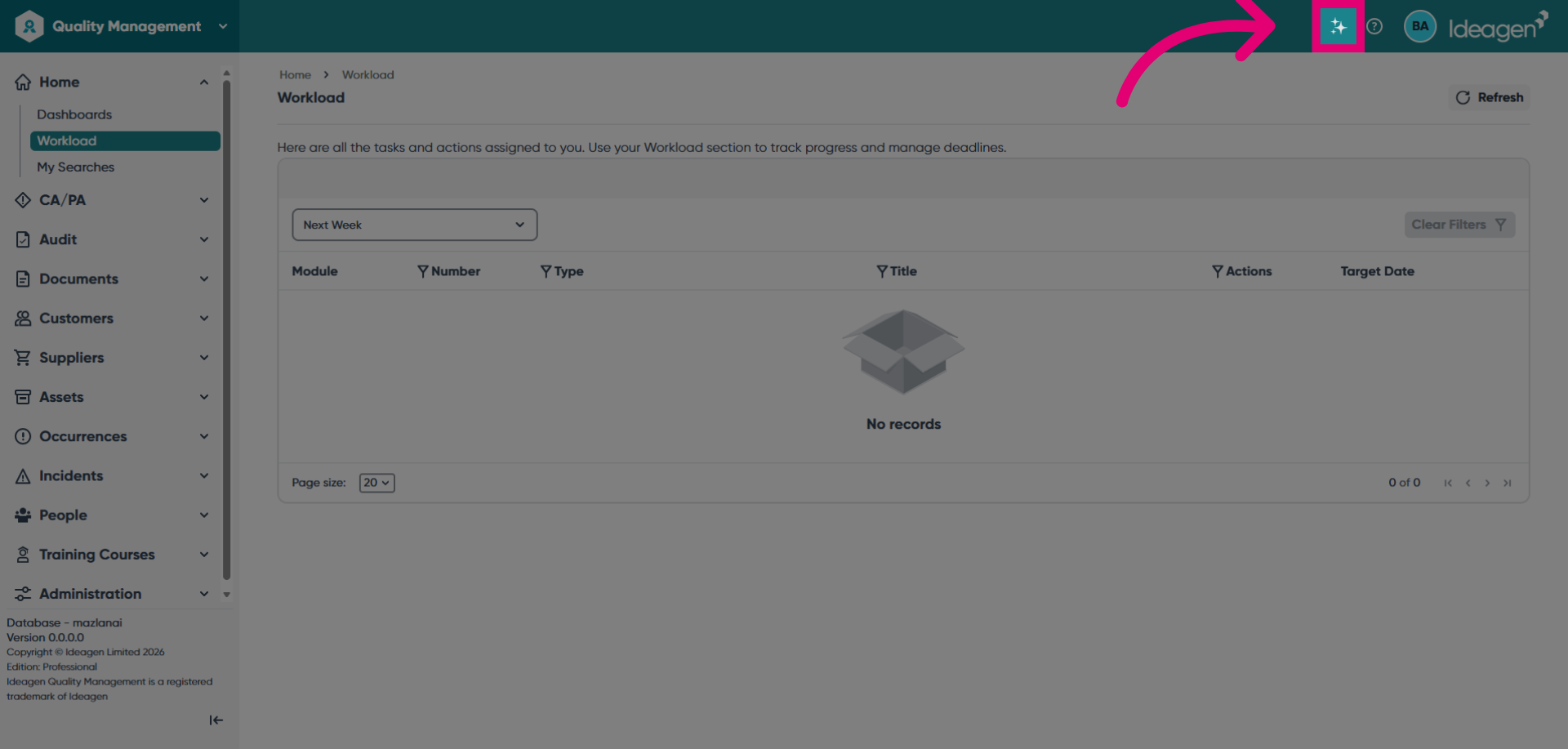
Open Ideagen Quality Management and launch Mazlan by clicking the AI button at the top of the screen.
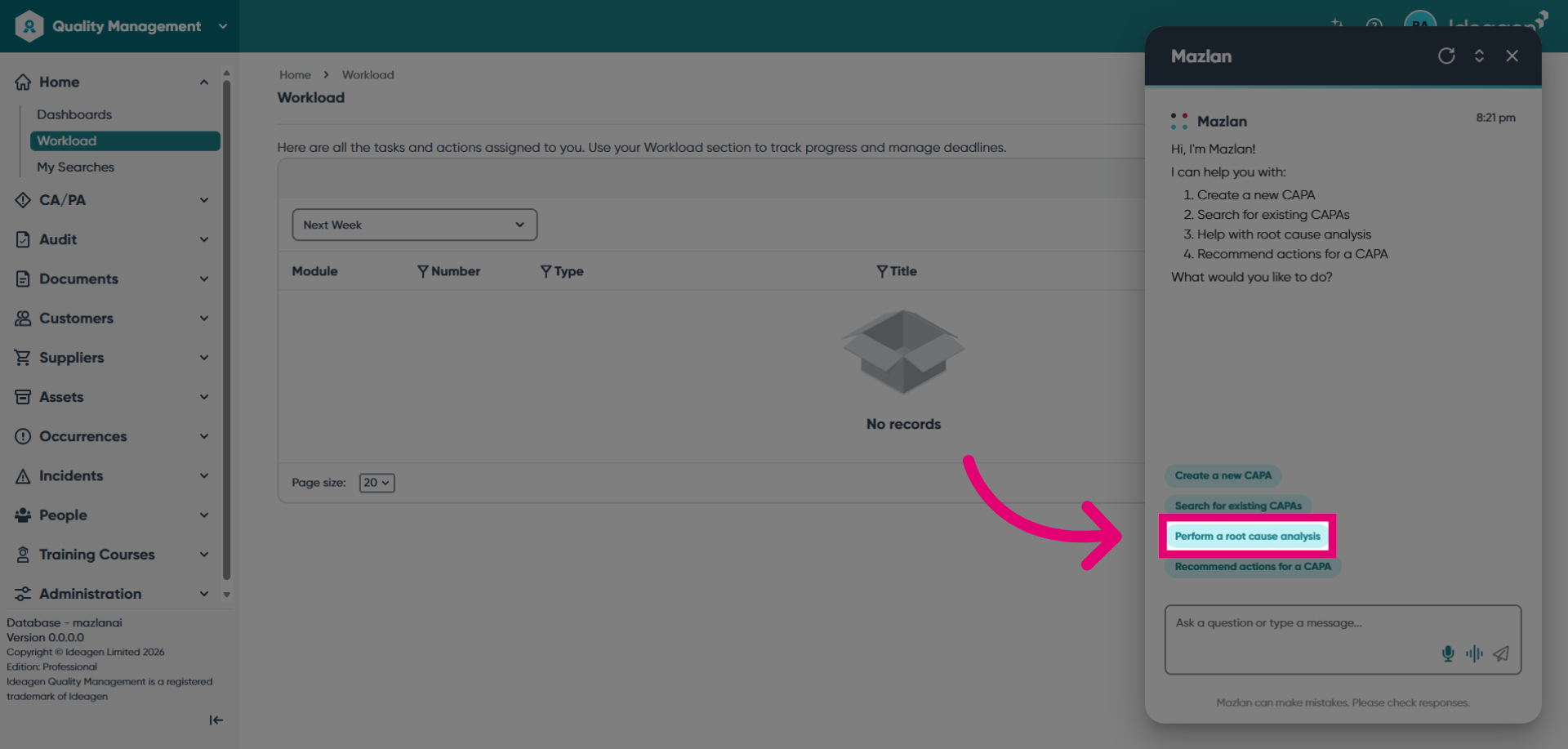
Click Perform a root cause analysis to start the investigation process.
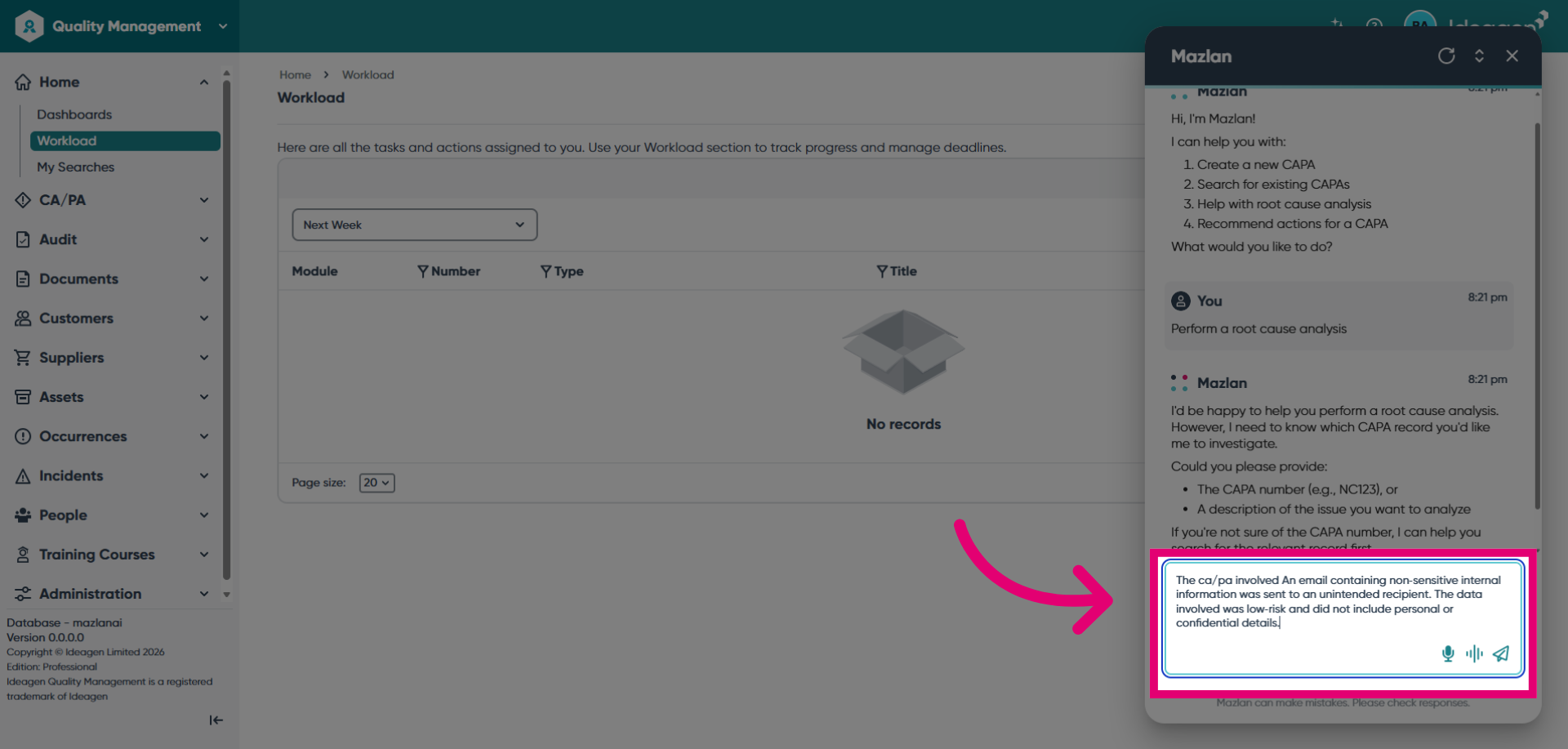
Enter the record number if known, or provide descriptive information to help Mazlan search the system for the relevant incident.
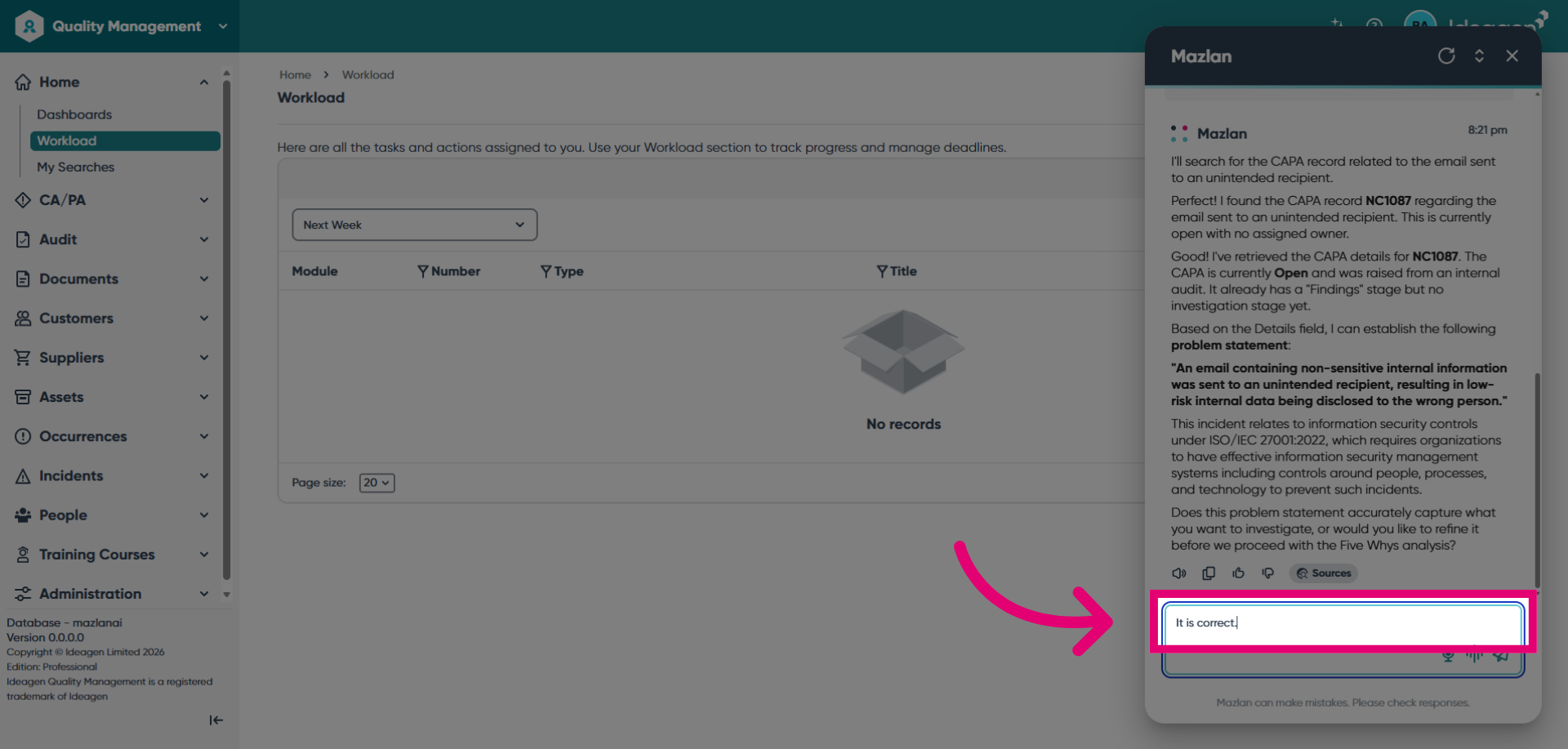
Review the record Mazlan finds and confirm this is the correct record and the statement is accurate.
Respond to Mazlan's prompts to explain a series of statements about the incident cause.
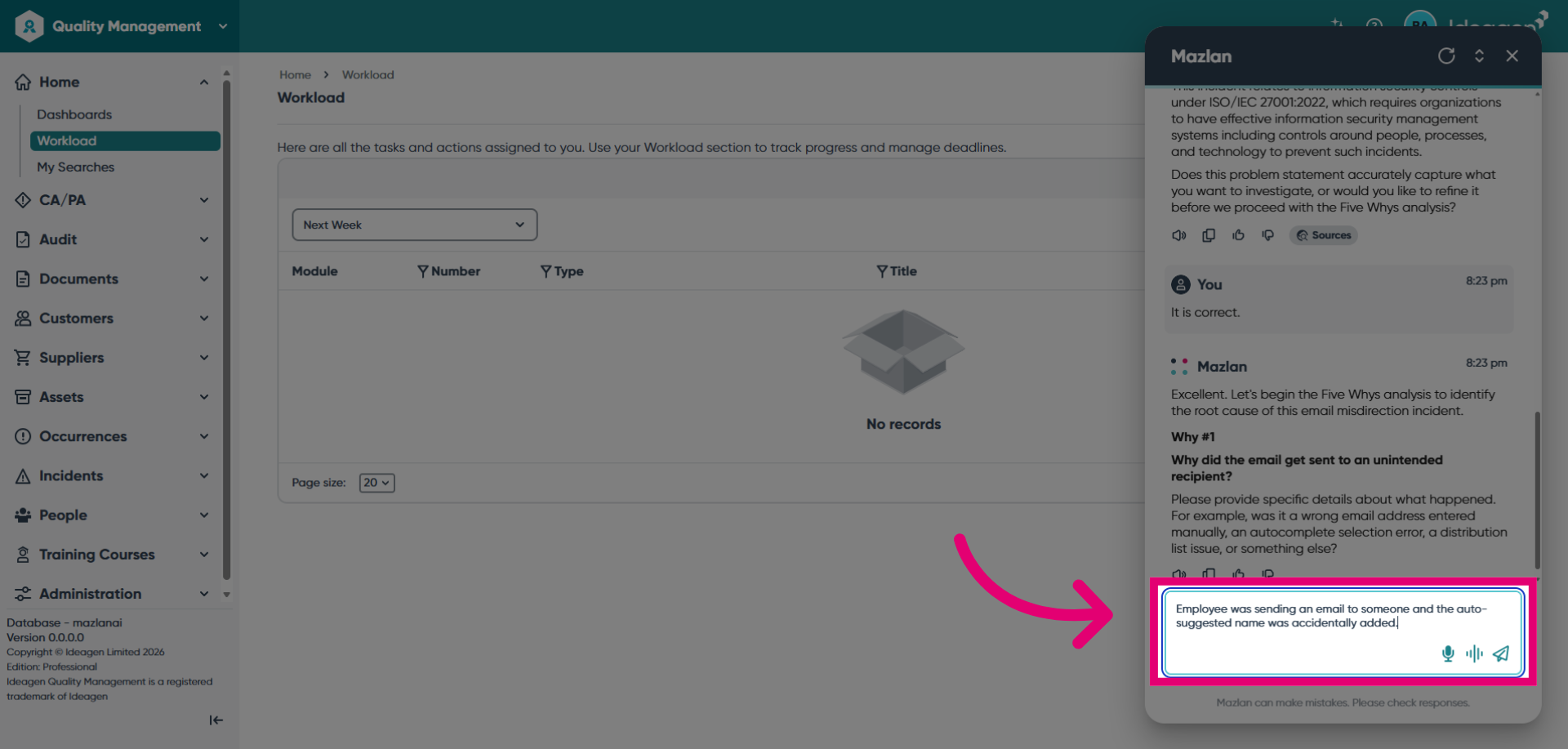
Continue working through the 5 why investigation to reach the key reasons the incident took place.
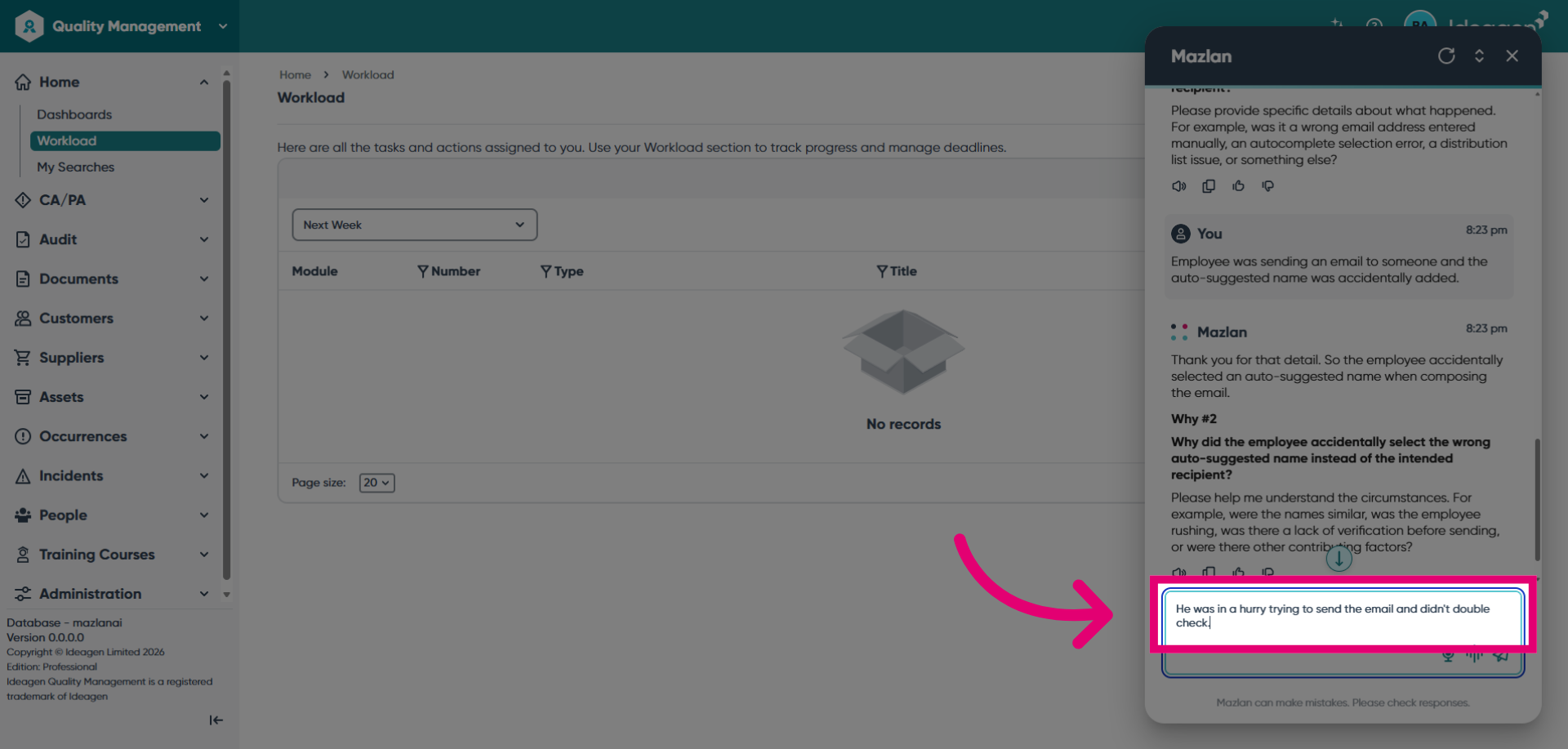
Select the fundamental issue that caused the incident (for example, a lack of processes).
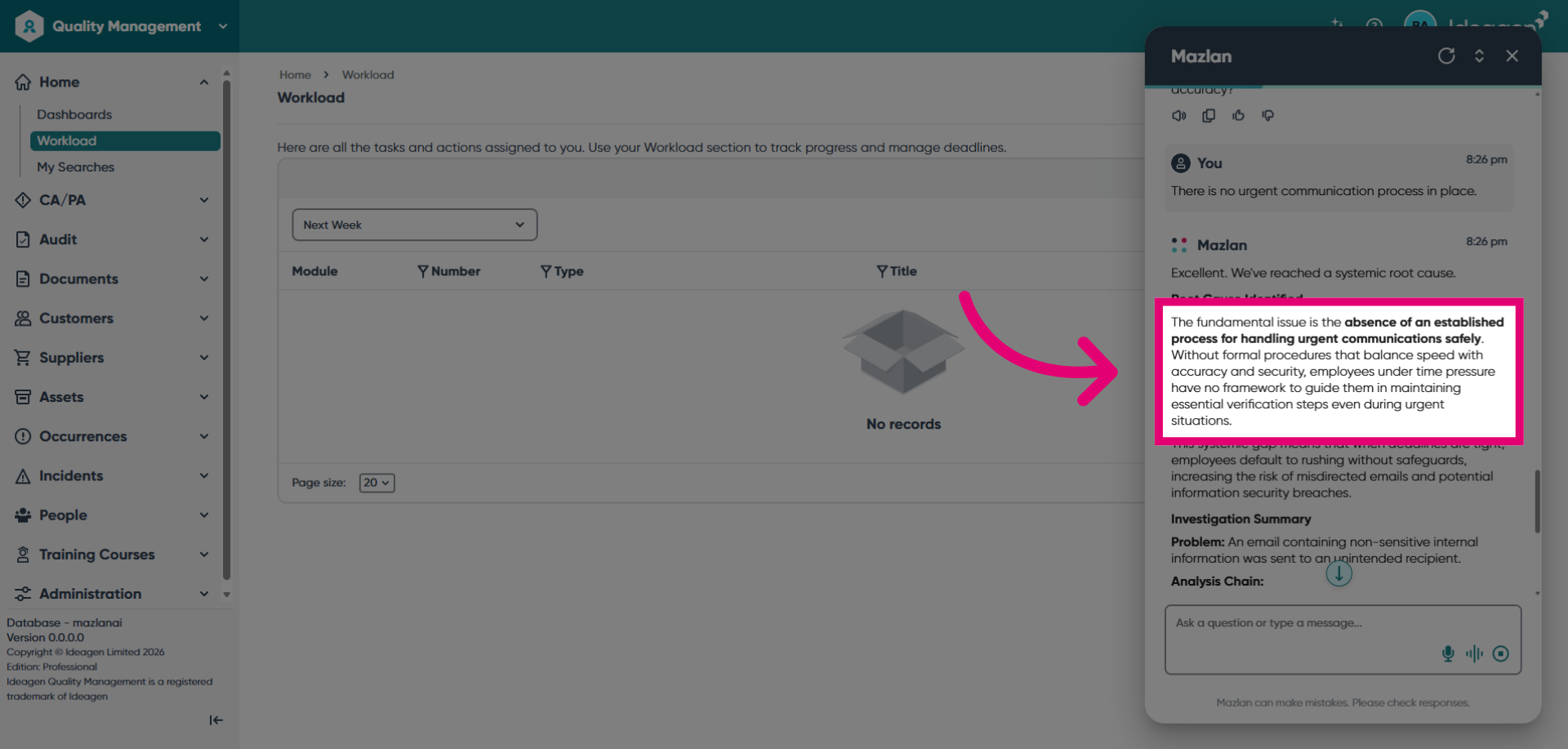
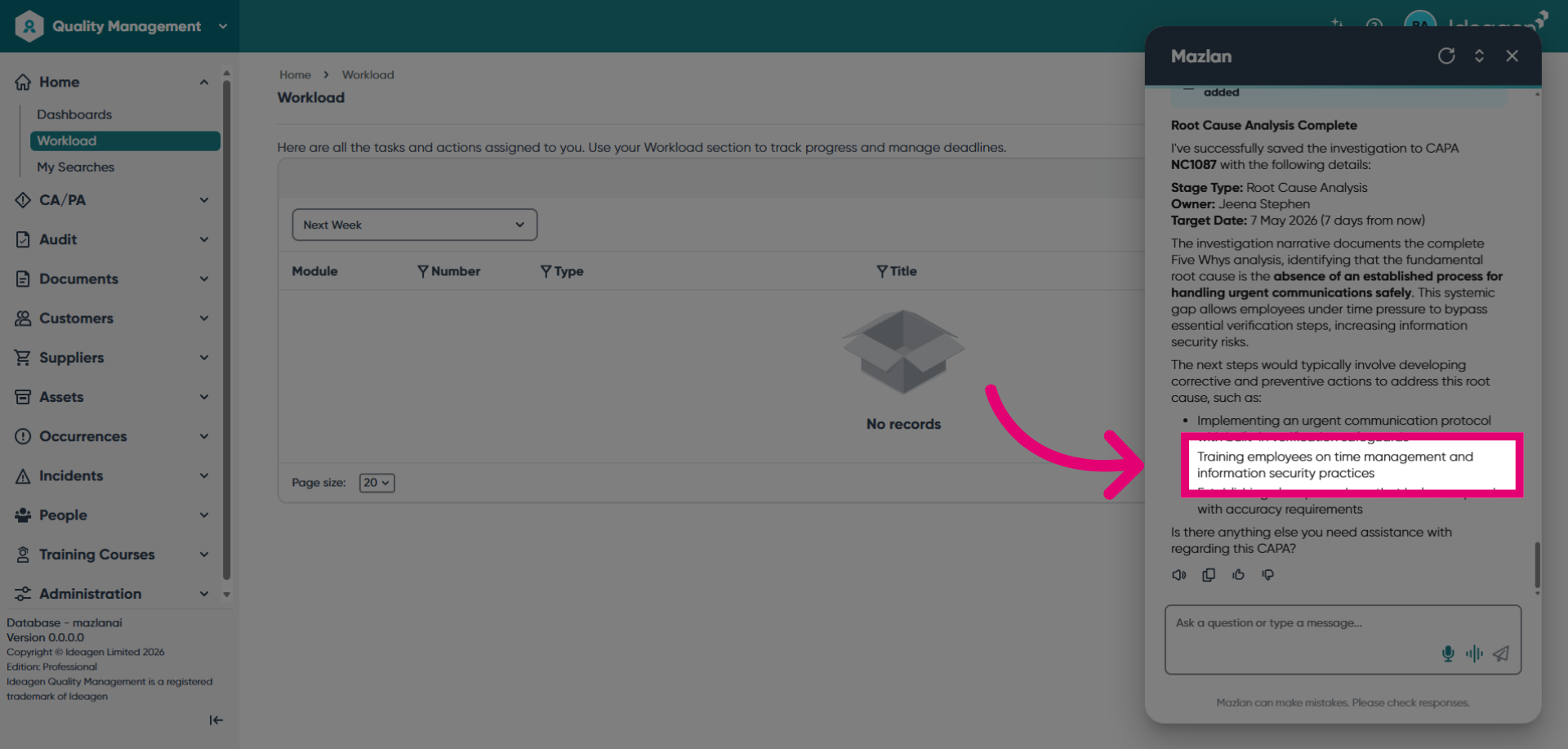
Review Mazlan's recommendations and consider adding them to the investigation.
Ready to unlock the Mazlan experience? Mazlan is only available to customers hosted on Ideagen infrastructure. Visit Implementing Mazlan in Ideagen Quality Management Professional