New article
Recently updated
Changing a username

Who is this article for?
Administrators editing user accounts.
Administration module access is required.
This article explains how to update username settings for users in Ideagen Quality Management.
Changing a username allows administrators to ensure that user accounts remain accurate, compliant, and aligned with organisational standards. Whether a username needs to be updated to reflect a change in someone’s name, meet a required naming format, or ensure consistency across the Ideagen Mazlan Home, the platform provides a straightforward process for managing these details.
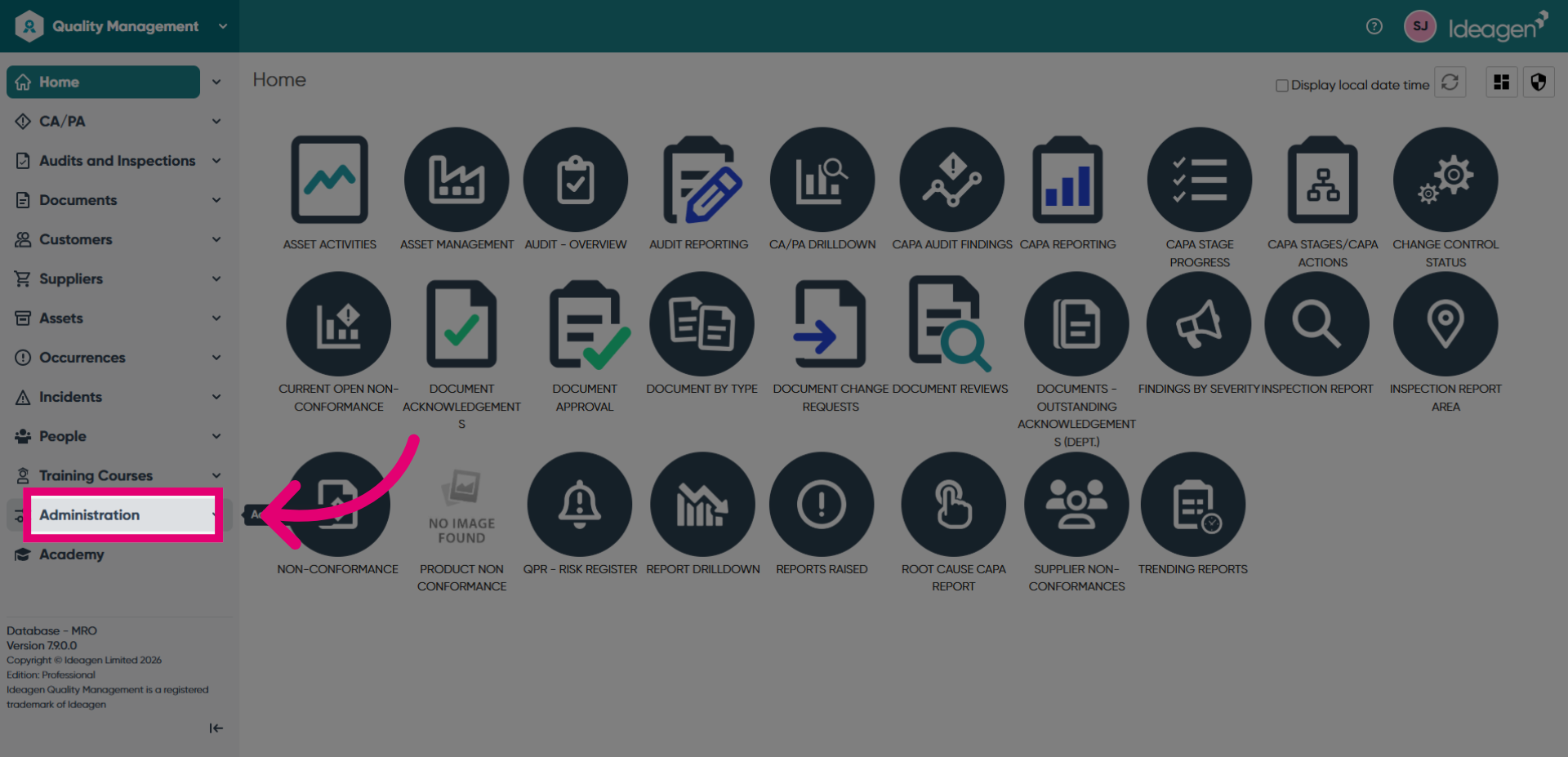
- Navigate to Administration from the main menu.
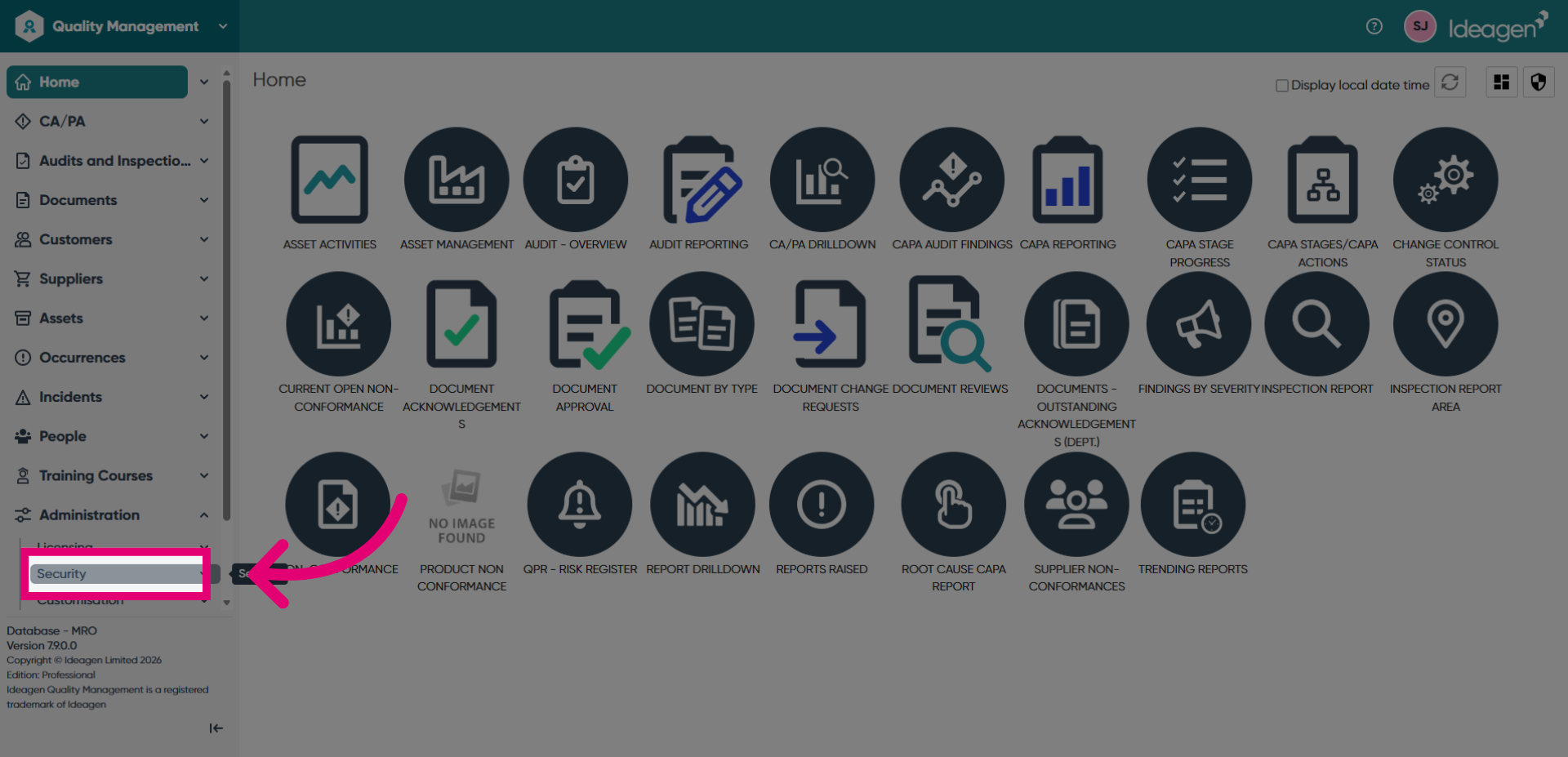
- Open Security Settings to access user configuration options.
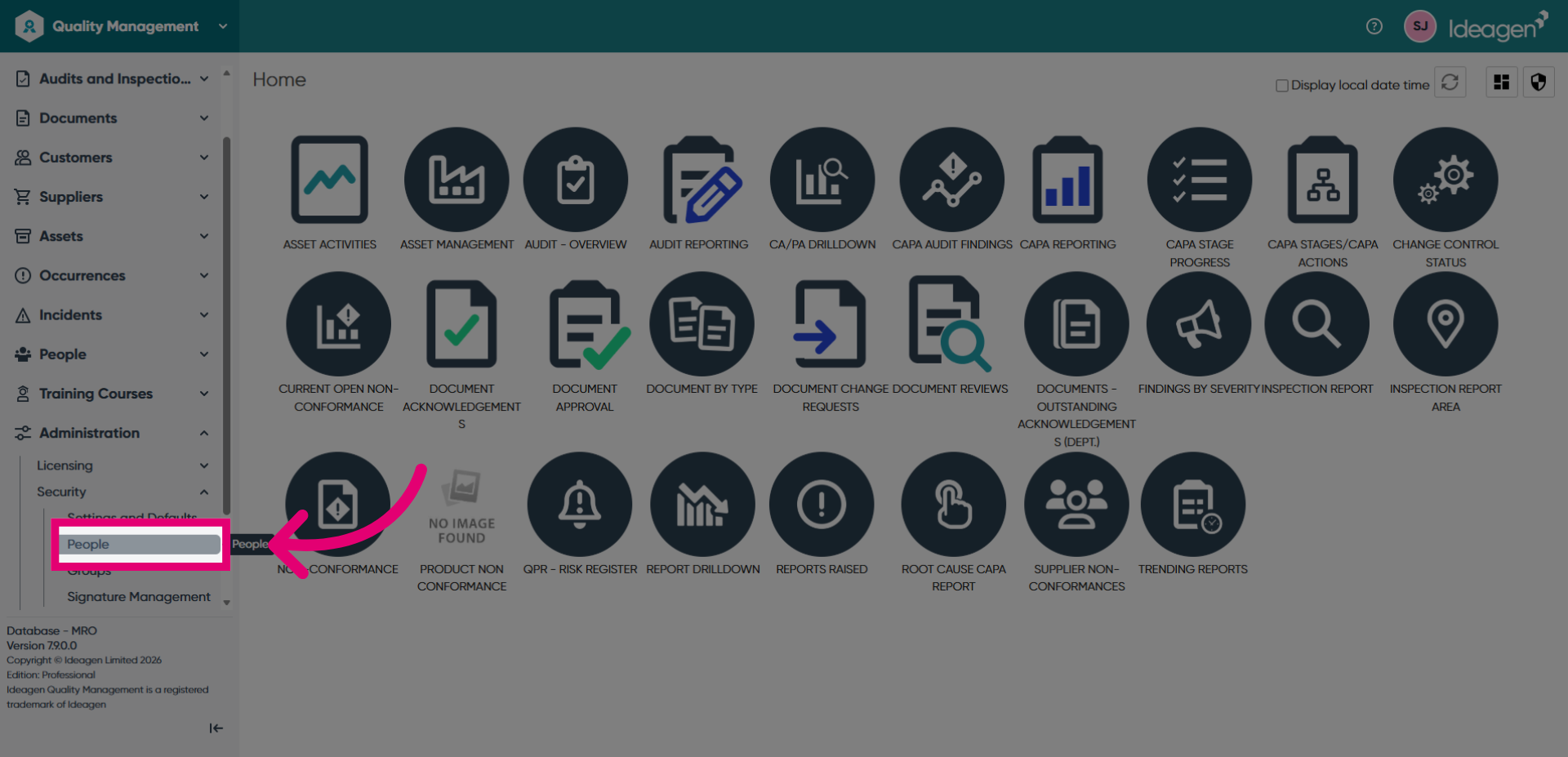
- Access People Management from the security settings menu.
- Select User Options to view user management tools.
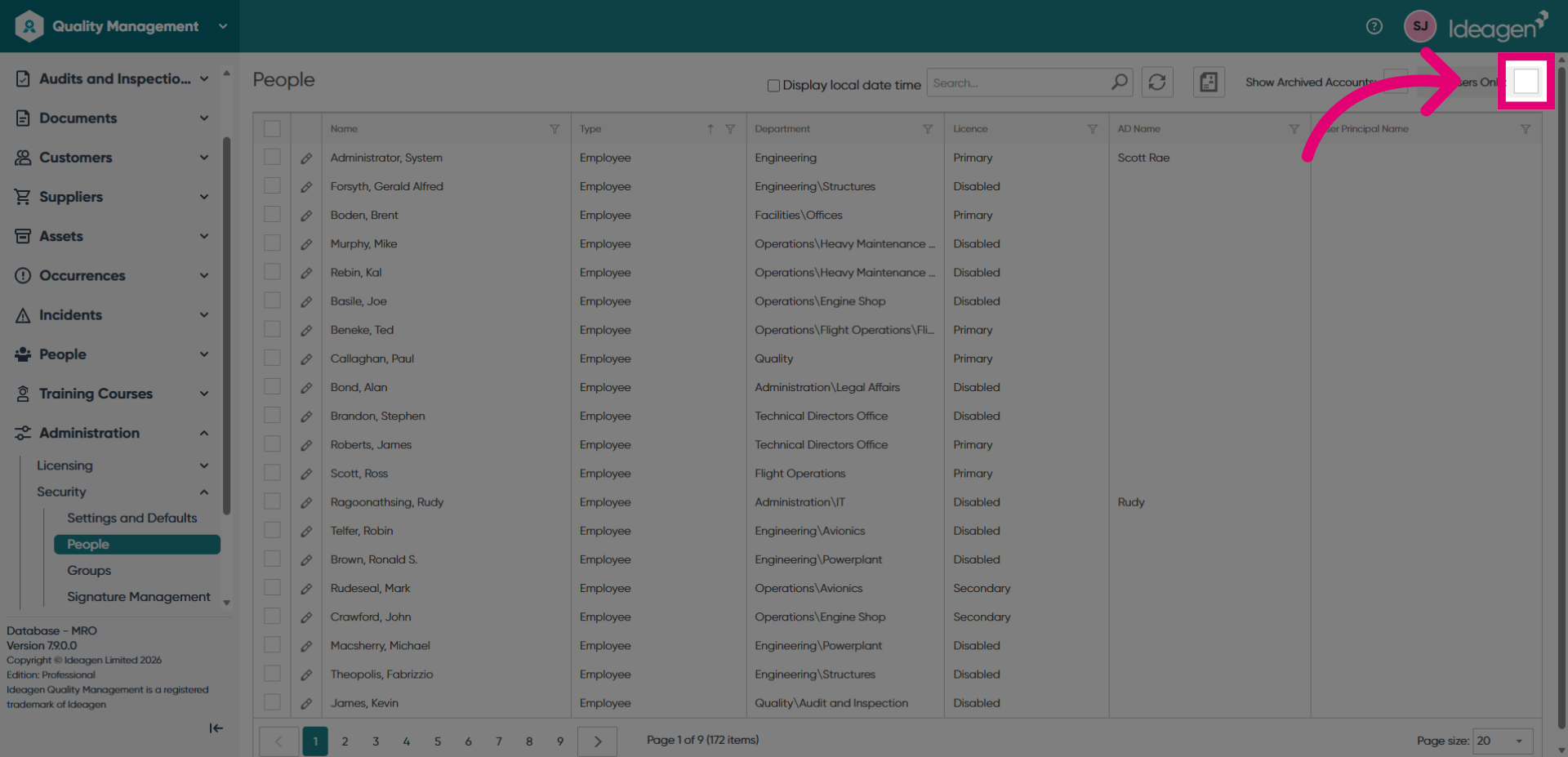
- Open the User List to display all system users.
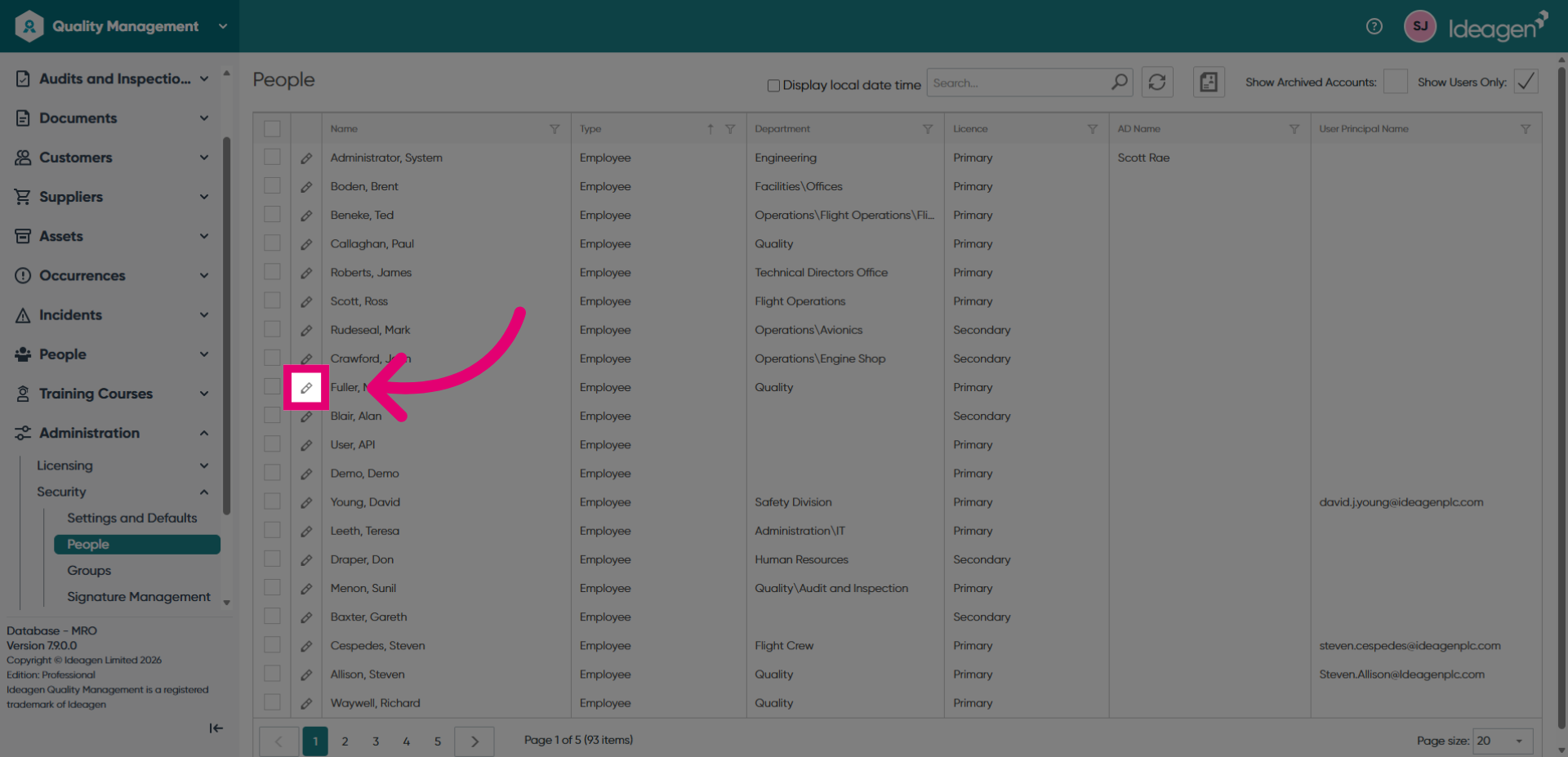
- Choose the specific user whose username you want to change.
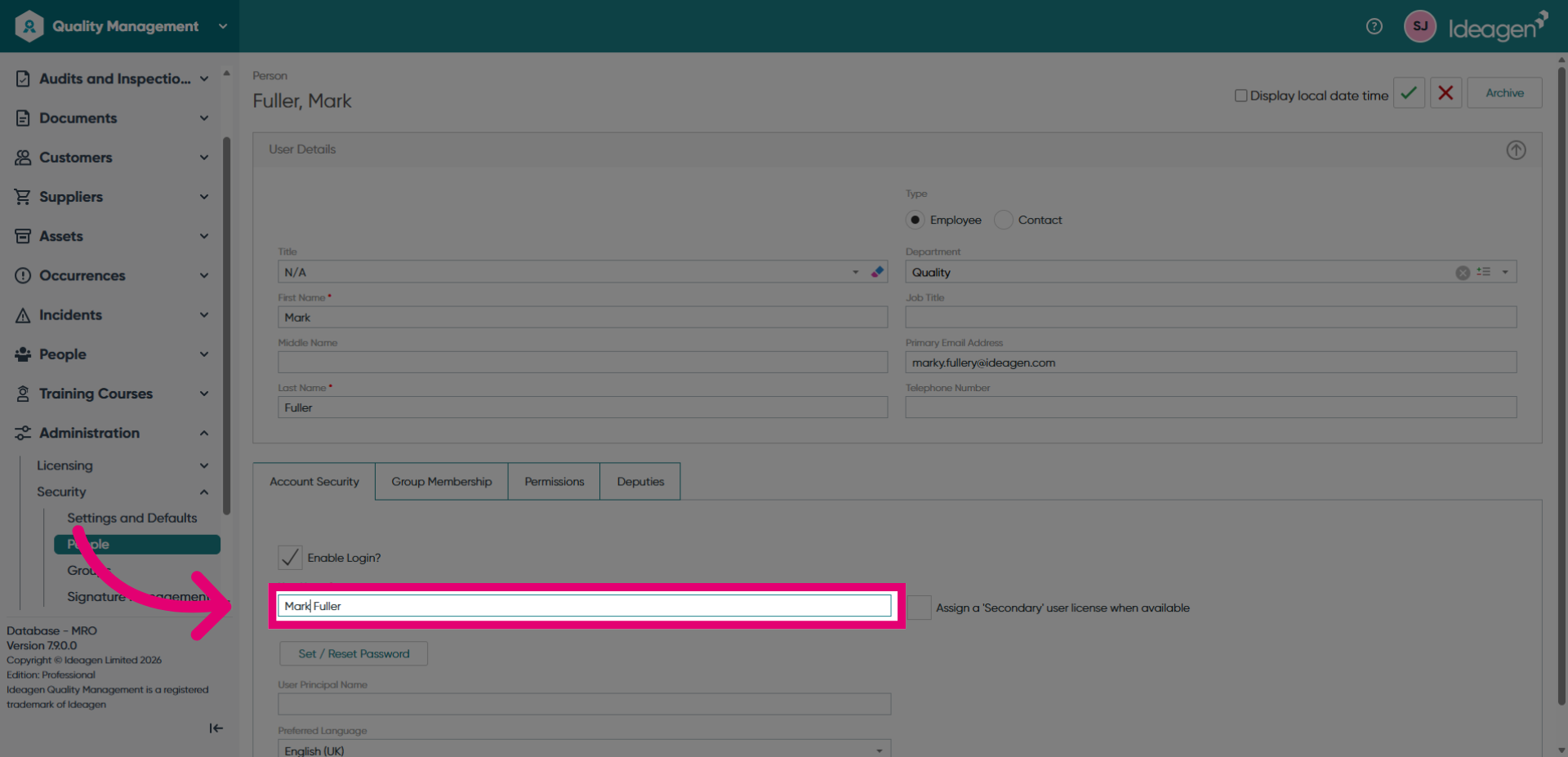
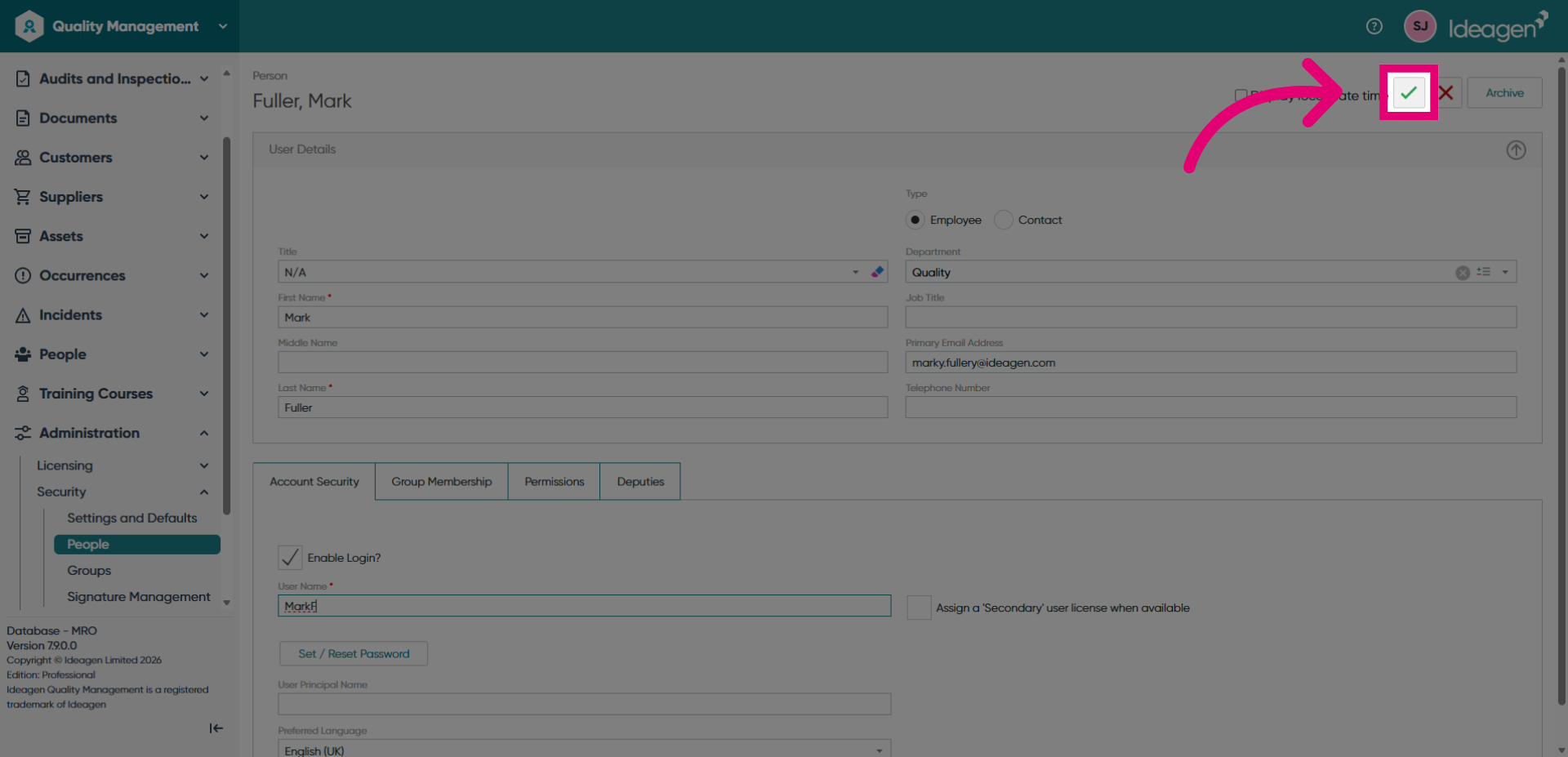
- Enter the new username in the username field.
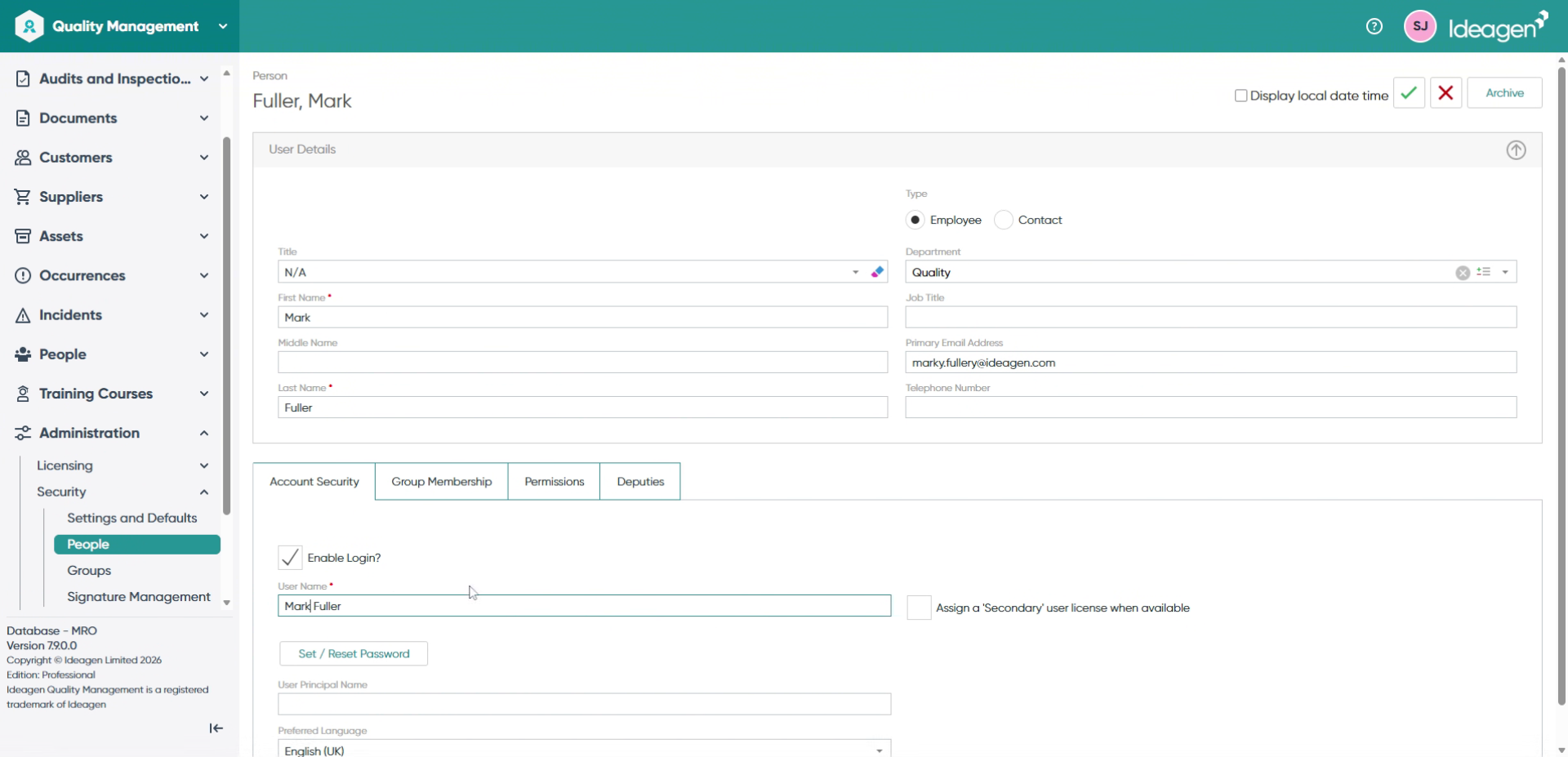
- Save the username changes to apply the new settings.