New article
Recently updated
Using quick actions to complete tasks

Who is this article for?
Users completing actions.
Ideagen Quality Management Professional version 7.9 (or later) is required.
This article shows you how you can use quick actions to efficiently complete tasks within the system.
1. Using quick actions
To use quick actions:
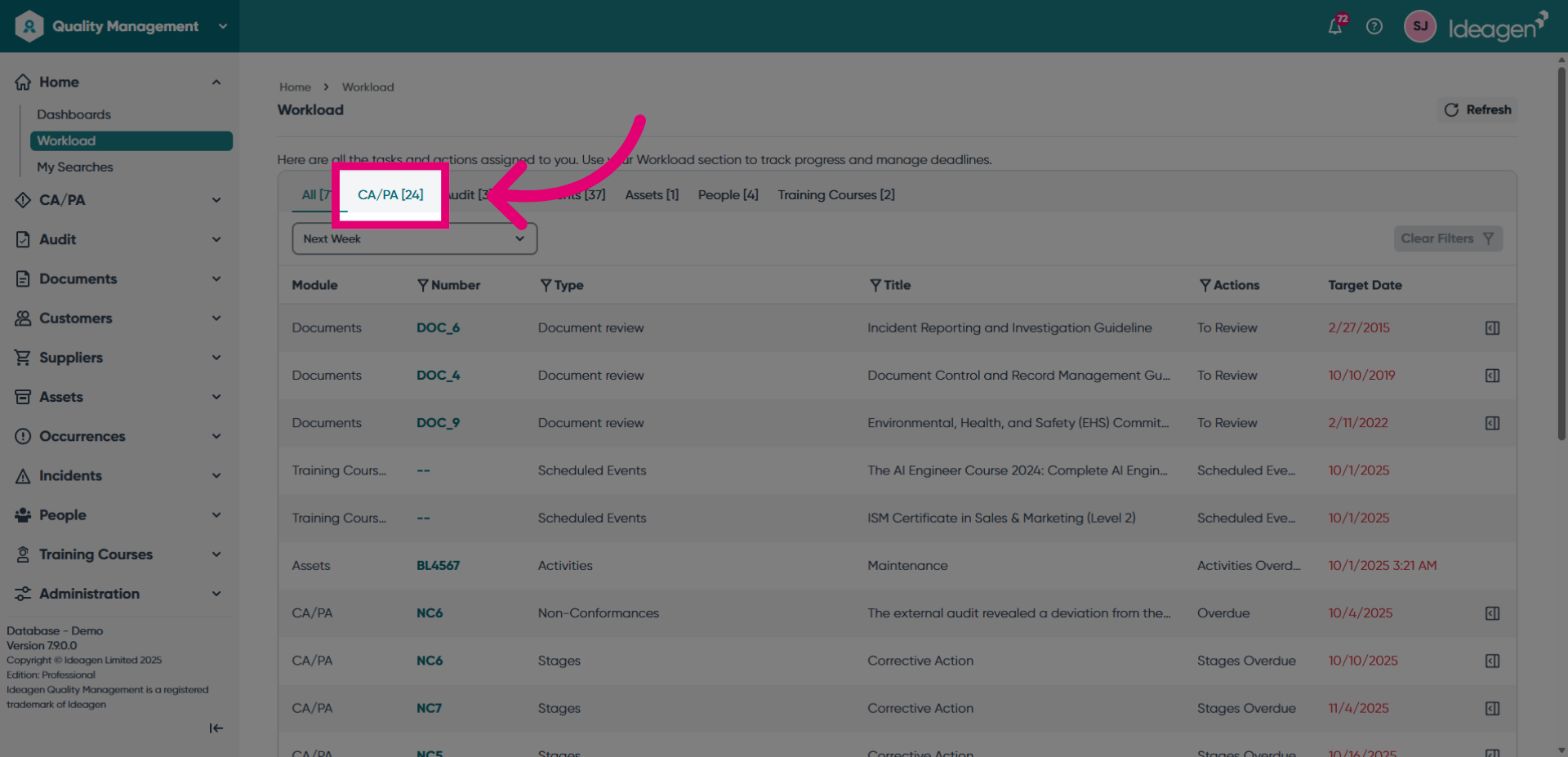
- Choose a module to view the actions available.
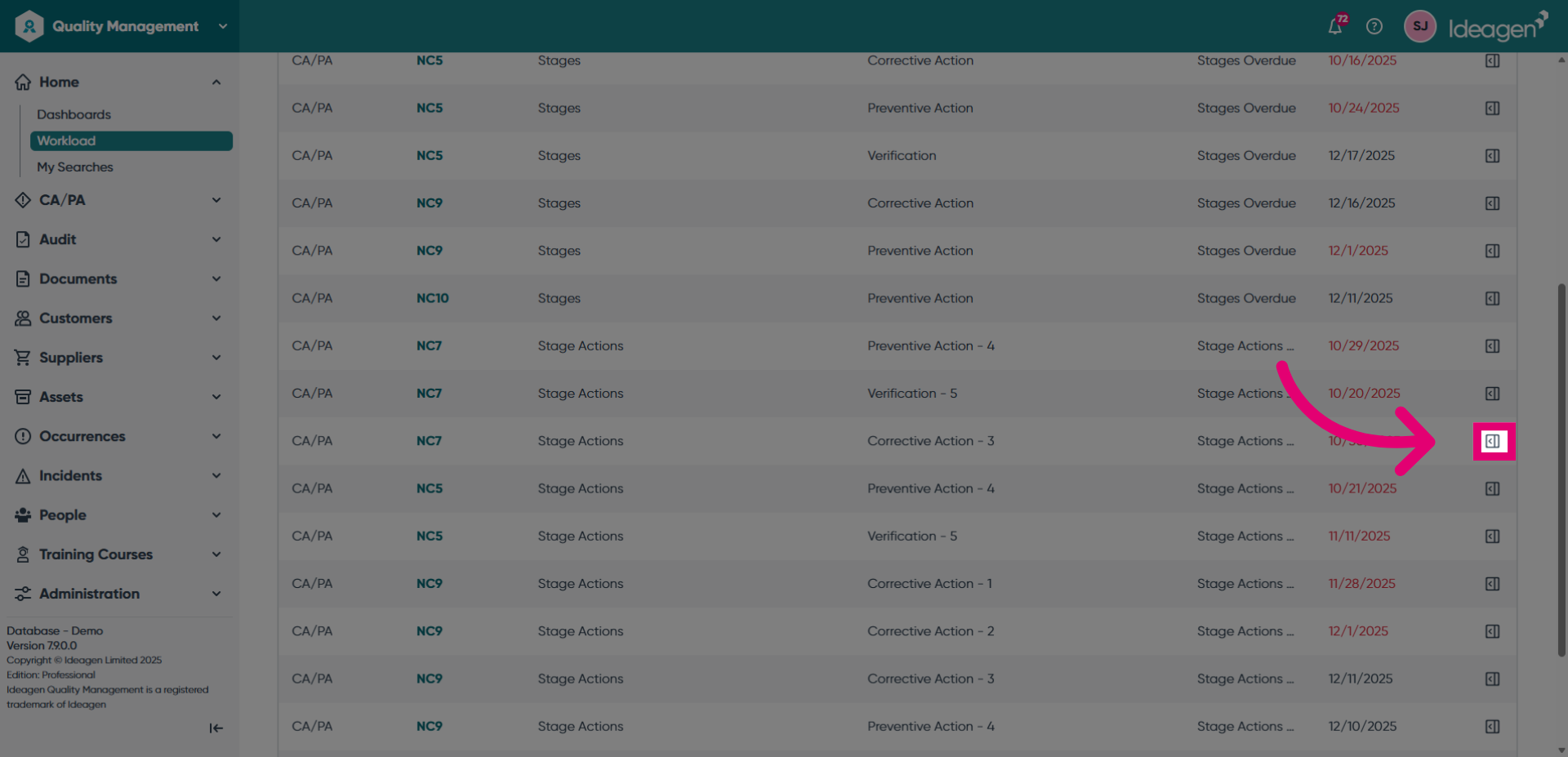
- Click the Quick Actions button to view record details and options.
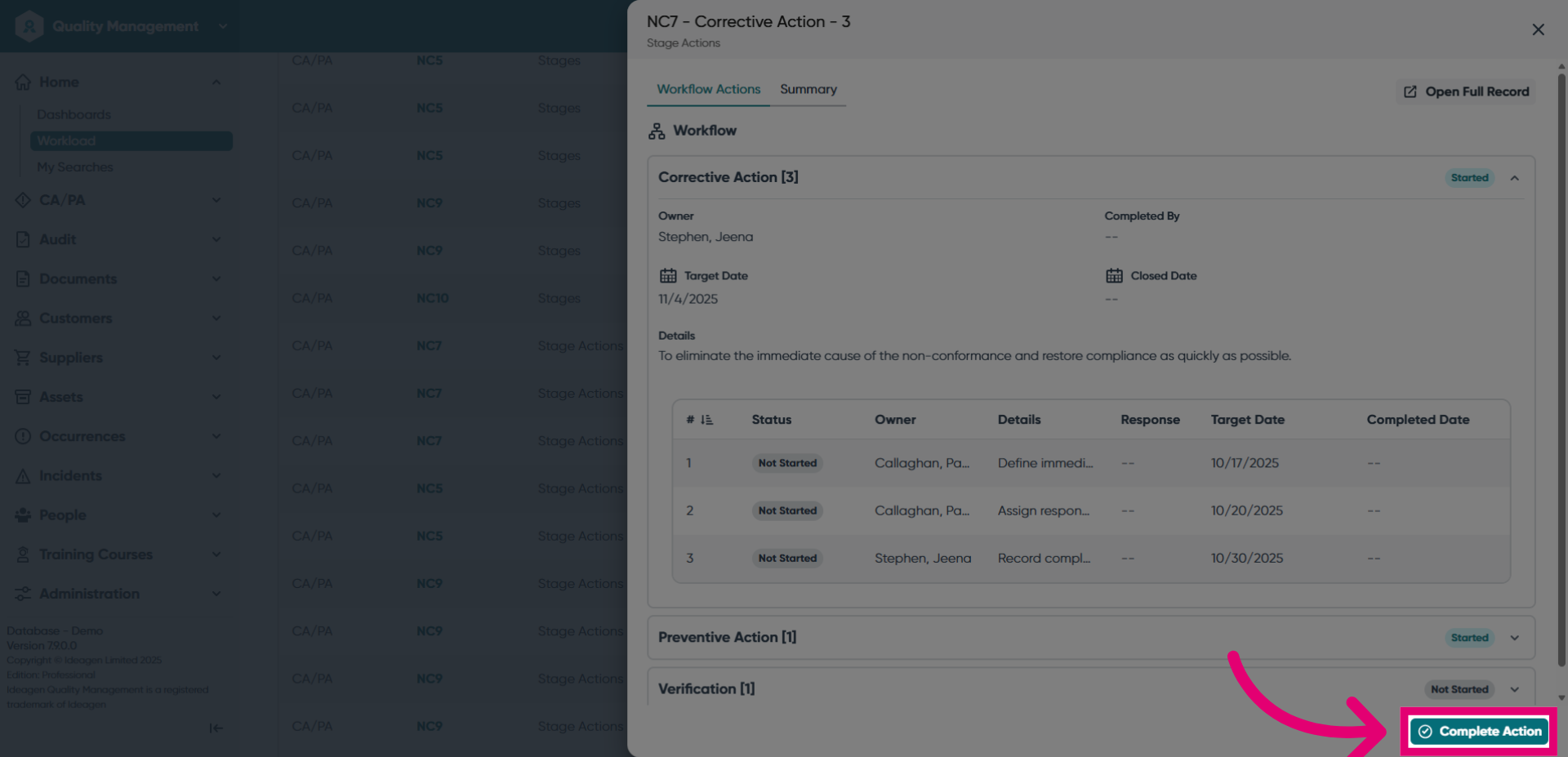
- Click the Complete Action button to mark the task as finished.
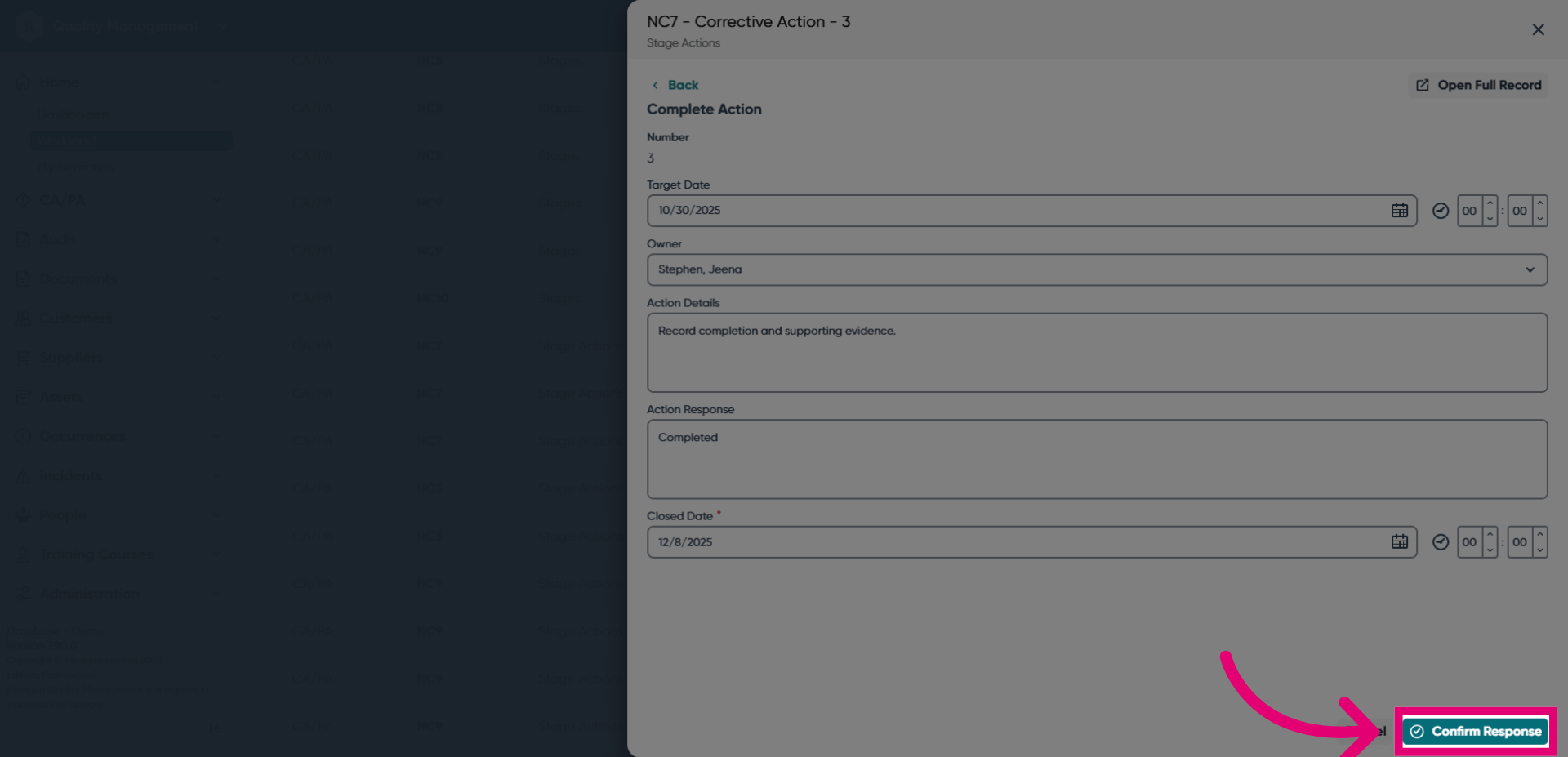
- Enter an Action Response.
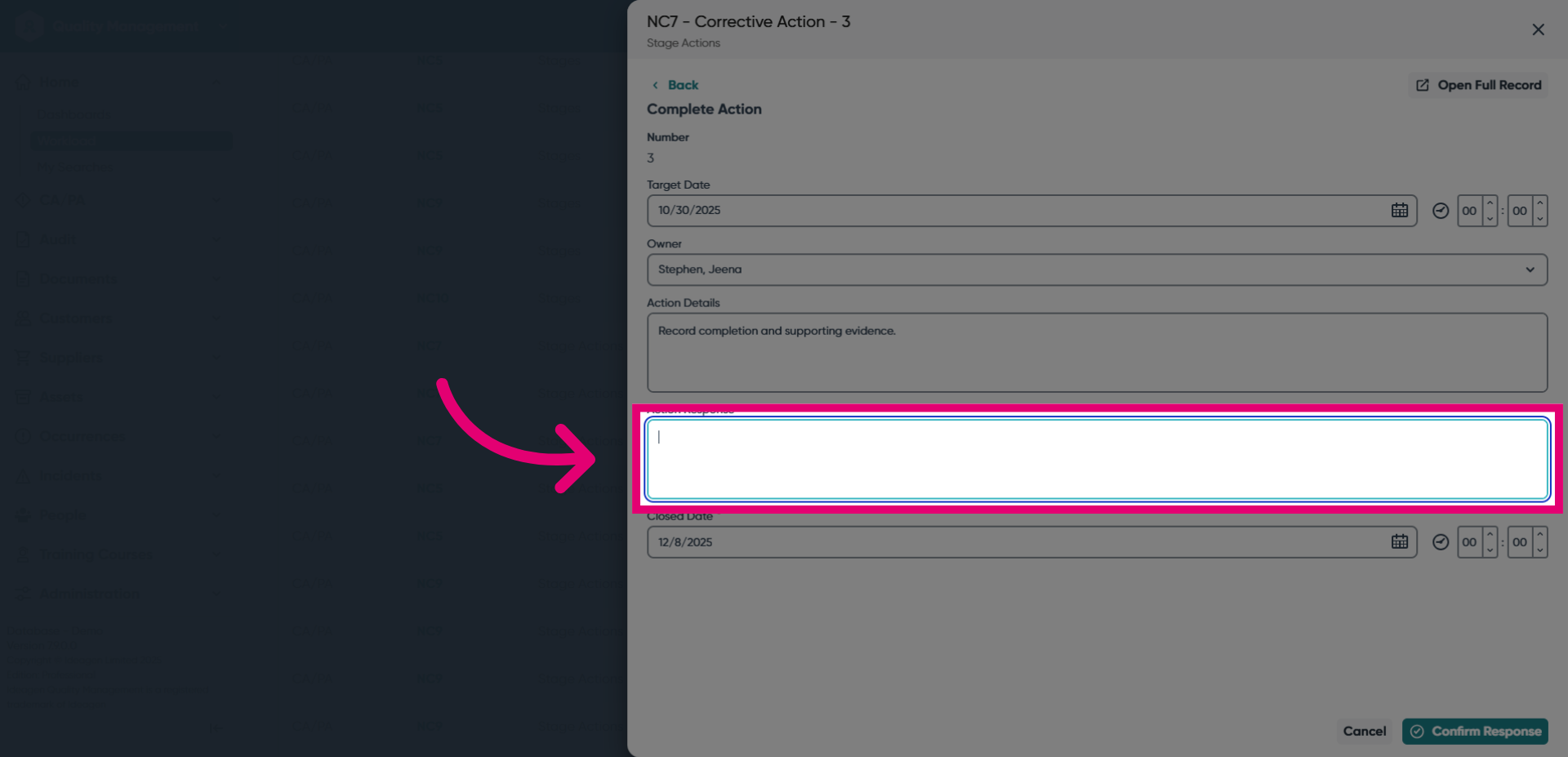
- Click Confirm Response button to save and submit your completion status.