


New article
Recently updated
Sharing reports via email

Who is this article for?
Users looking to share reports outside of the system.
Documents module access is required.
If you'd like to share a report outside of your system, you can do so by emailing it to selected recipients.
This article shows you where you can access the sharing option.
1. Sharing a report
To share a report via email:
- Access the report.
- Click Print Preview.
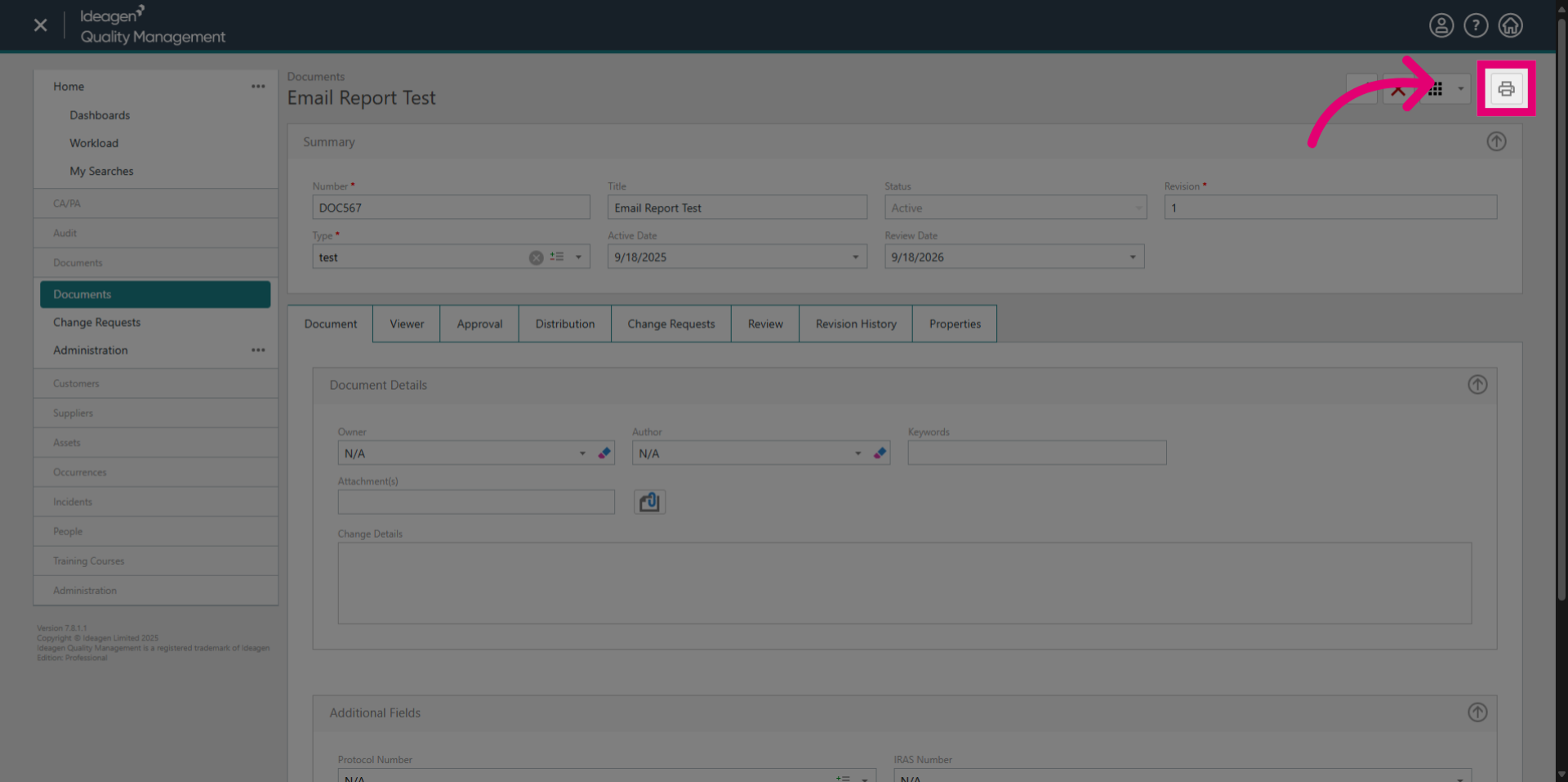
- Open the Choose a Report dropdown.
- Select the report you want to share.
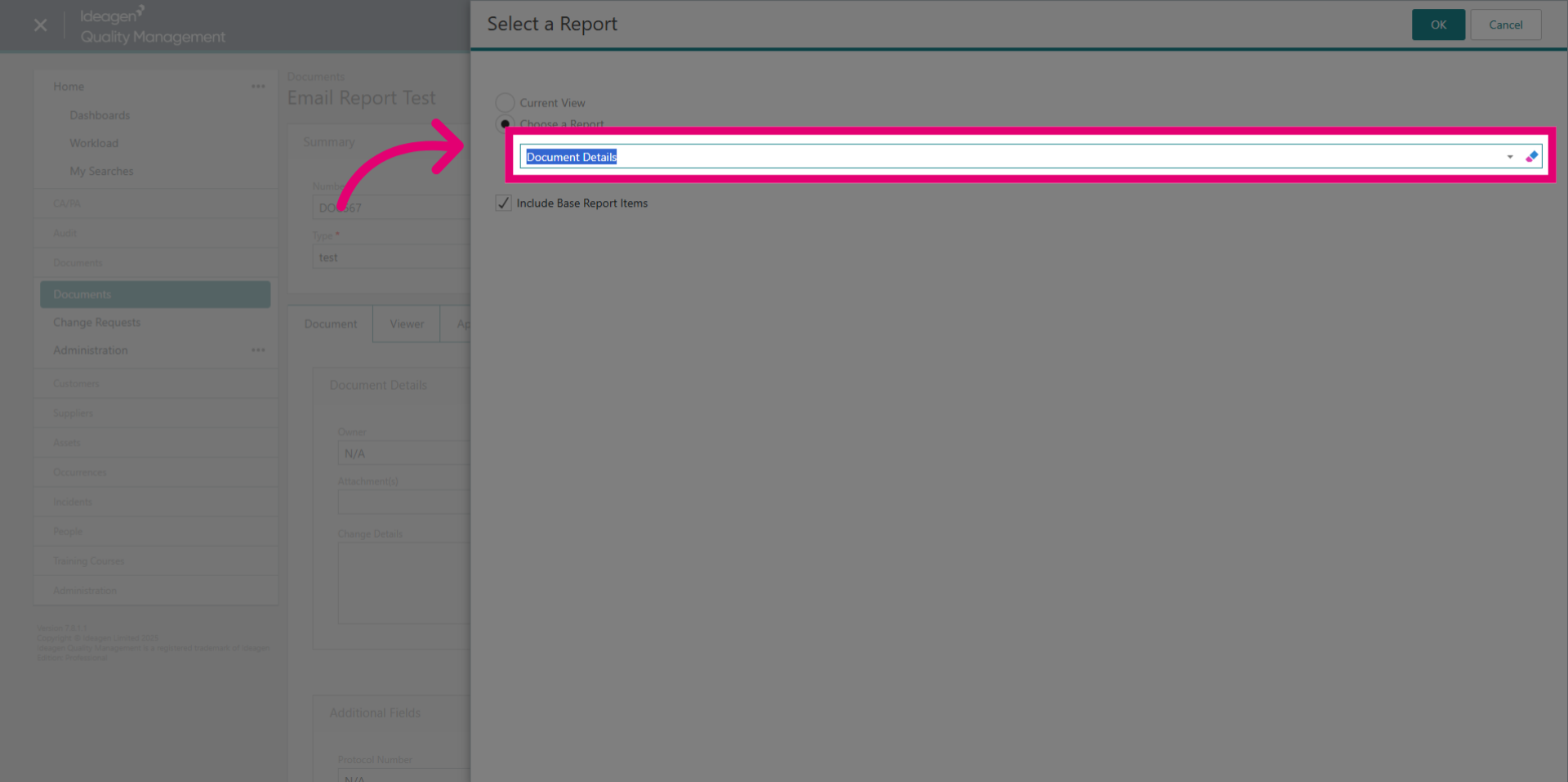
- Click OK.
A new window will appear with your generated report.
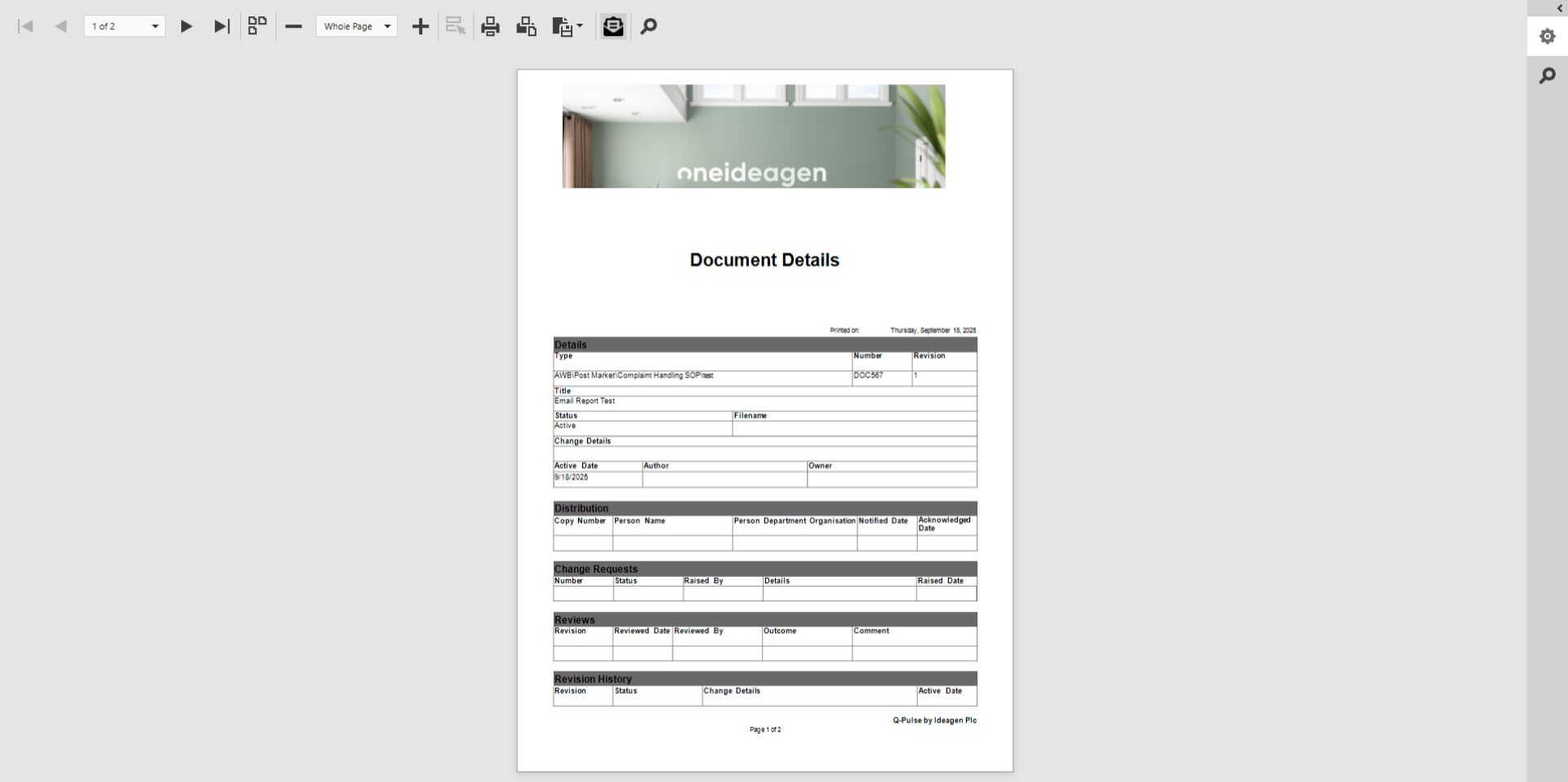
- Click Email.
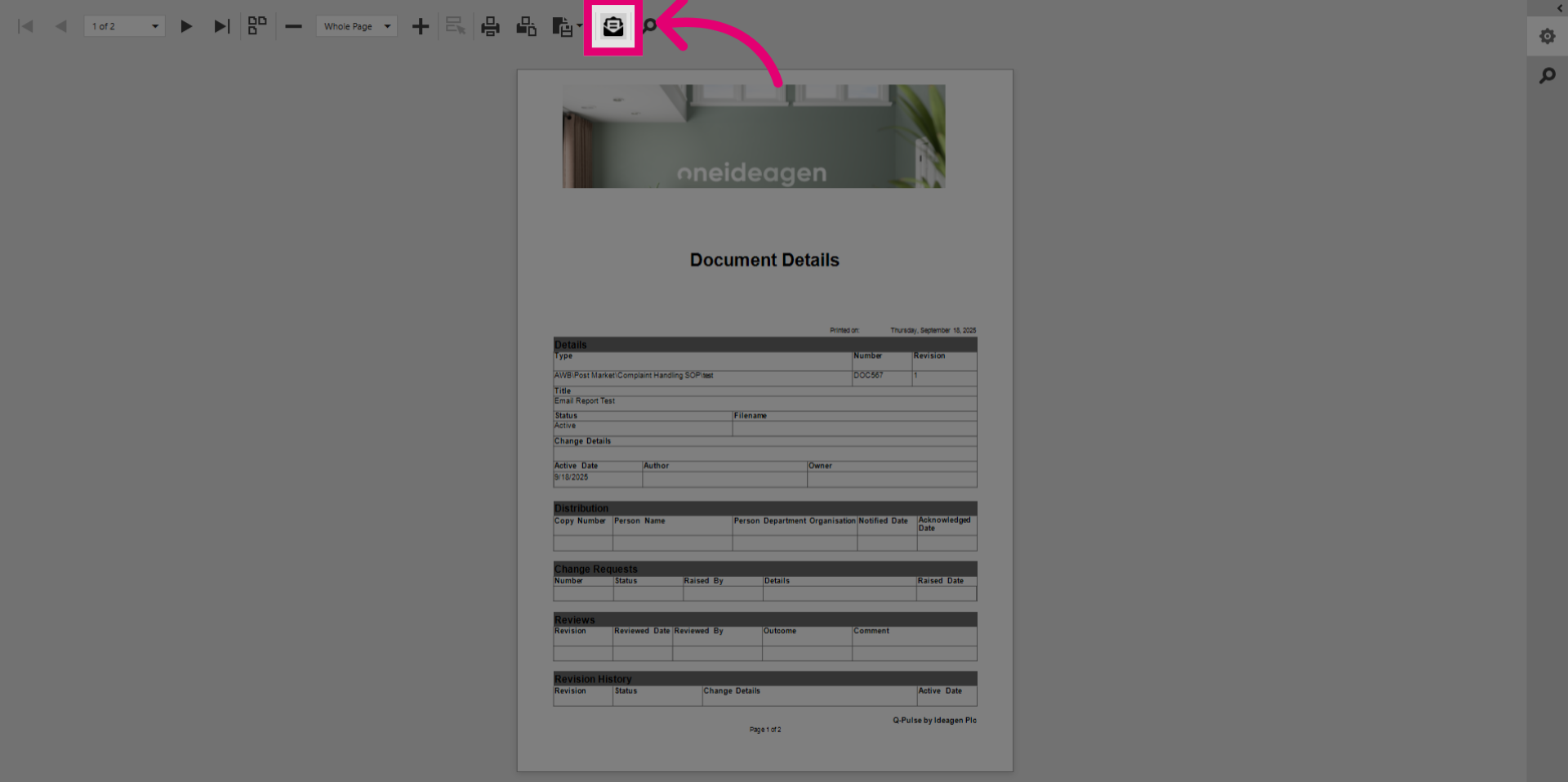
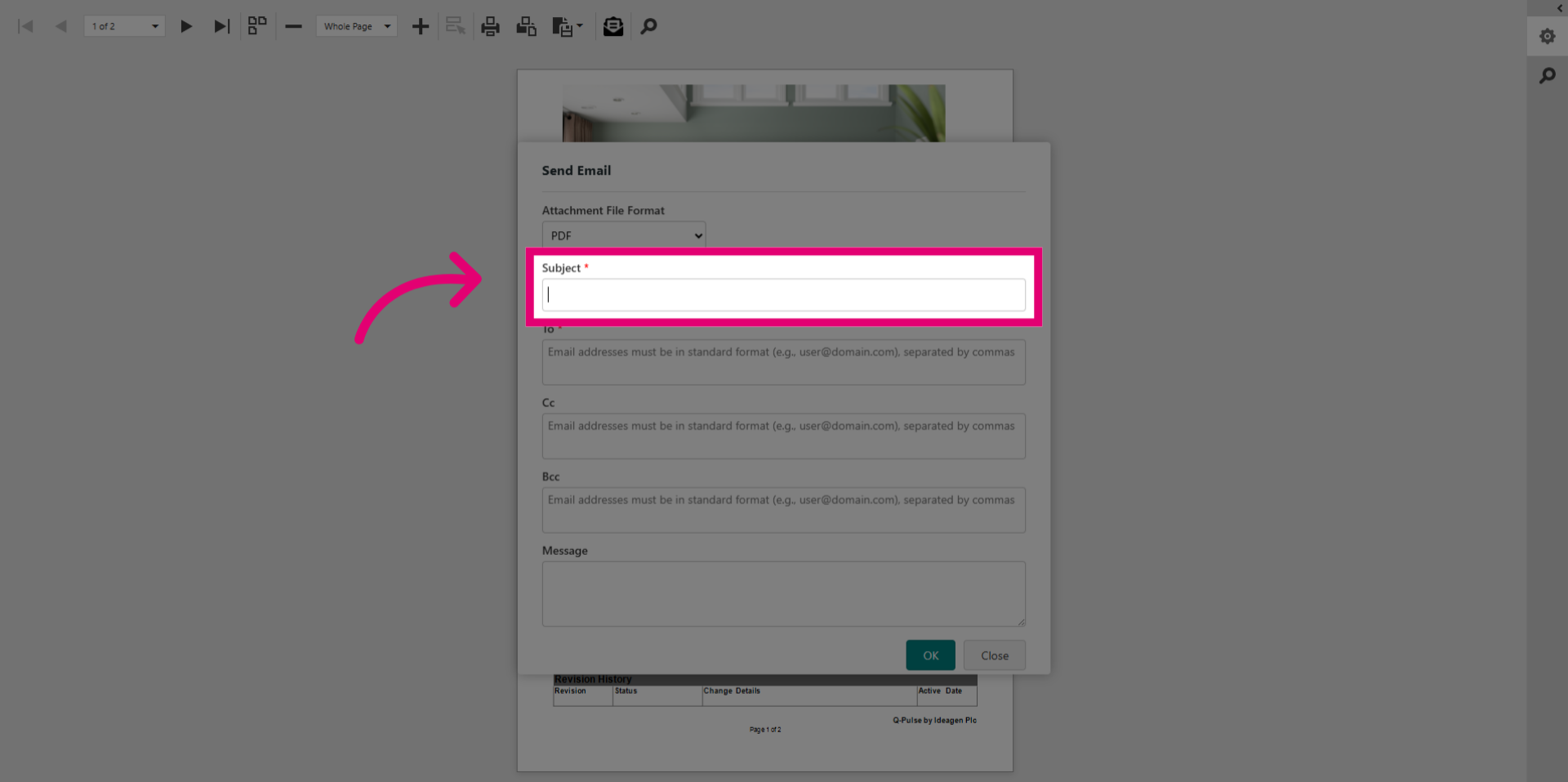
- Specify the Subject of your email report.
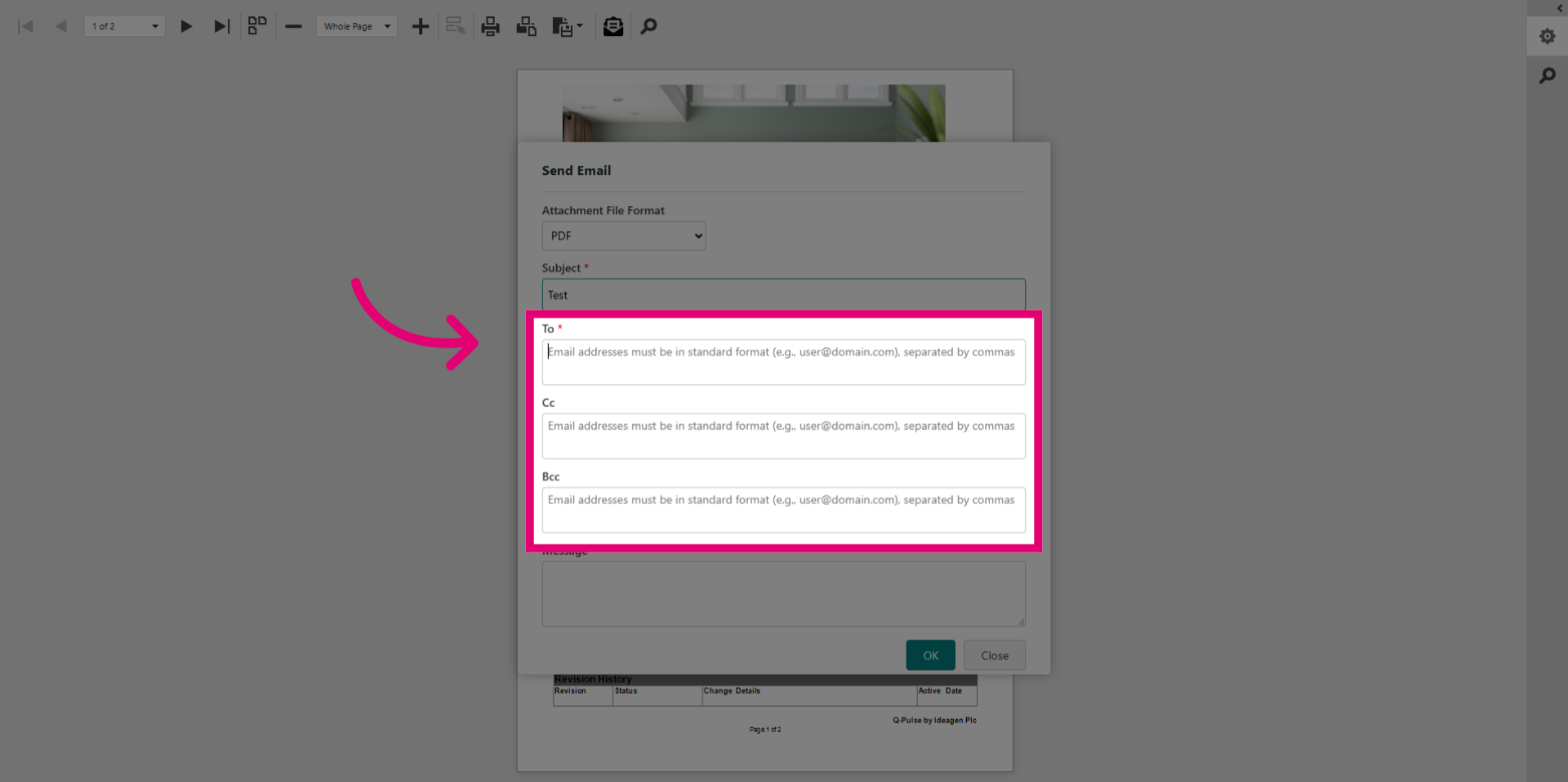
- Add recipients in the To field.
You may also choose to populate the optional CC and BCC fields for additional visibility.
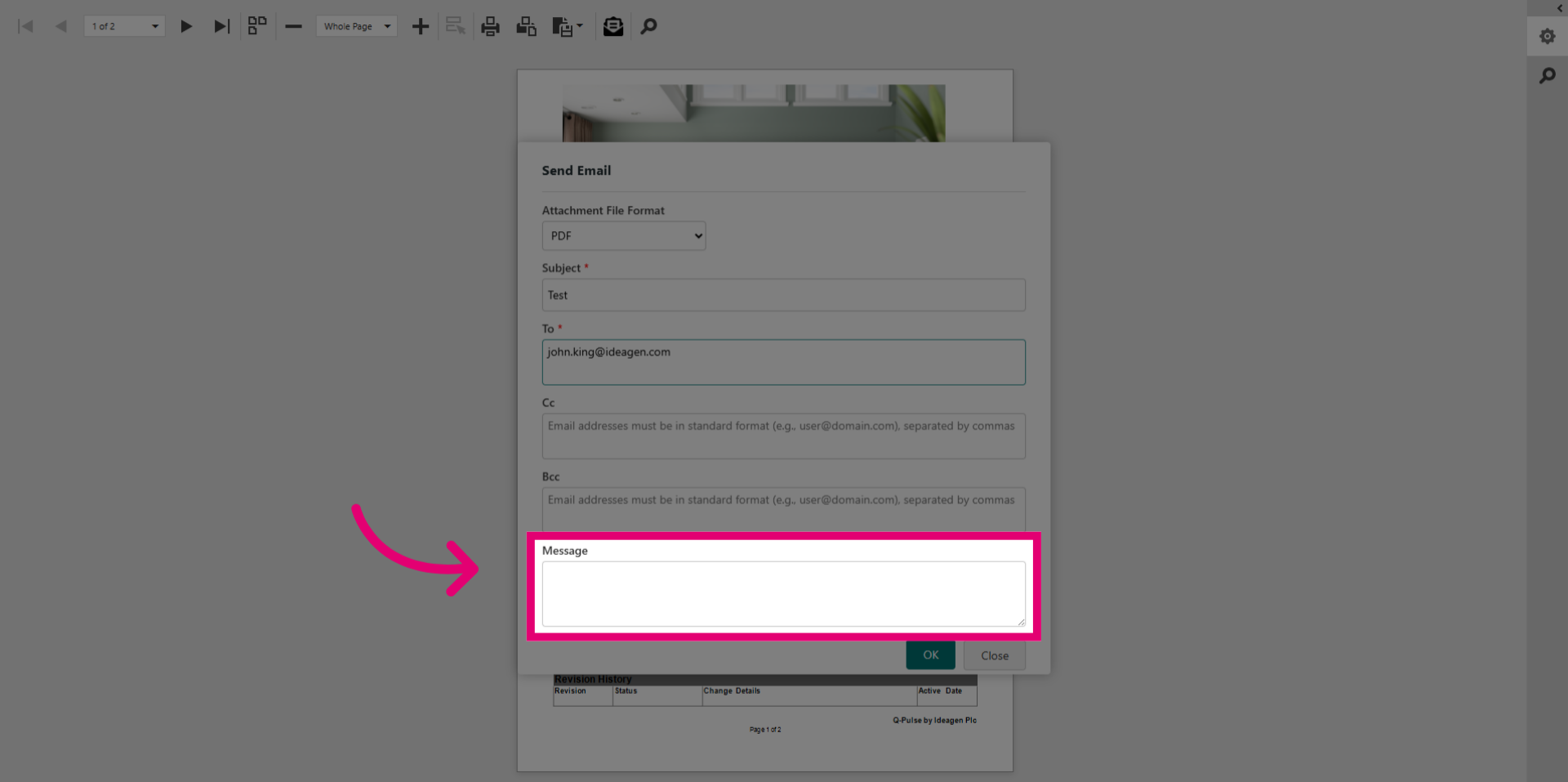
- Draft an optional Message that will appear in the email alongside your report.
- Click OK.