


New article
Recently updated
Managing a question bank item

Who is this article for?Users responsible for managing audit checklists.
Edit Audit Question Bank permissions are required.
Question bank is a collection of pre-set questions you can pull into a checklist or checklist template to ensure an efficient and standardised process.
This article shows you where you can edit or delete individual questions or sections from the question bank.
1. Editing an item
1.1. Editing details
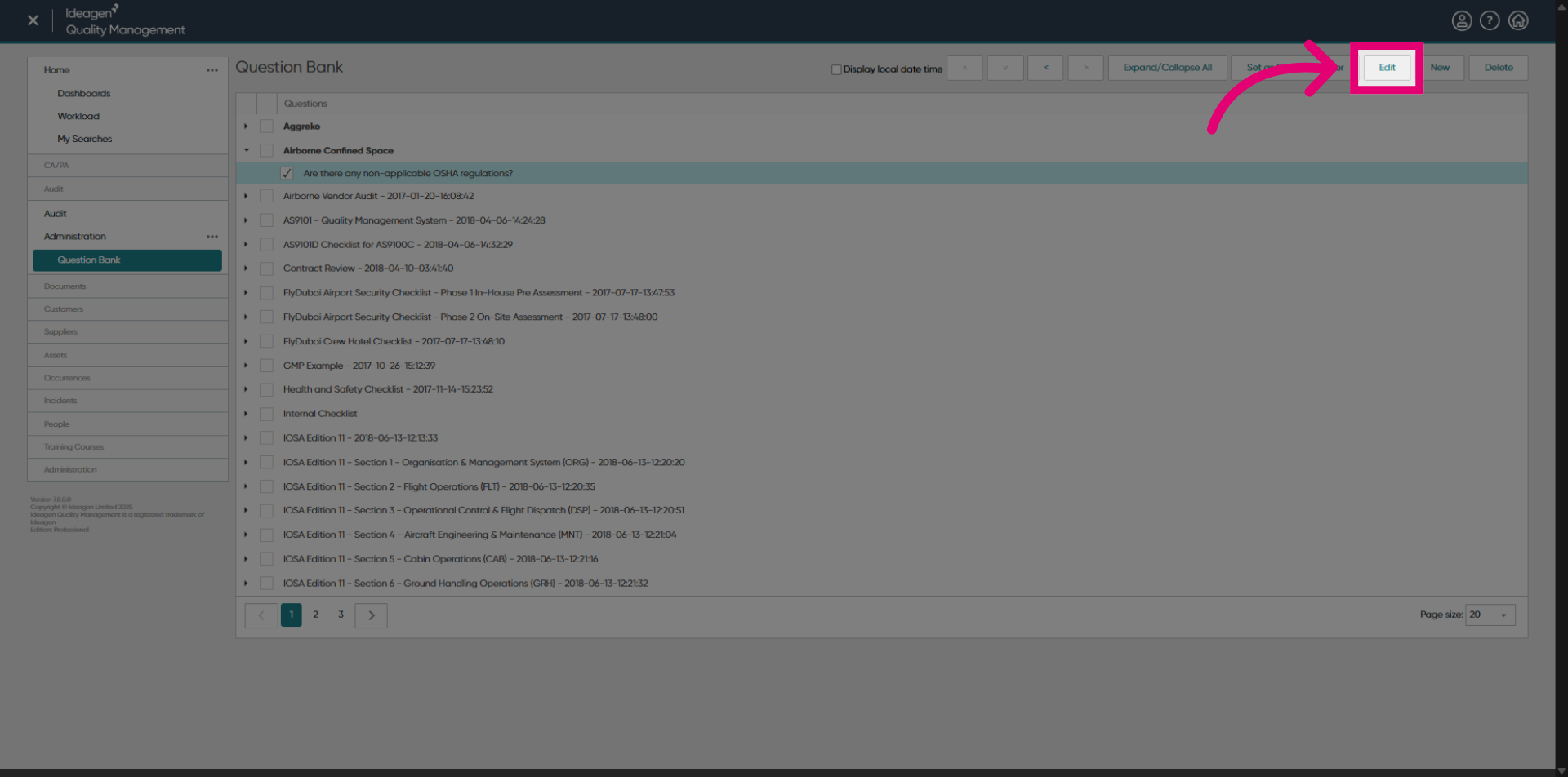
To edit a question or section:
- Tick it in the list.
- Click Edit.
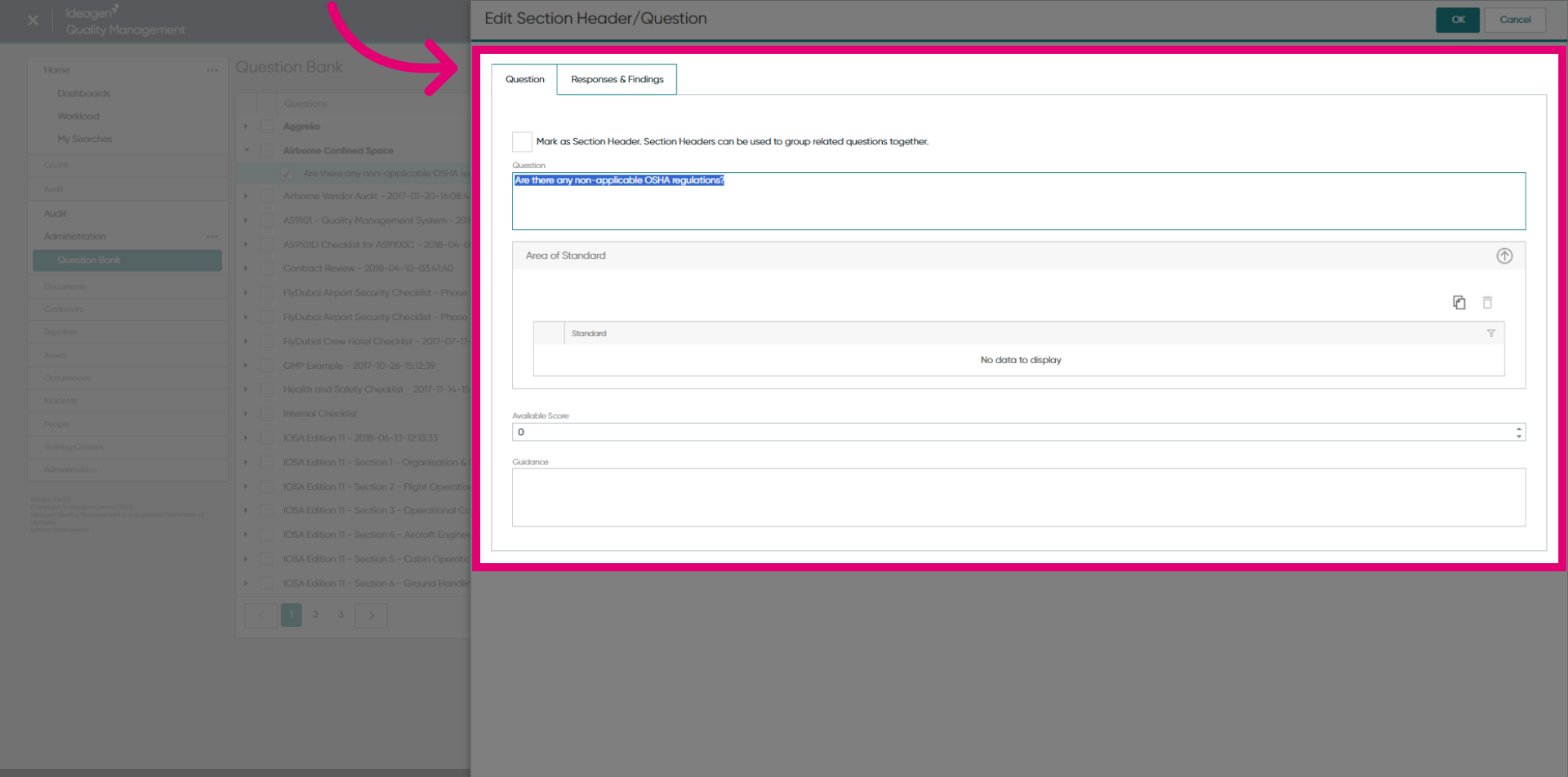
- Make any necessary adjustments.
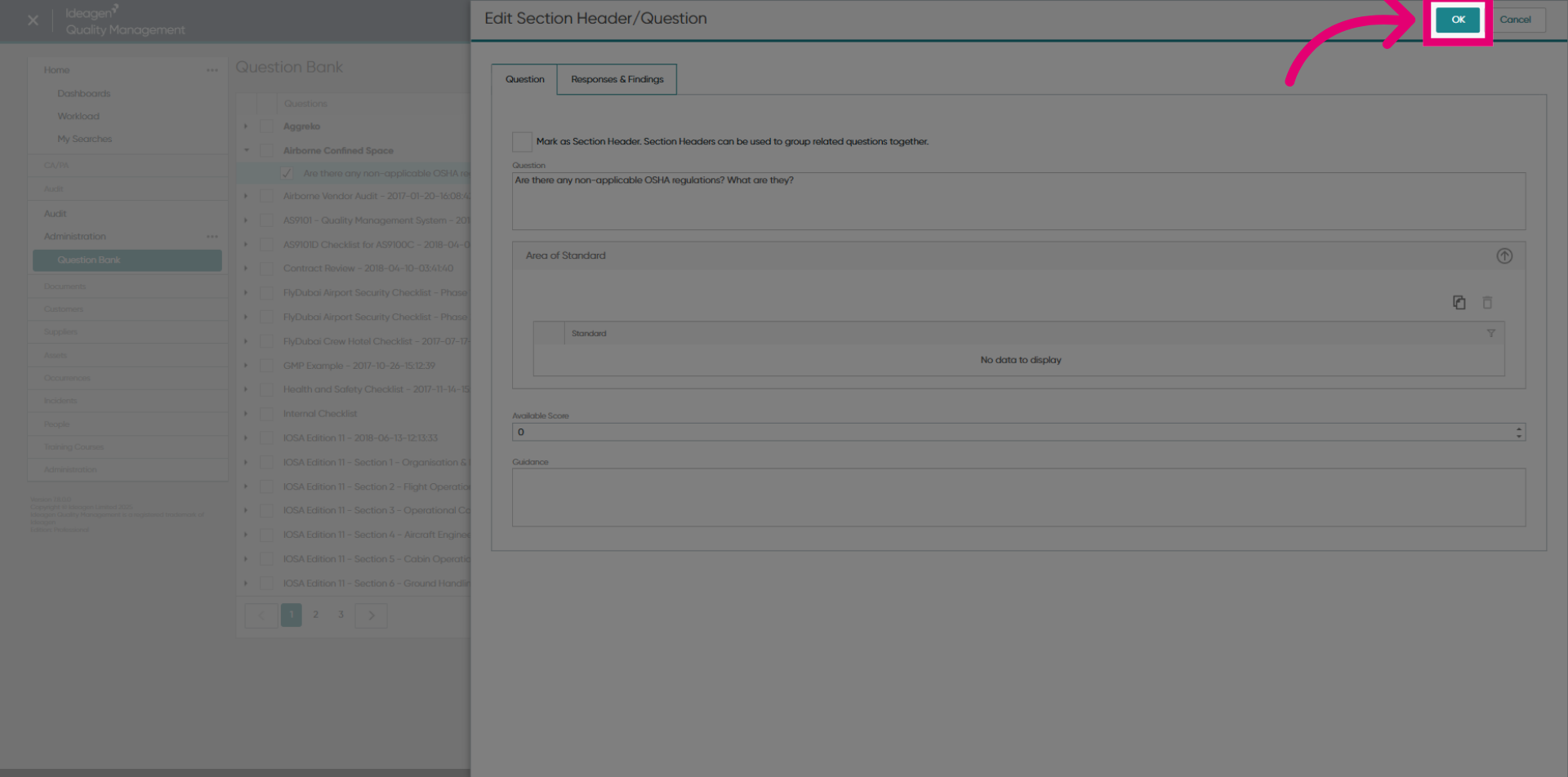
- Click OK to save changes.
1.2. Changing level
To promote a question to a section:
- Tick the question you want to promote in the list.
- Click Set as Section Header.
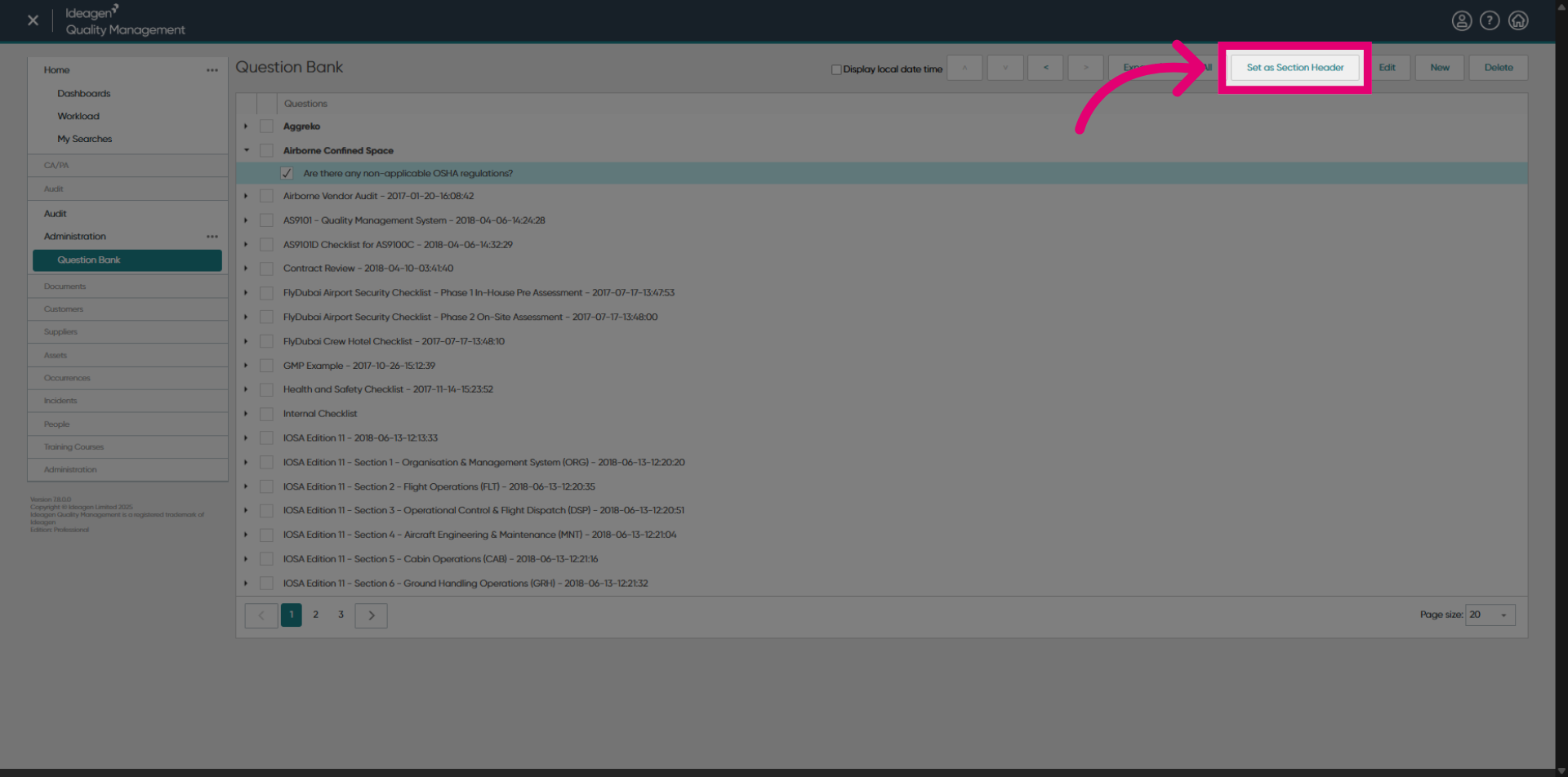
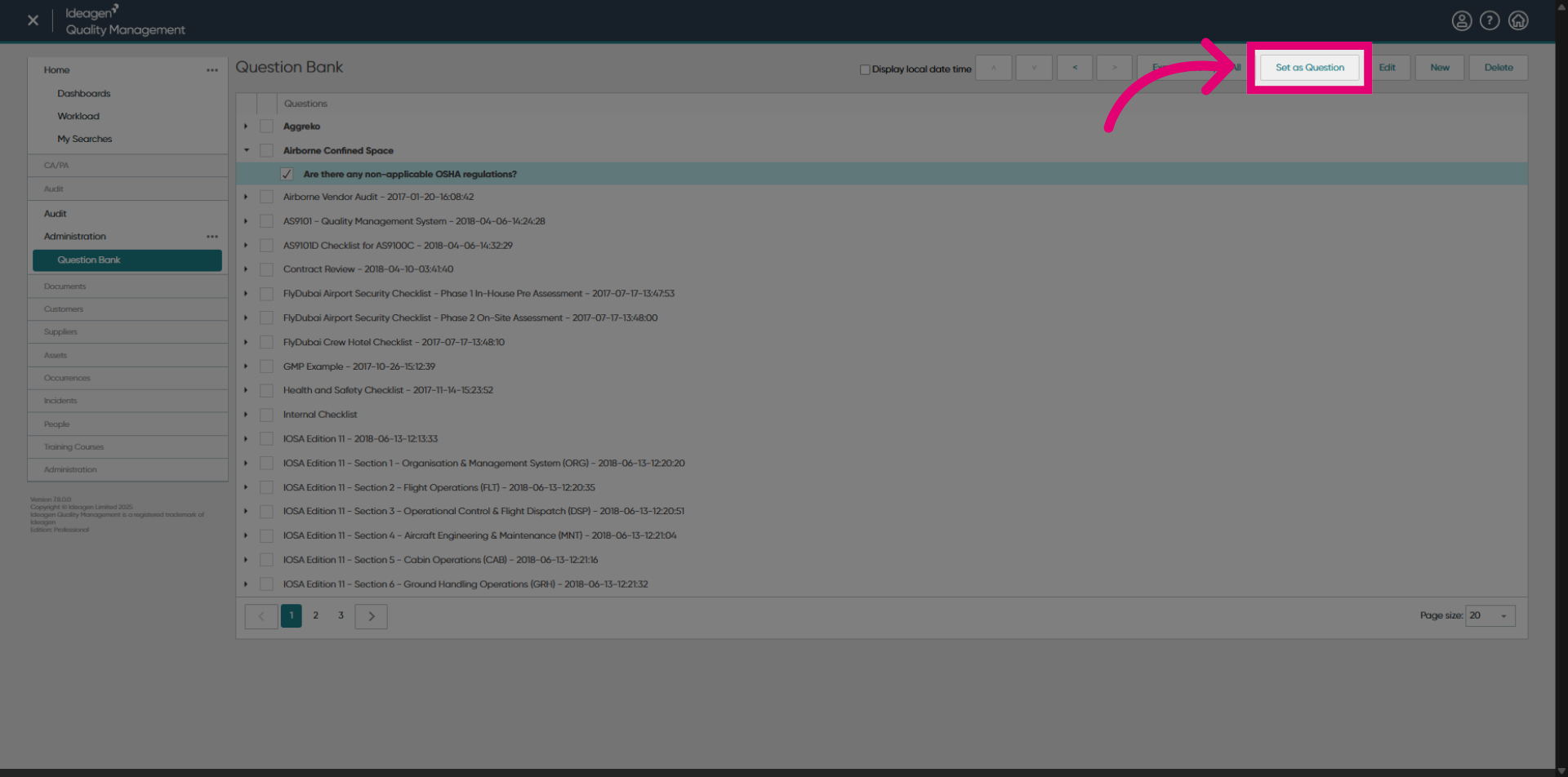
To demote a section to a question, follow the same steps, this time clicking Set as Question.
2. Deleting an item
To delete an item:
- Tick it in the list.
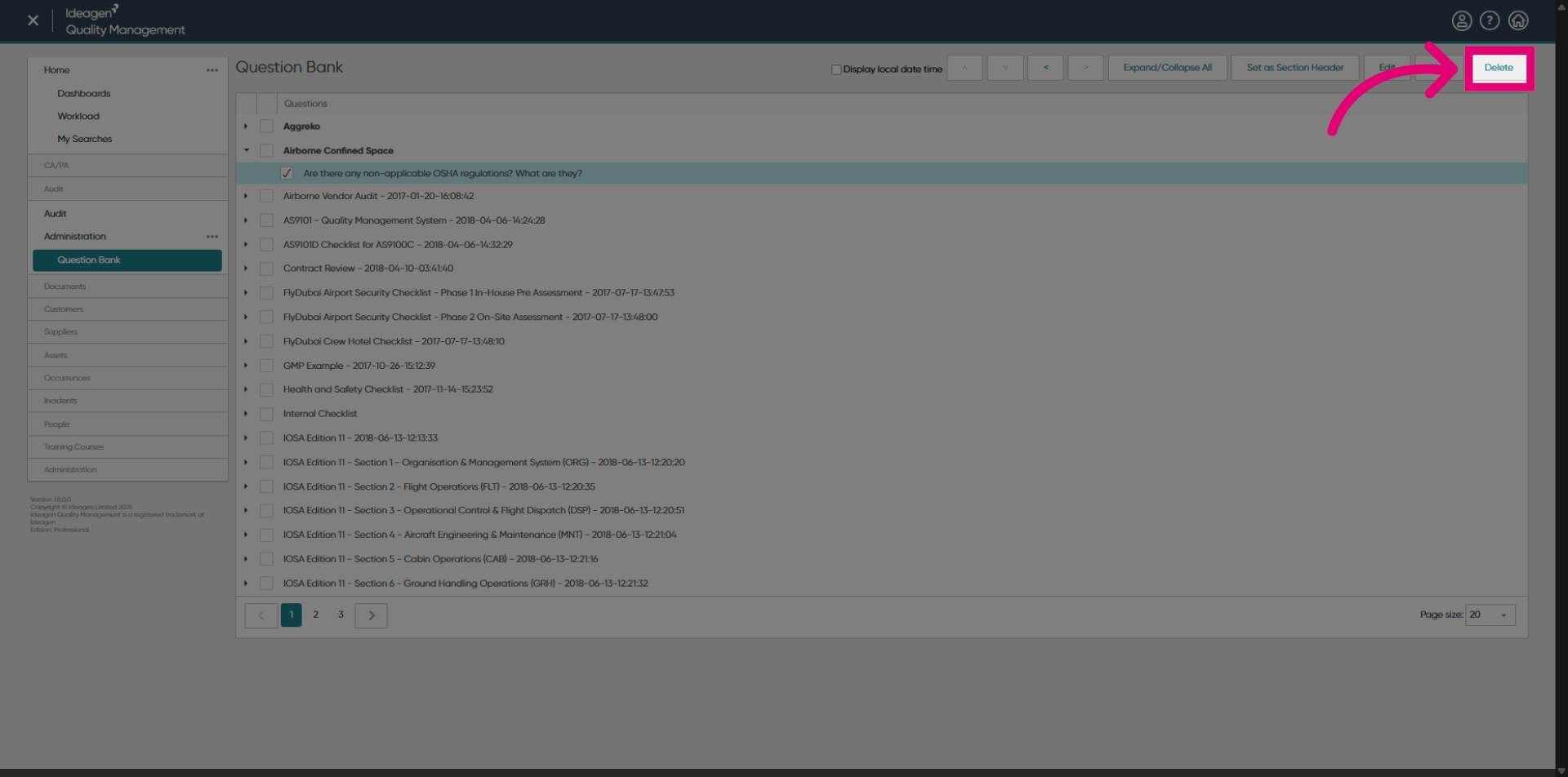
- Click Delete.
- Click OK to confirm.
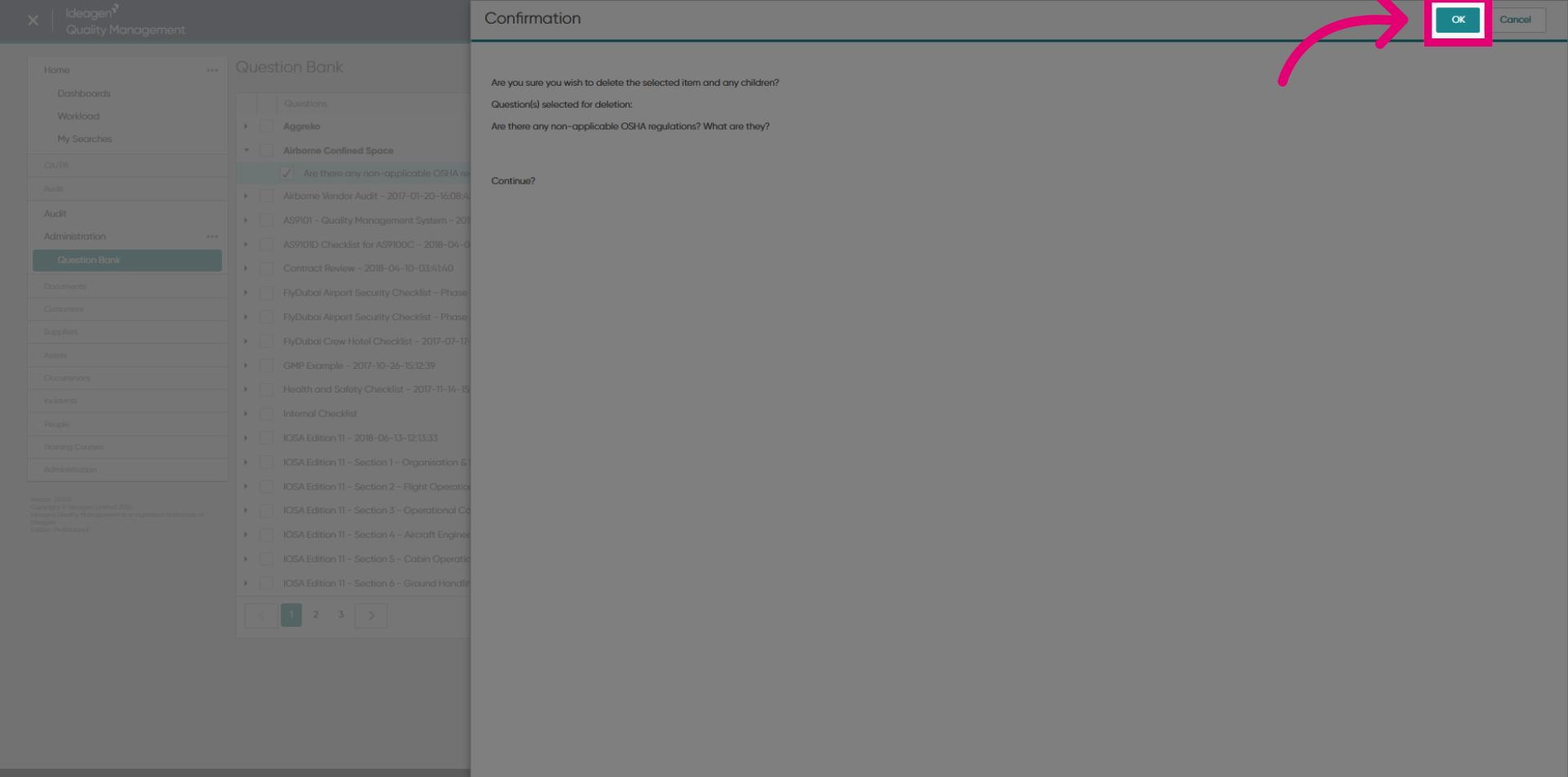
Deleting a question or section containing child entries will remove all entries in the tree.
1. Editing an item
1.1. Editing details
To edit a question or section:
- Highlight it in the list.
- Click Edit....
- Make any necessary changes.
- Click OK.
1.2. Changing level
To promote a question to a section:
- Highlight it in the list.
- Click Set as Section Header.
To demote a section to a question, follow the same steps, this time clicking Set as Question.
2. Deleting an item
To delete an item:
- Highlight it in the list.
- Click Delete.
- Click Yes in the pop up to confirm.
Deleting a question or section containing child entries will remove all entries in the tree.