New article
Recently updated
Exporting a Dashboard

Who is this article for?
Users looking to share a Dashboard.
Version 7.8 of Ideagen Quality Management and Dashboard Edit permissions are required.
Dashboards allow you to visualise your data in a variety of different ways, such as pie charts, bar charts, treemaps, et cetera. This feature is only available in the Web interface.
This article shows you how you an export a Dashboard as a document, image, or spreadsheet.
1. Exporting a Dashboard
To export a Dashboard:
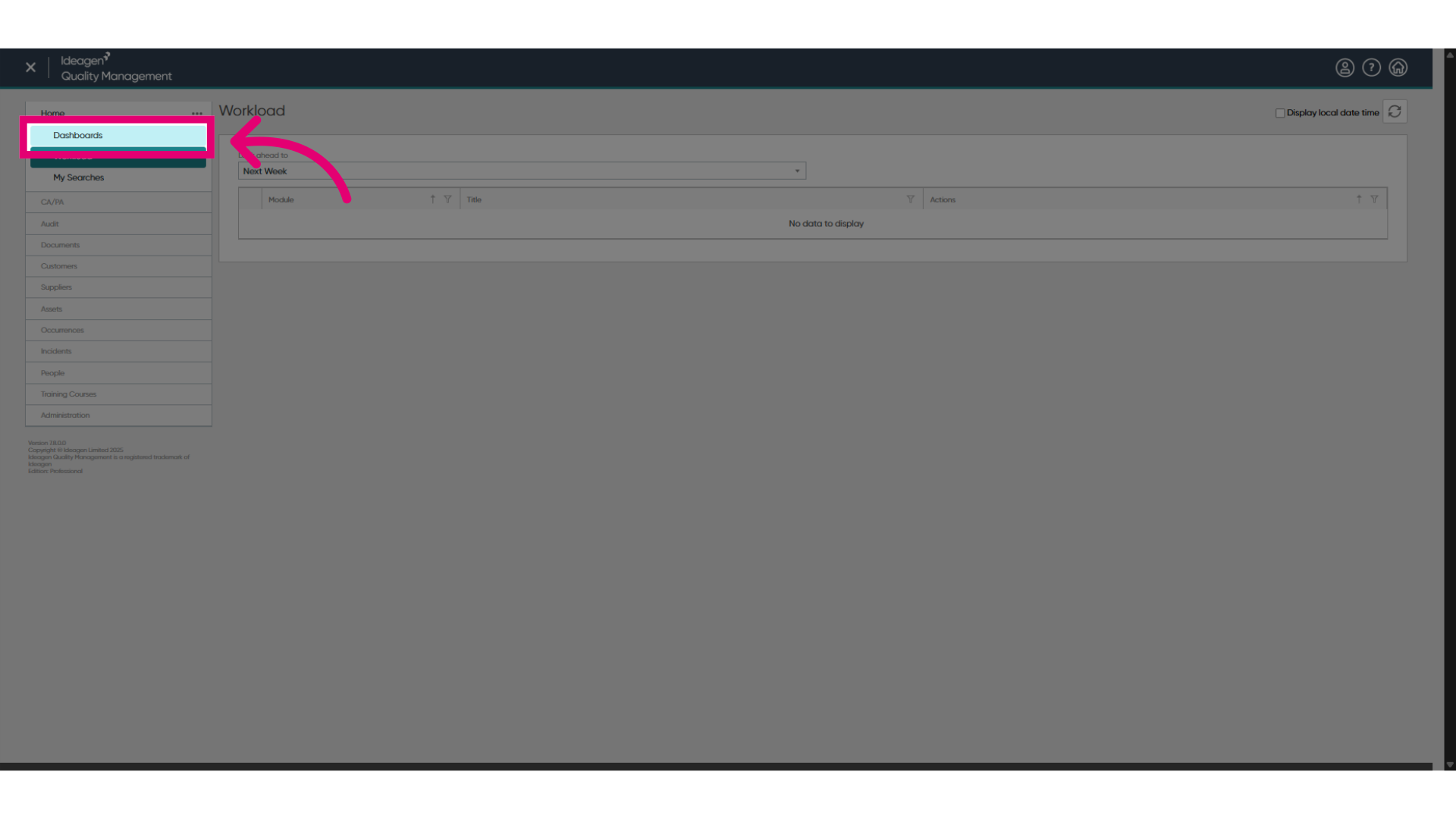
- Navigate to the Dashboards section.
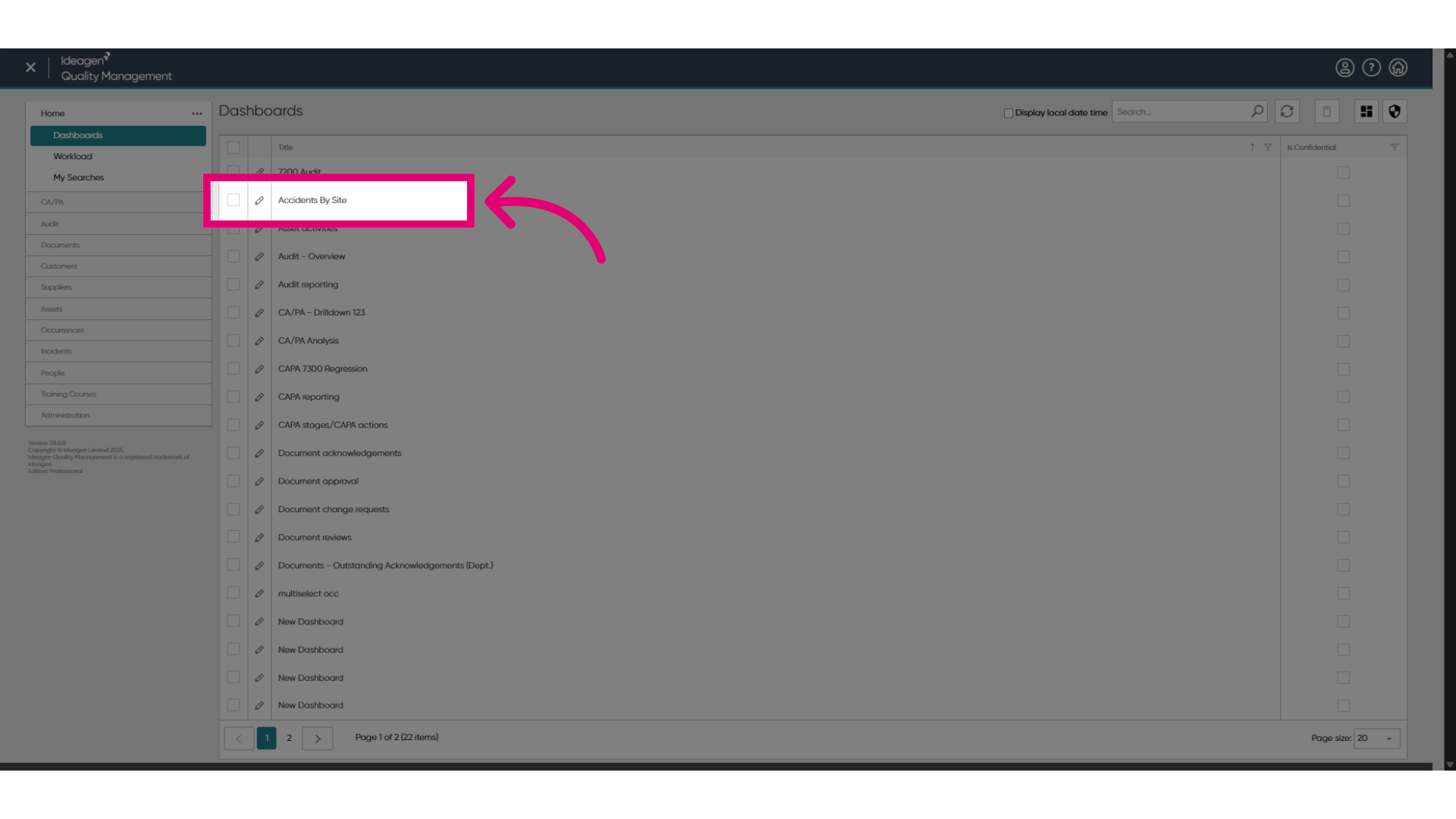
- Open a Dashboard.
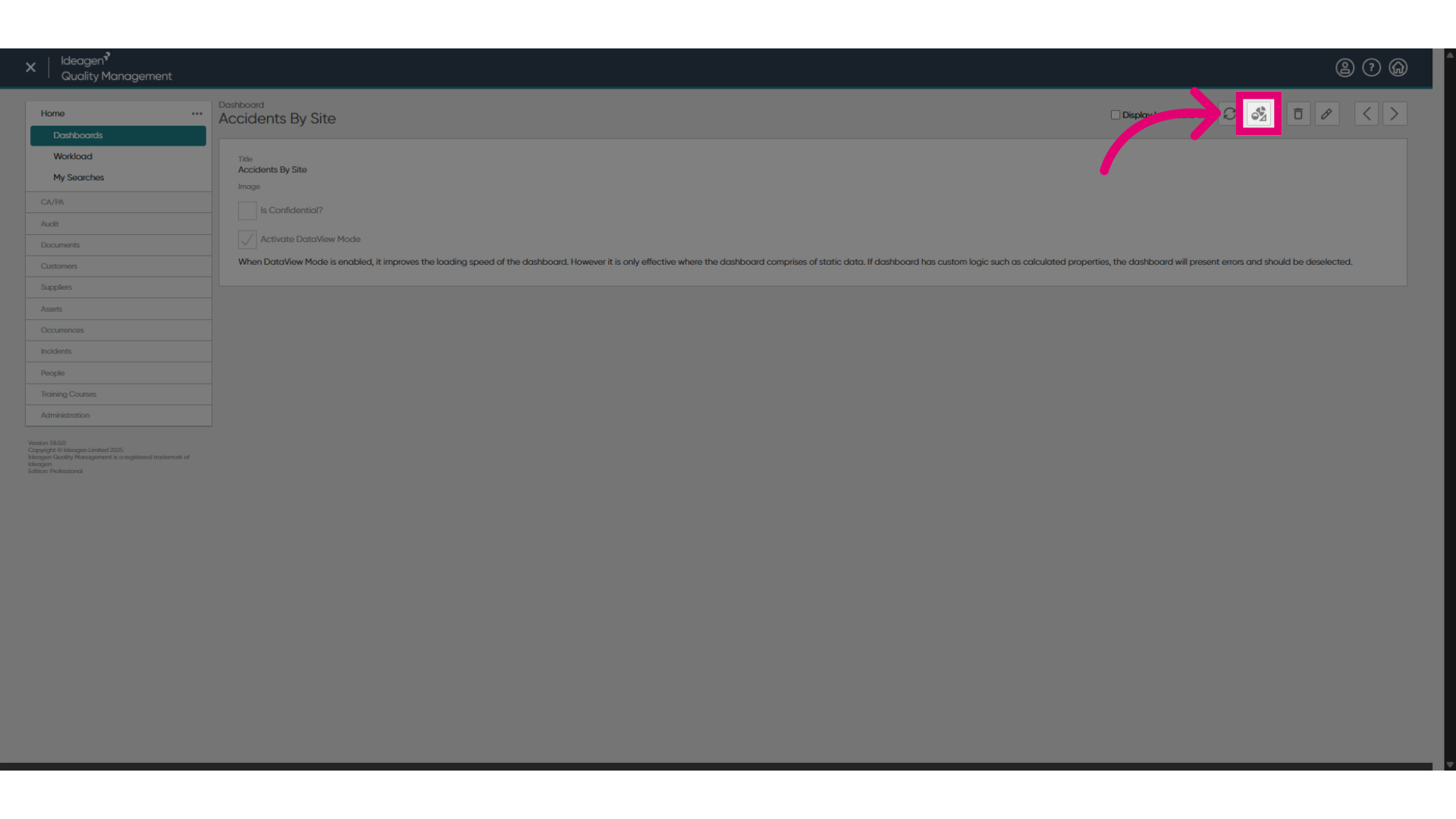
- Click Show Dashboard Designer.
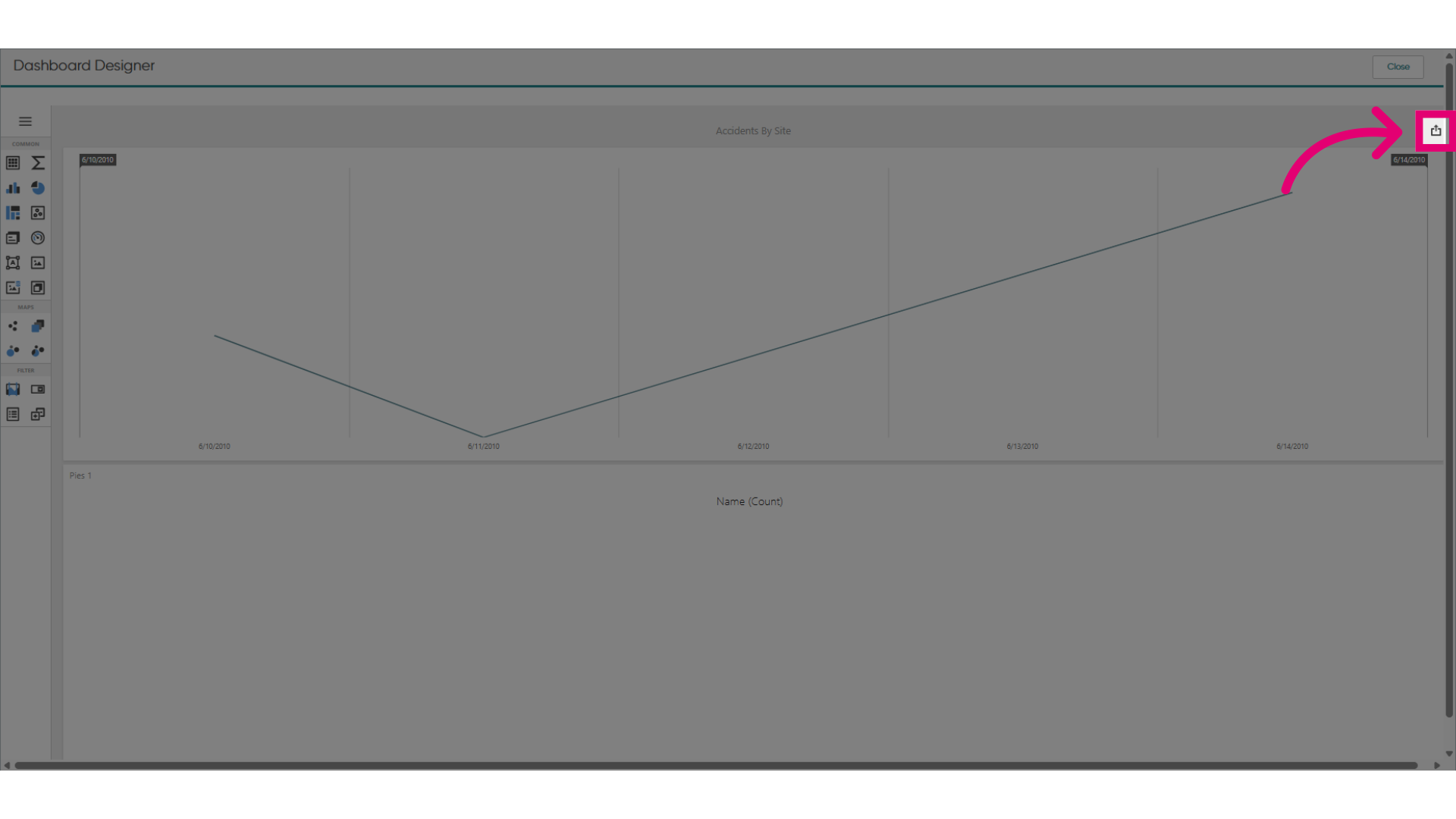
- Click Export.
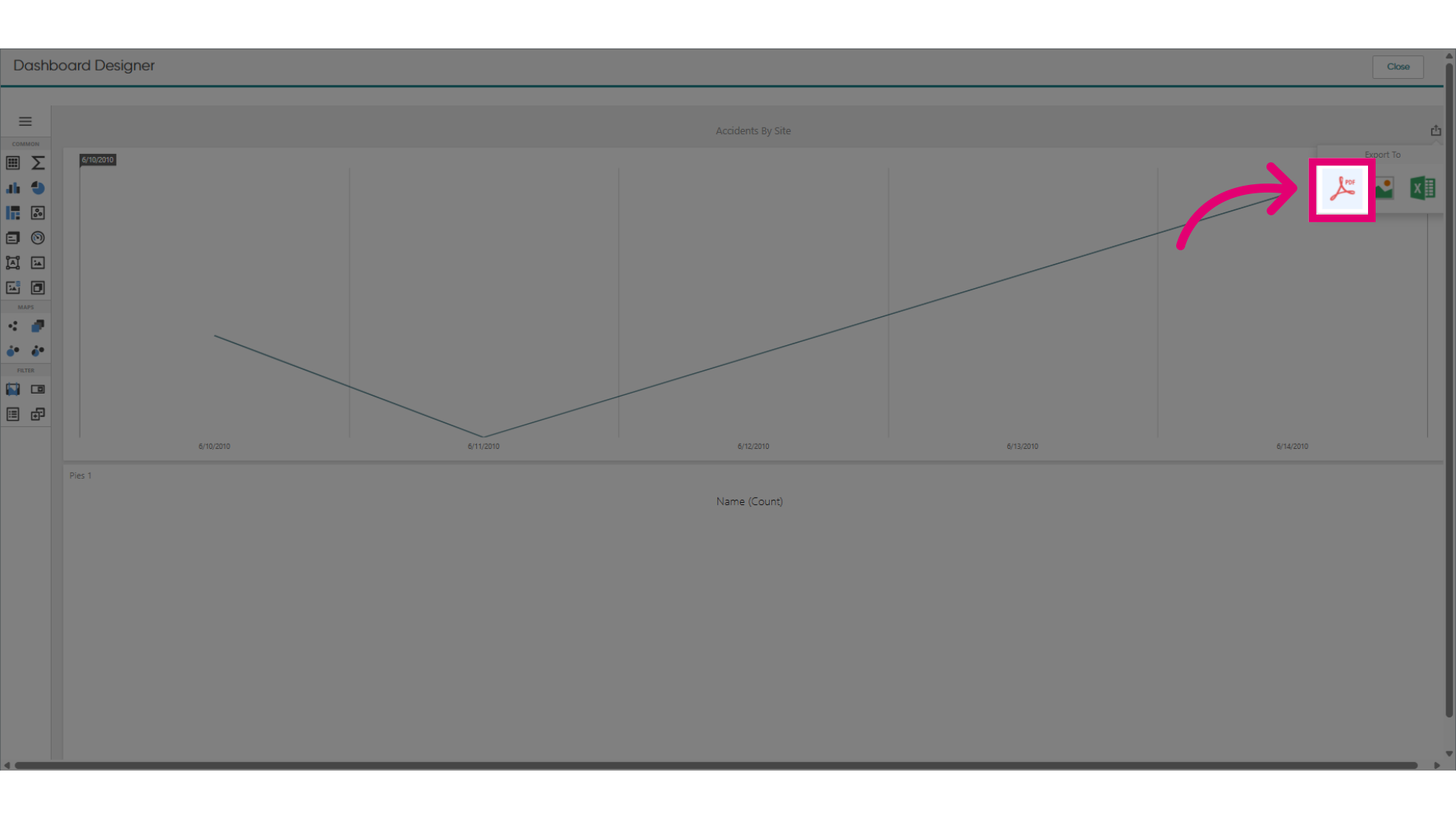
You can choose to export the dashboard to a document, image, or spreadsheet. In our example, we'll export to a document, but you can follow the same steps for the other file types.
- Click Export to PDF.
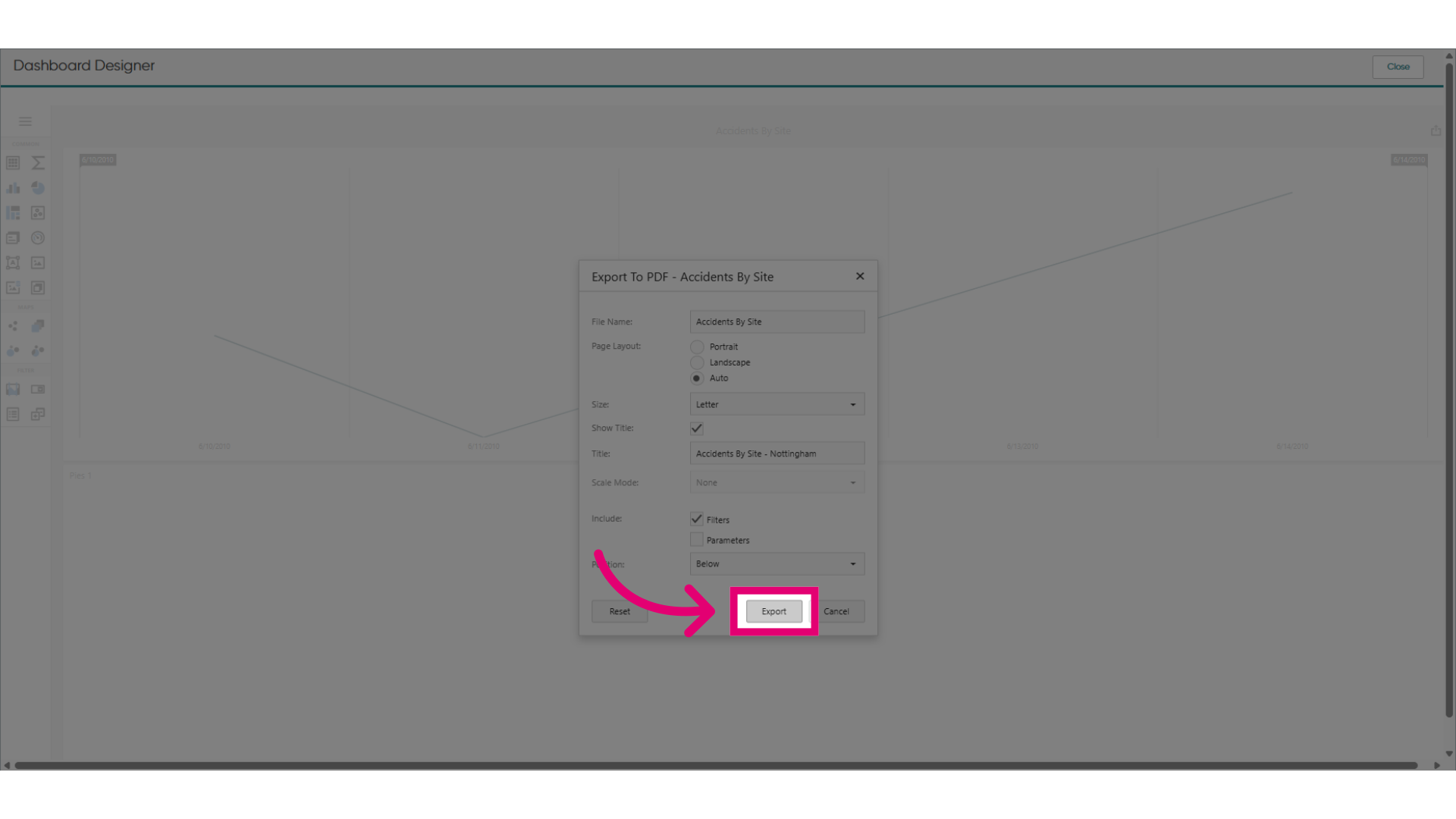
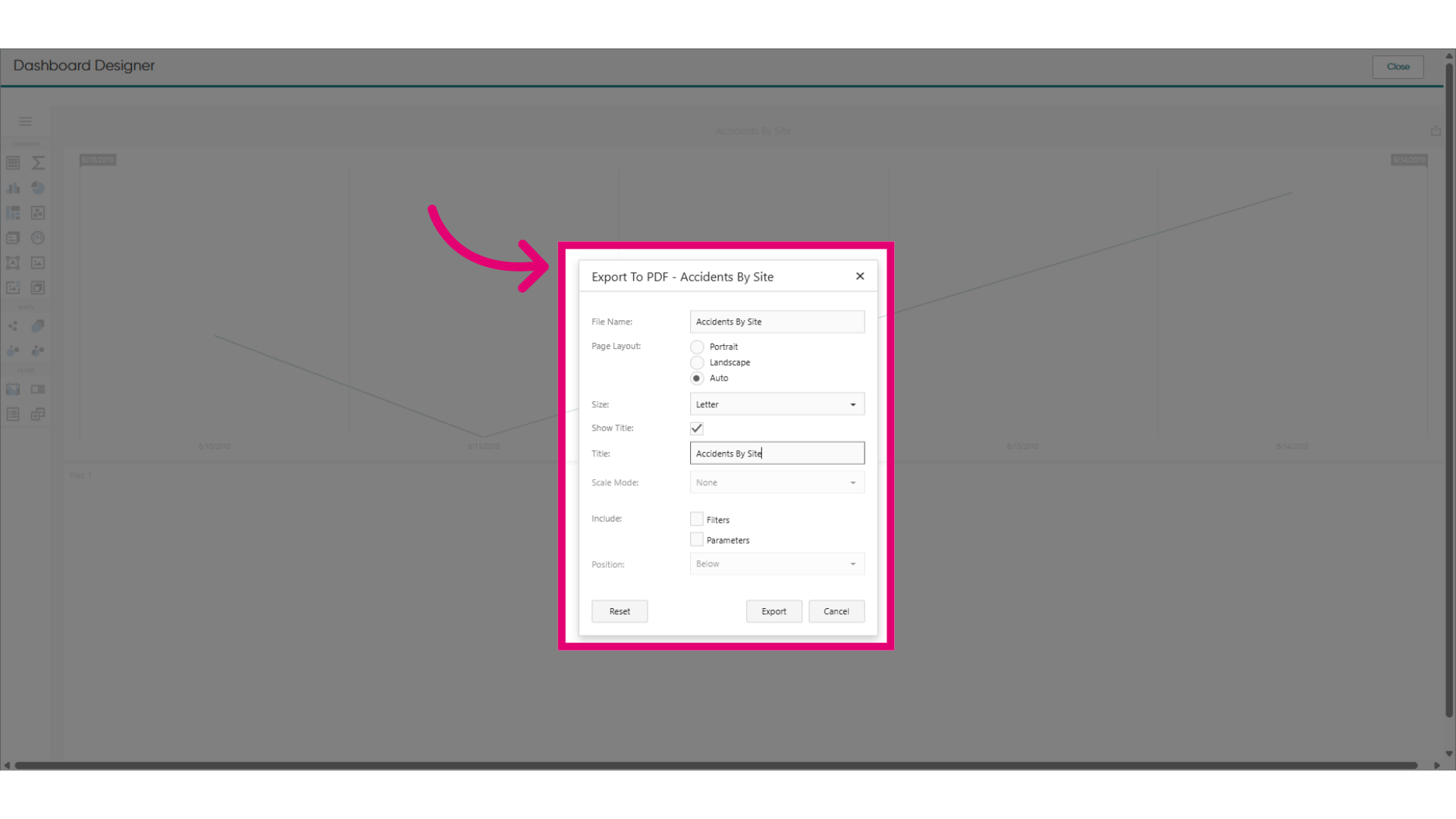
- Set export options.
You can change the title, layout, and items to include.
- Click Export to download the file.