


New article
Recently updated
Viewing scope items

Who is this article for?Users responsible for carrying out Audits.
Audit module access is required.
Each Audit comprises of several scope items that describe what needs to be covered by the Audit. These items can relate to many different areas, such as Documents, Standards, Processes, and Suppliers.
This article shows you where you can view the current Audit scope.
1. Viewing scope items
To view the scope:
- Access the Audit module.
- Select Audit.
- Open the Audit record.
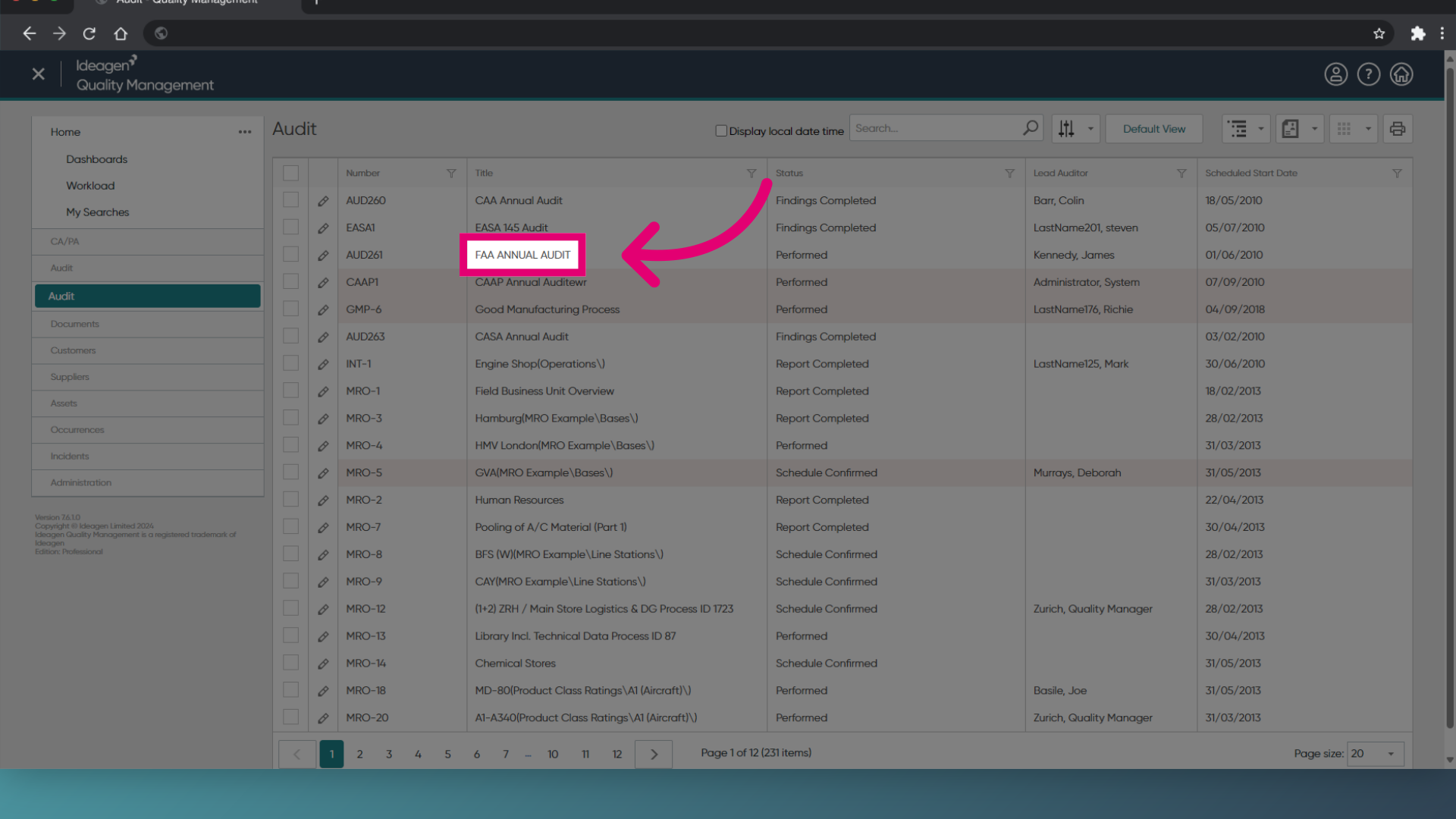
- Switch to the Scope tab.
- Click the item name to open it.
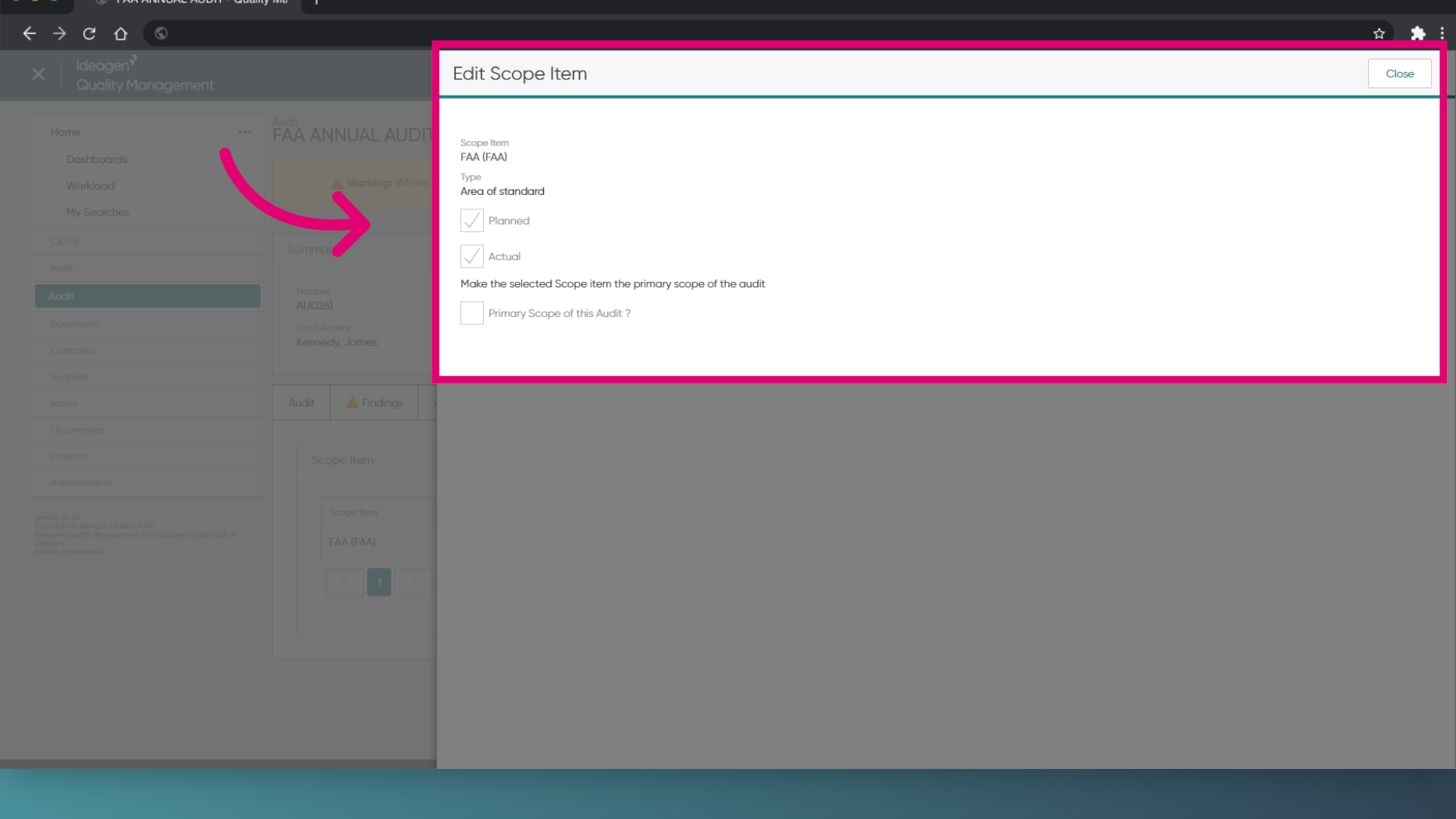
1. Viewing scope items
To view the scope:
- Access the Audit module.
- Open the Audit record.
- Expand the Scope section.