


New article
Recently updated
Updating company information via Properties

Who is this article for?Users responsible for managing customer accounts.
Supplier Edit Additional Fields permissions are required.
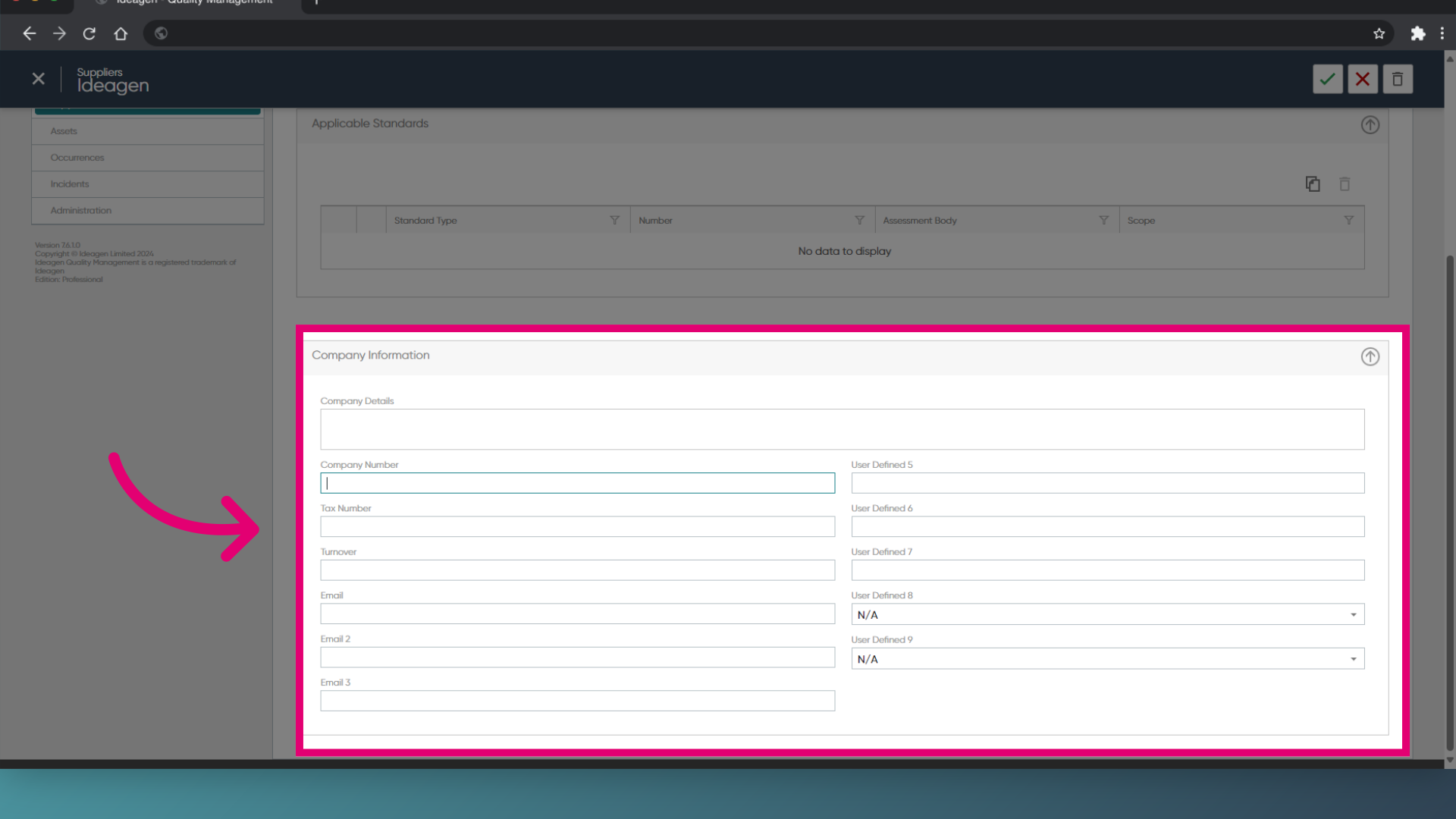
Company information can be stored on the supplier properties tab. This section allows various dropdown lists to be populated for the supplier.
This article outlines how to update the company information.
1. Updating additional fields
To update the fields:
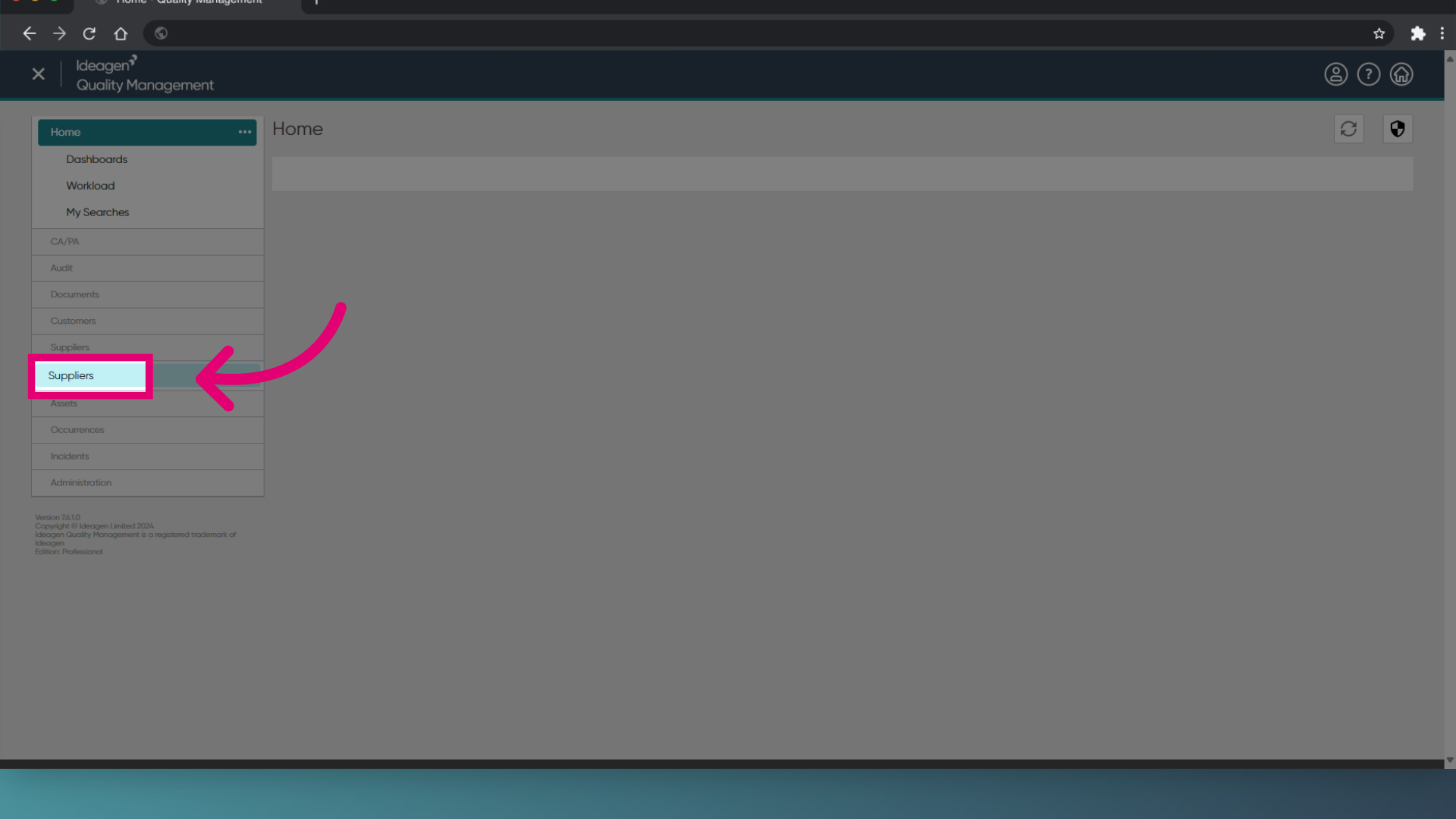
- Access the Suppliers module.
- Choose Suppliers.
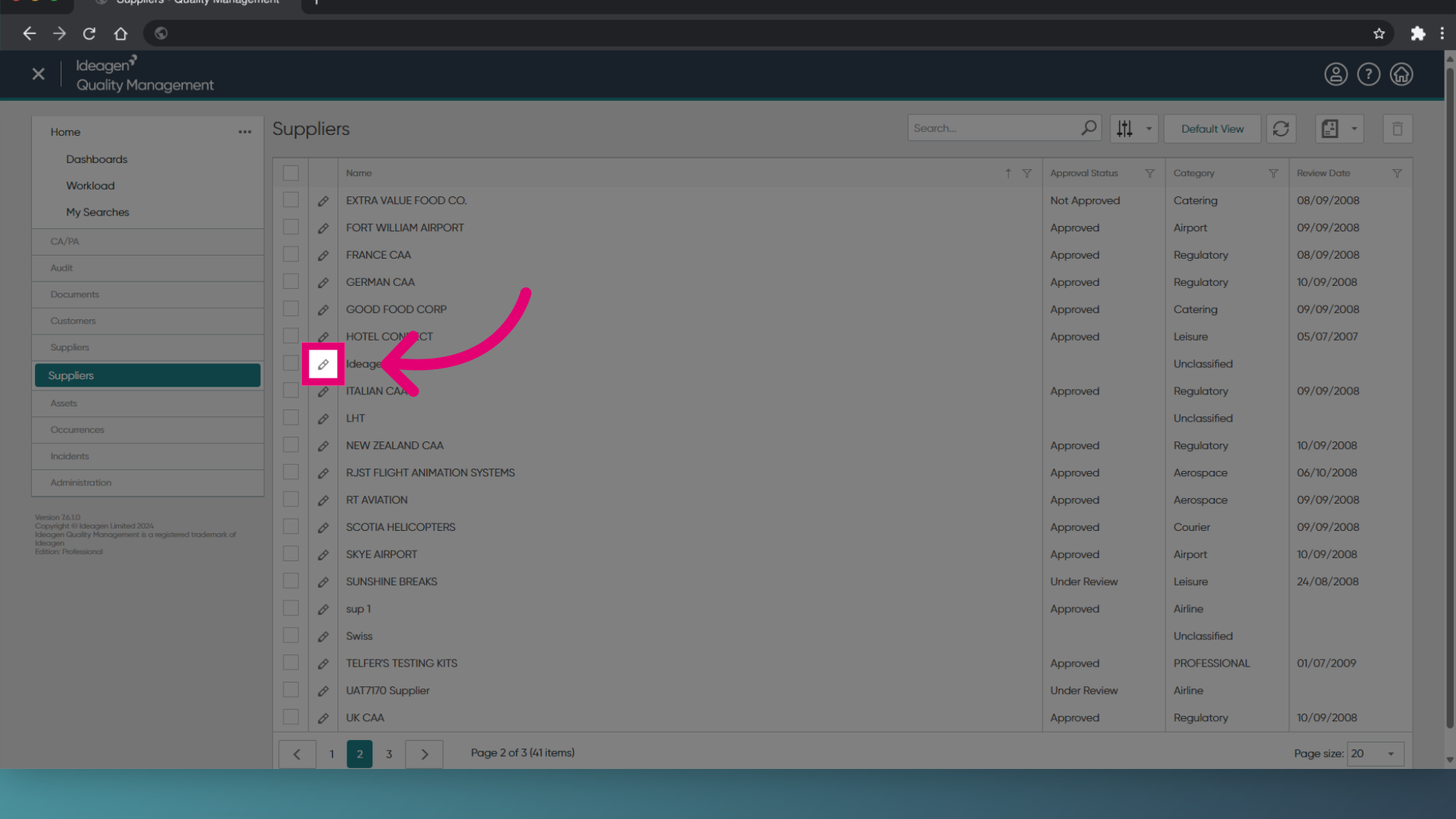
- Locate the supplier that you wish to update, and tick the box next to the supplier name.
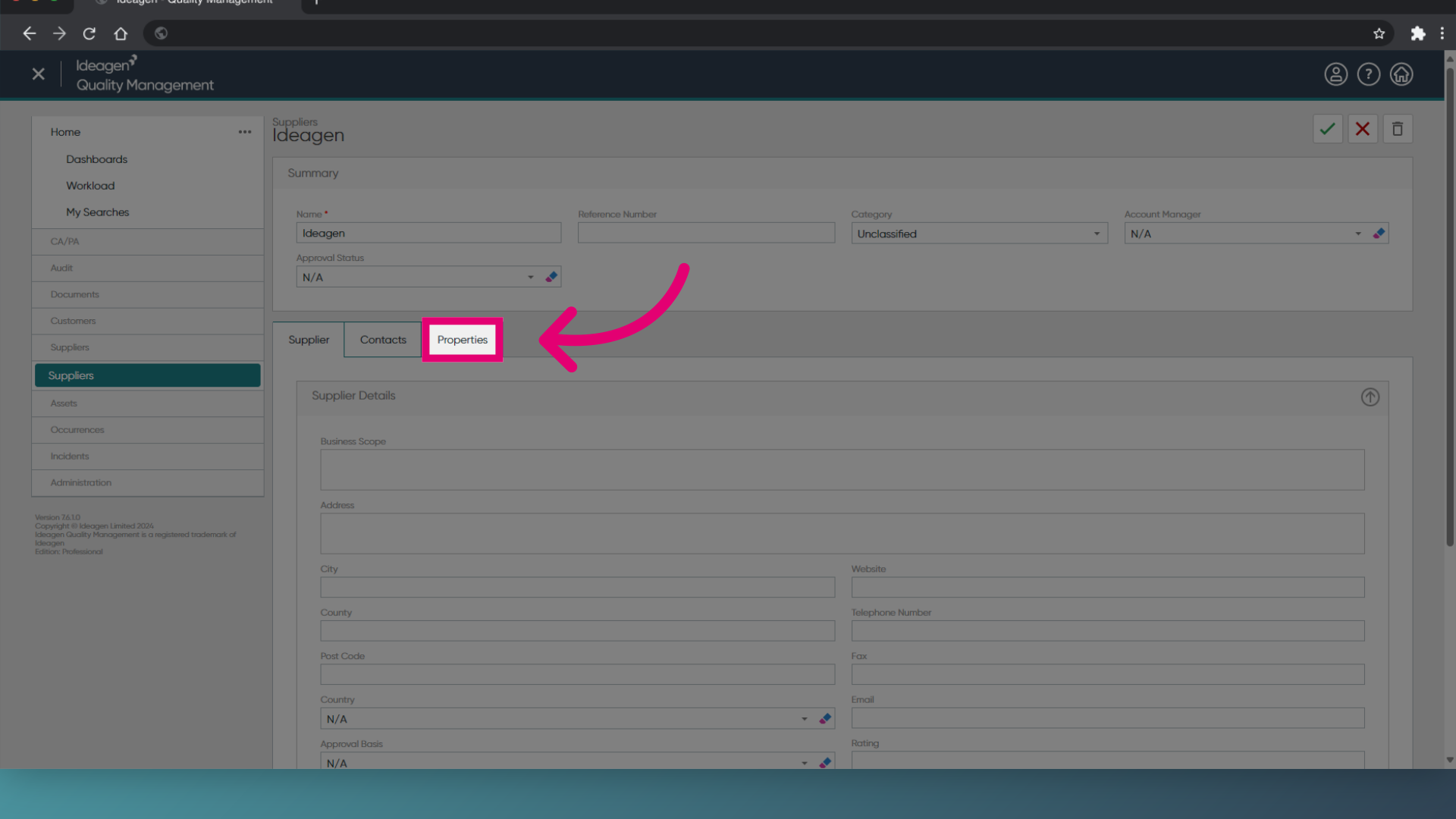
- Select the Properties tab.
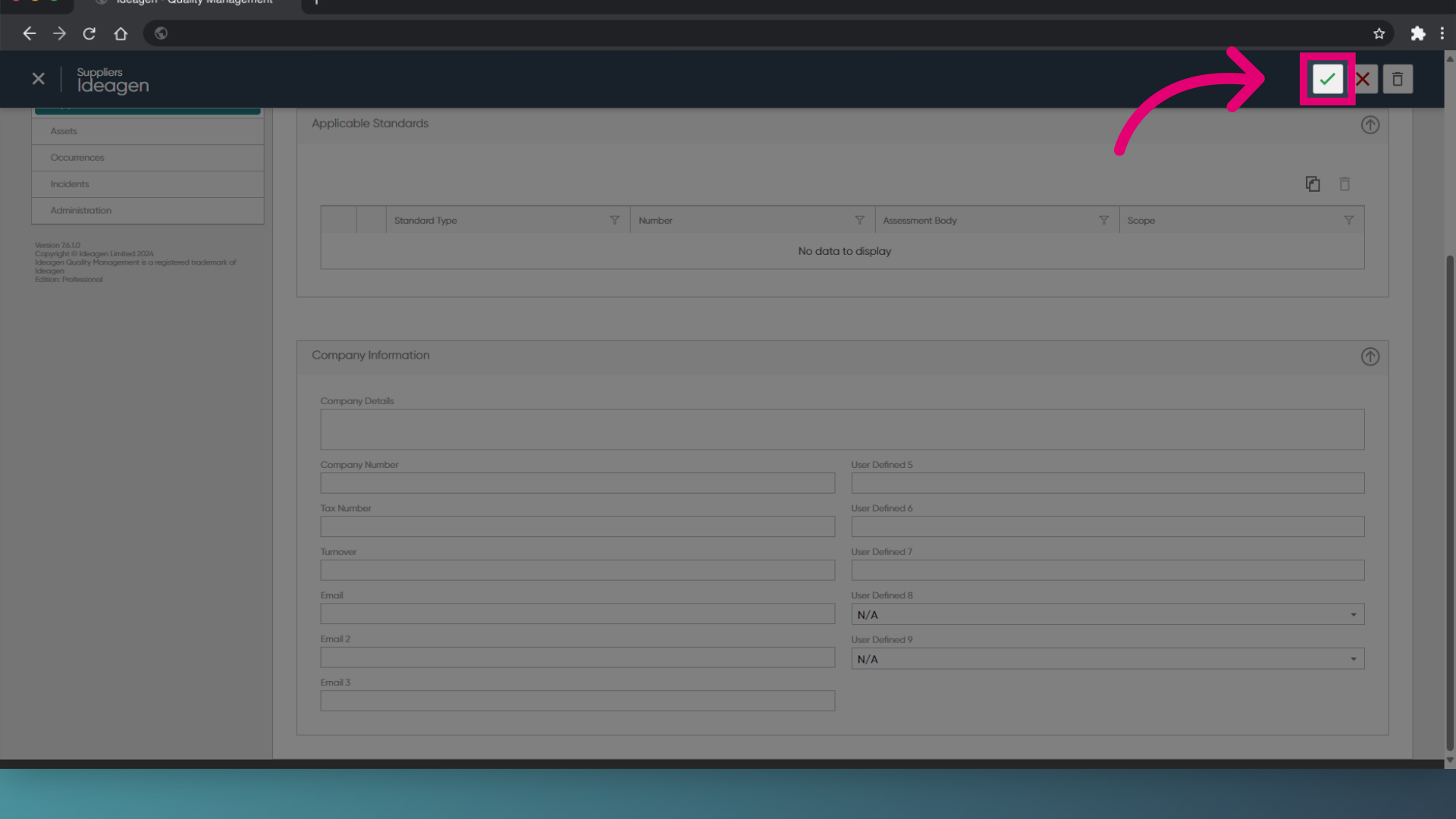
- Update the relevant company information.
- Click the Green tick to save the updated information.
1. Updating additional fields
To update the fields:
- Open the Supplier module.
- Open a supplier record.
- Expand the Properties section.
- Click View/Edit Properties.
- Click on the Company Information section.
- Update each additional field using the drop down list.
- Click OK.
- Click Save.