


New article
Recently updated
Archiving and reinstating a customer

Who is this article for?Users responsible for managing customer accounts.
Administration module access is required.
When a customer record is no longer needed you can archive it from the system.
It is important to remember that if the customer is referenced (for example, in a CA/PA record or on an Audit record) then it cannot be deleted and will be archived instead.
This article outlines how to archive a customer record.
1. Archiving a customer
To archive a customer:
- Access the Administration module.
- Select Managed Lists.
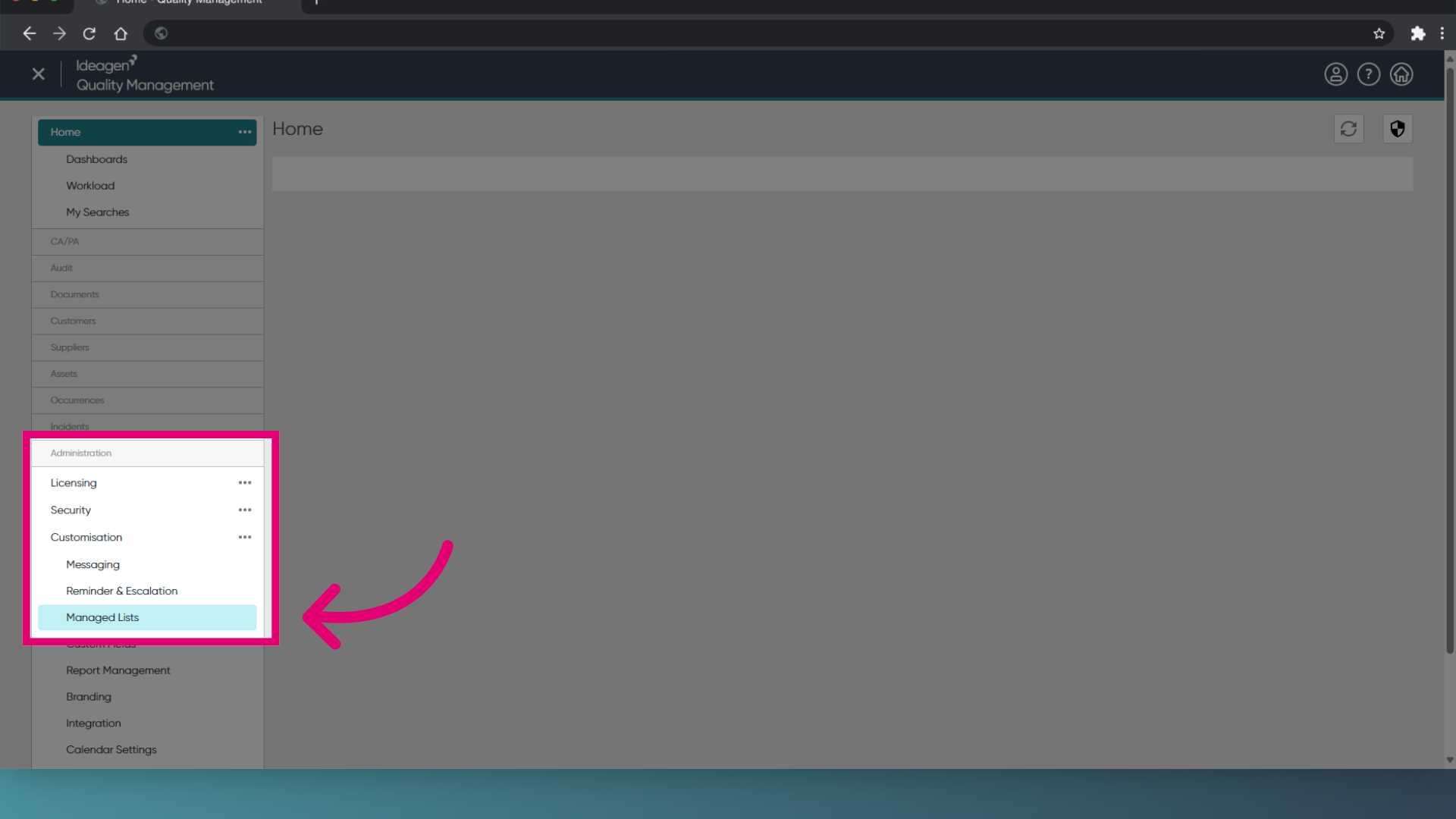
- Click the filter icon in the Module heading.
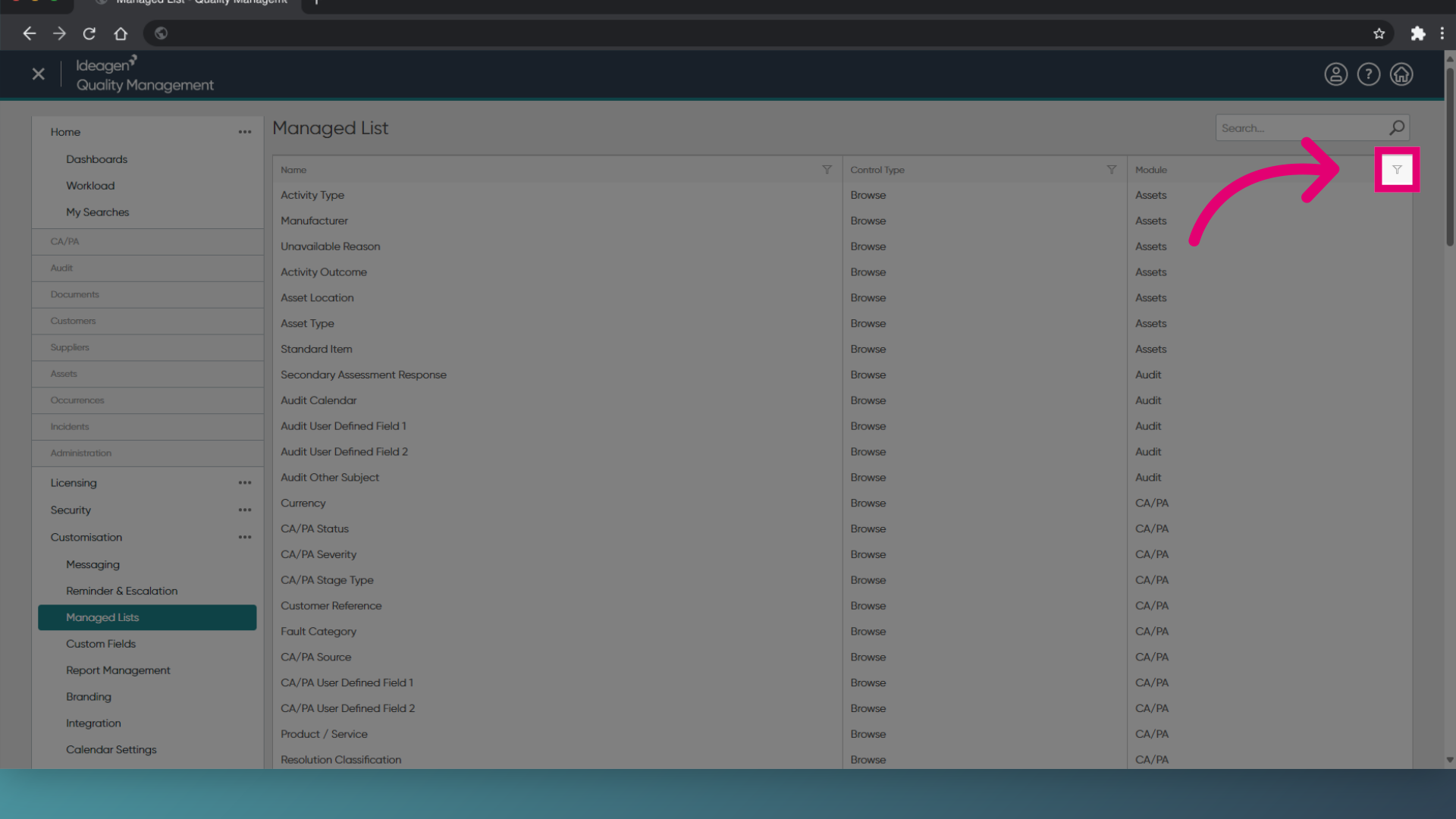
- Choose Customers from the filter options.
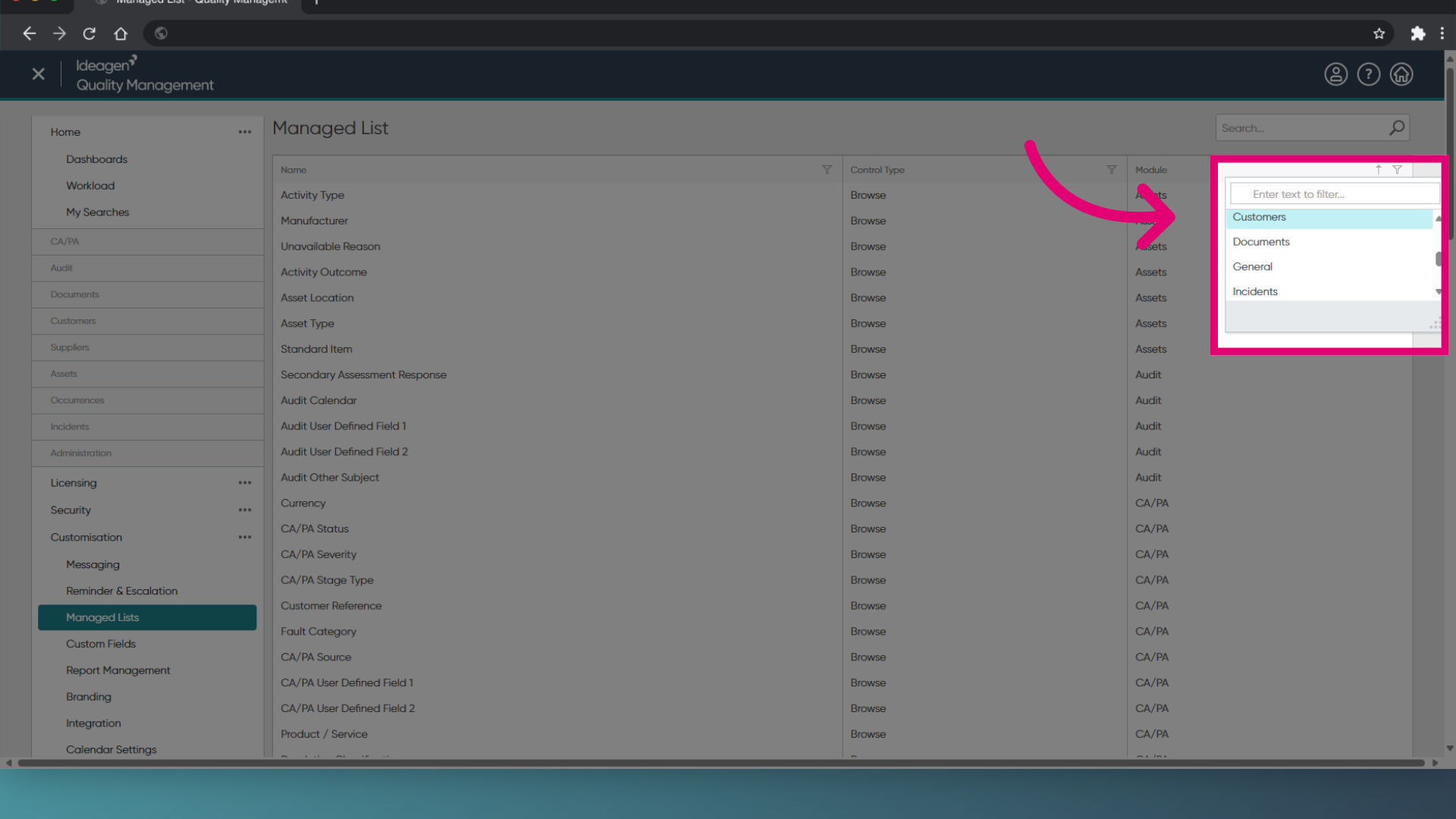
- Click on the Customer Name option.
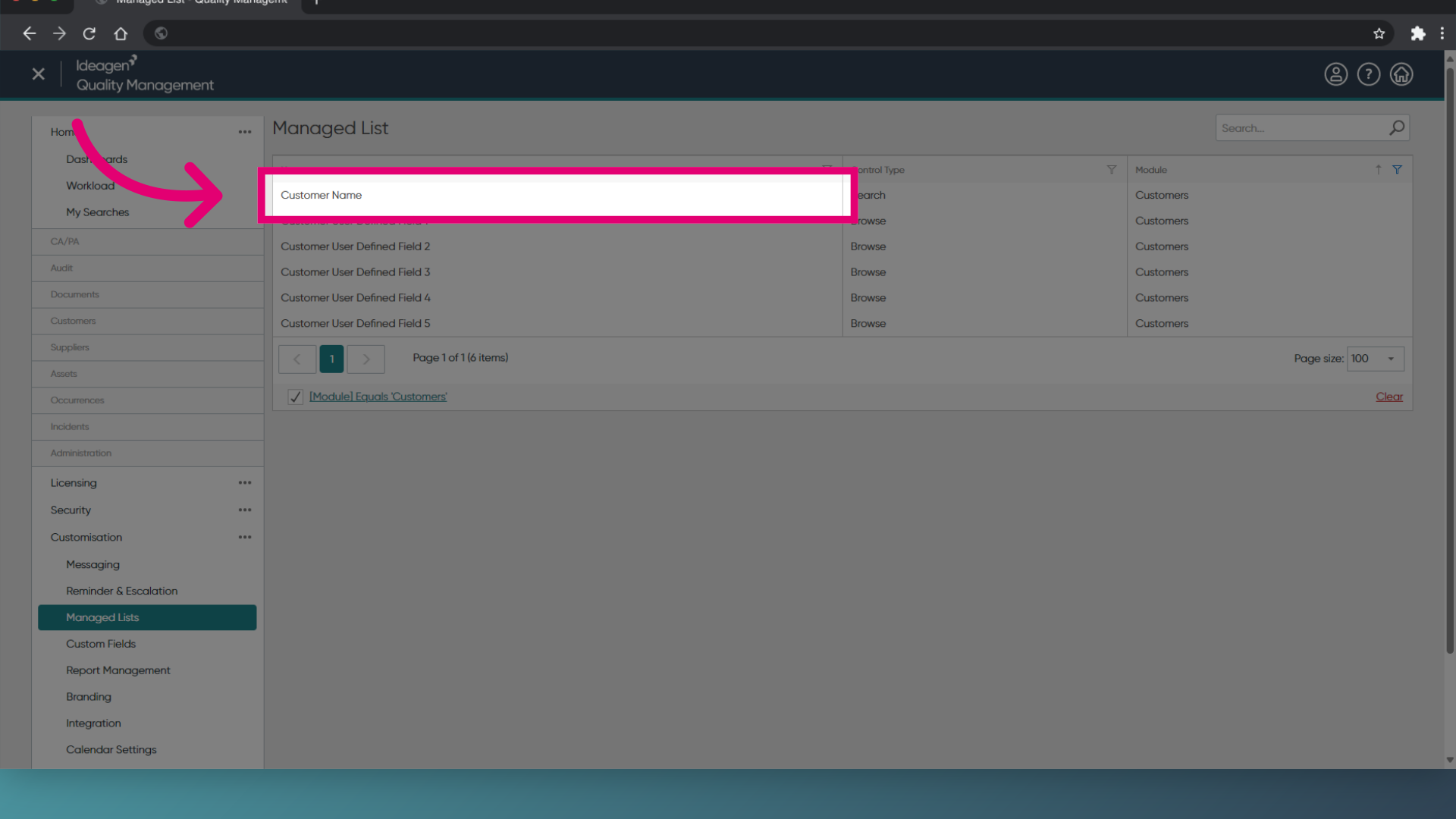
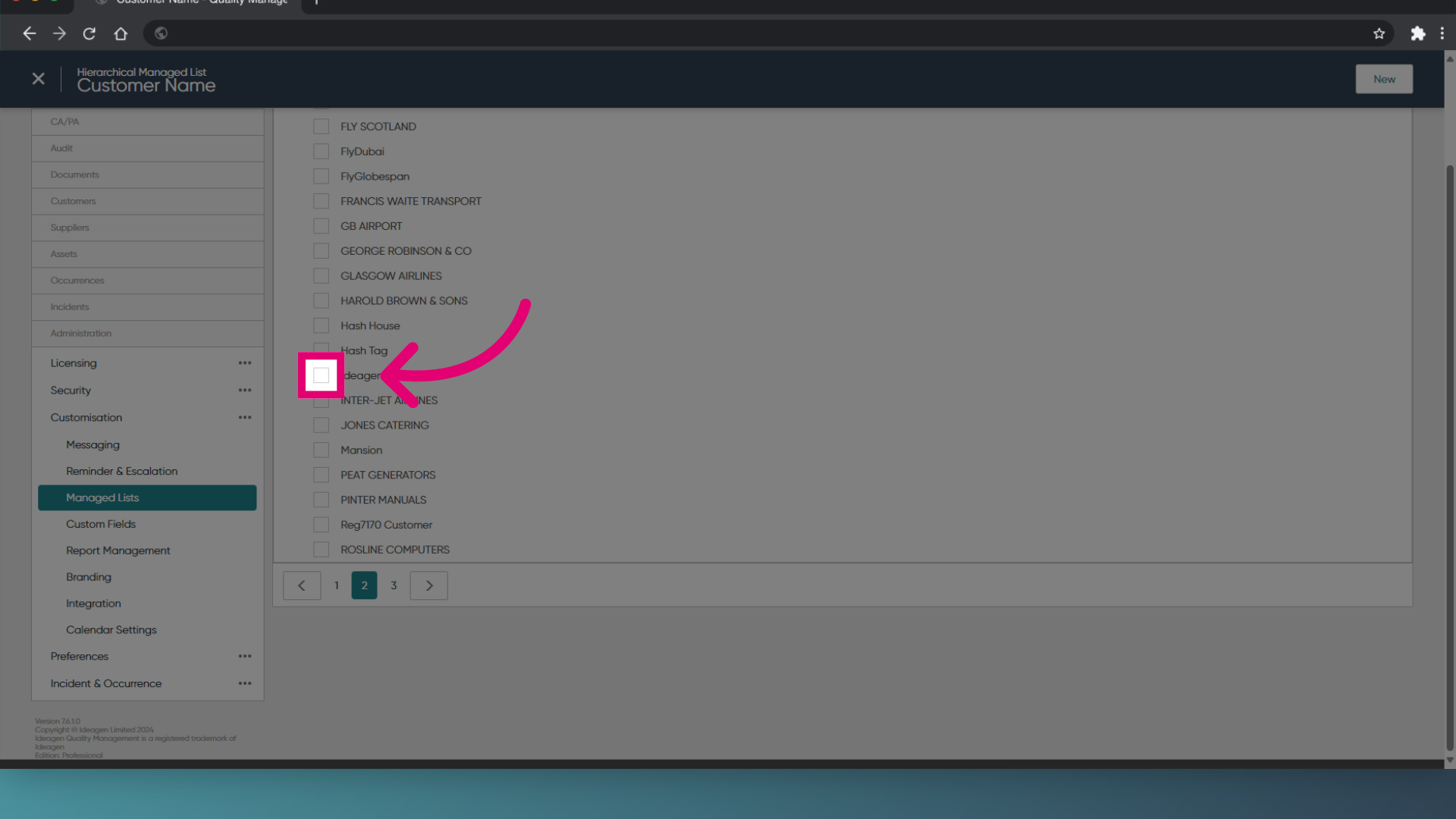
- Locate the customer you wish to archive and tick the box.
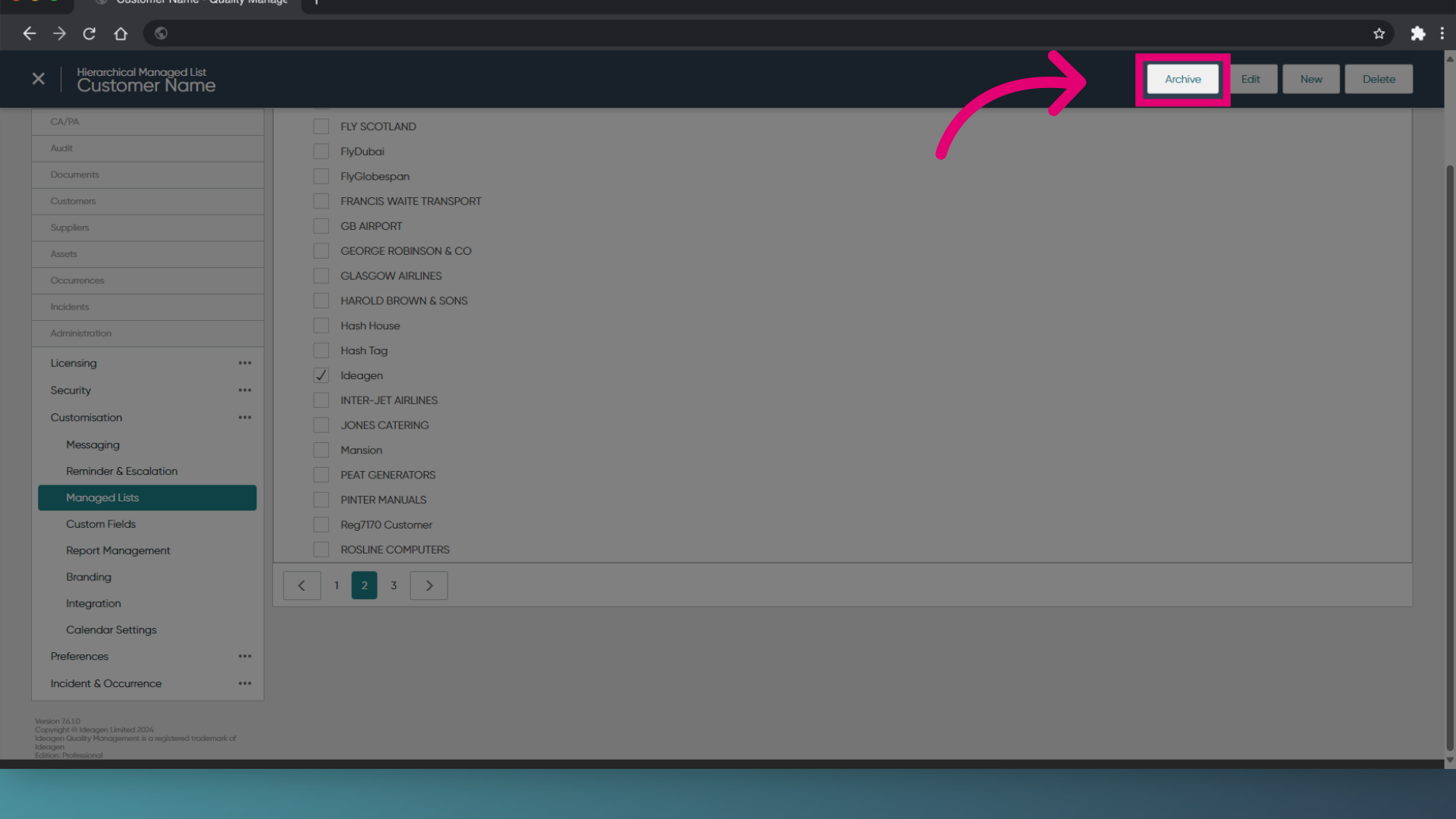
- Choose Archive from the displayed options.
2. Reinstating a customer
To reinstate a customer:
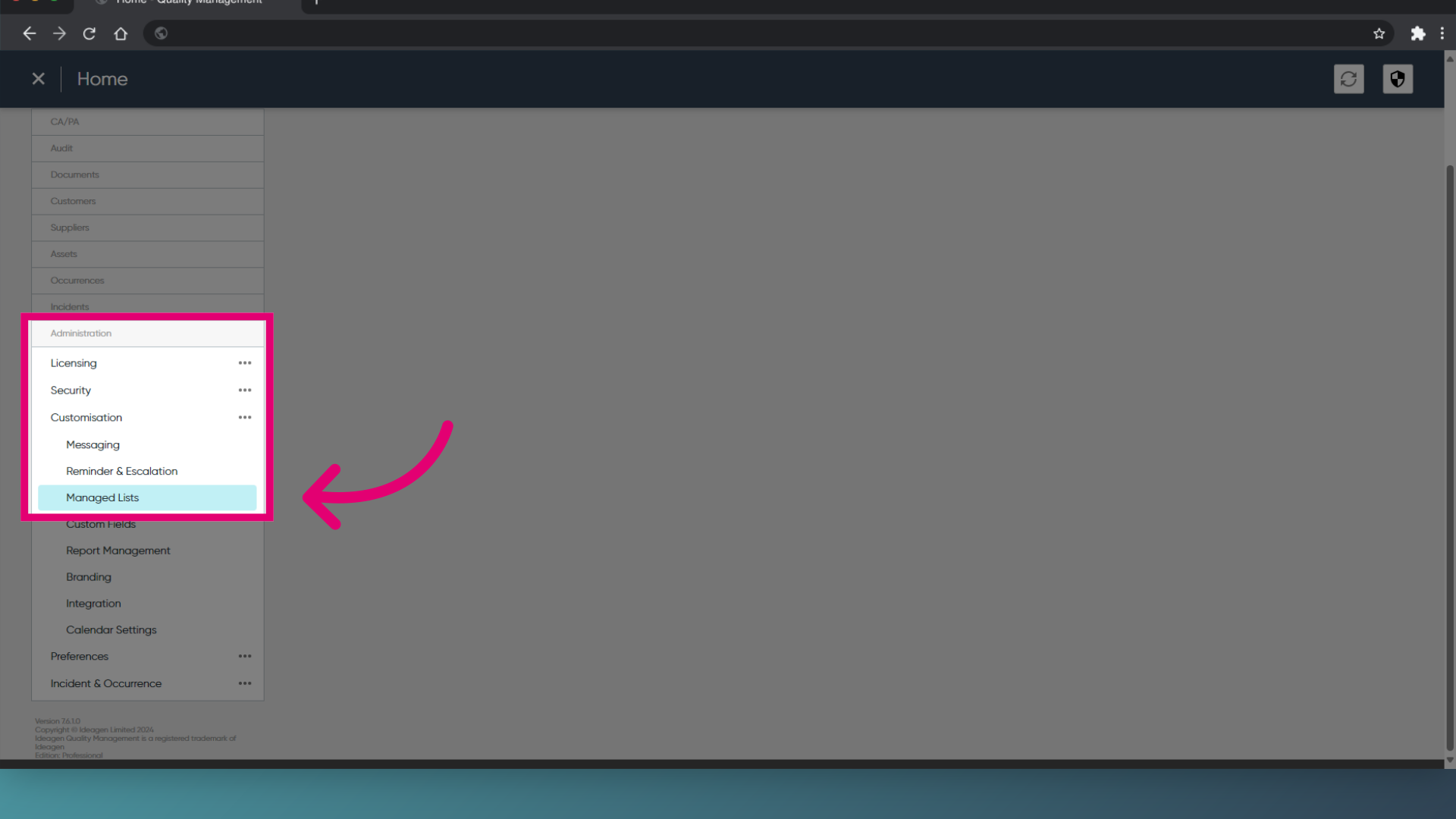
- Access the Administration module.
- Select Managed Lists.
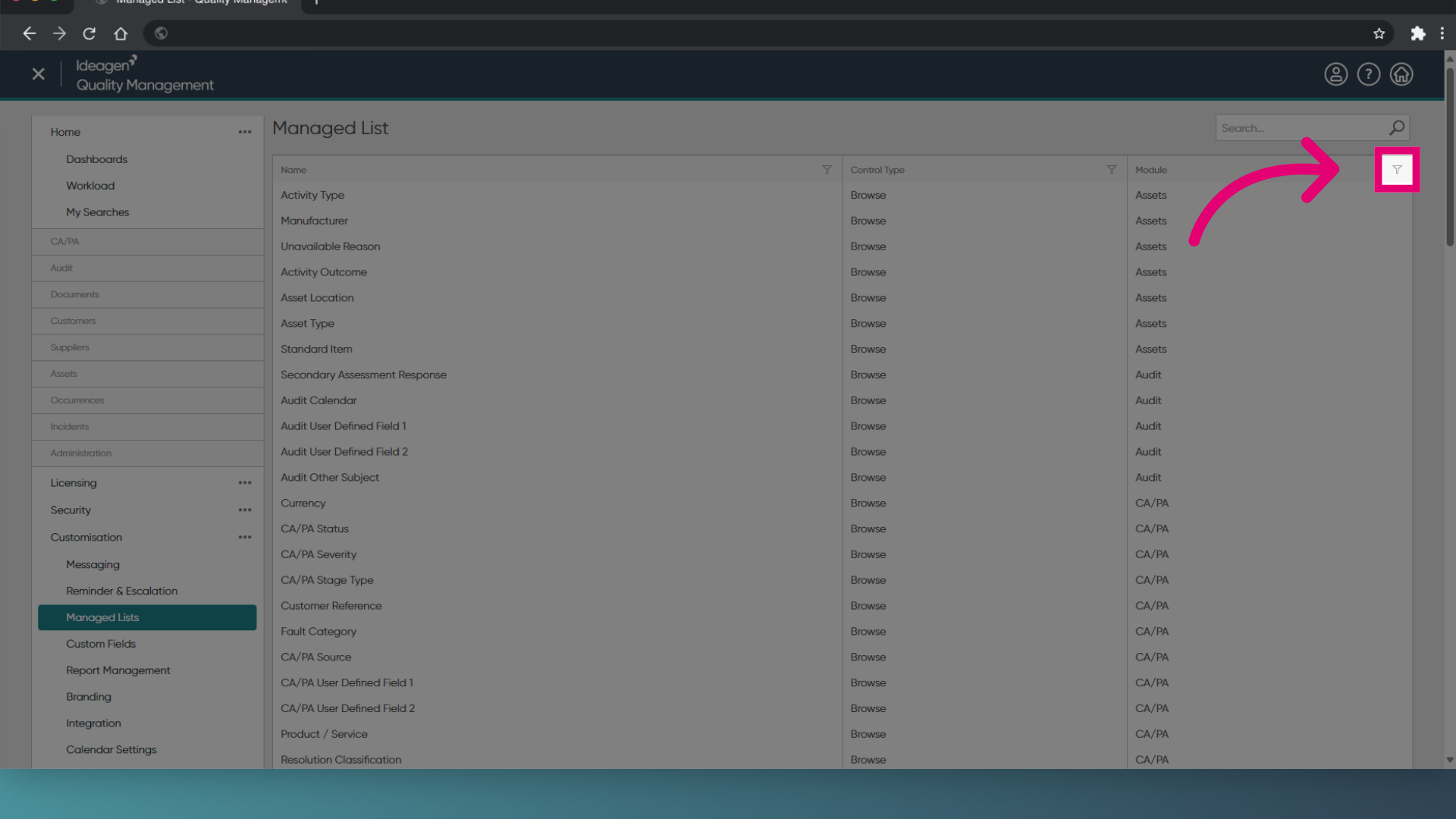
- Click the filter icon in the Module heading.
- Choose Customers from the filter options.
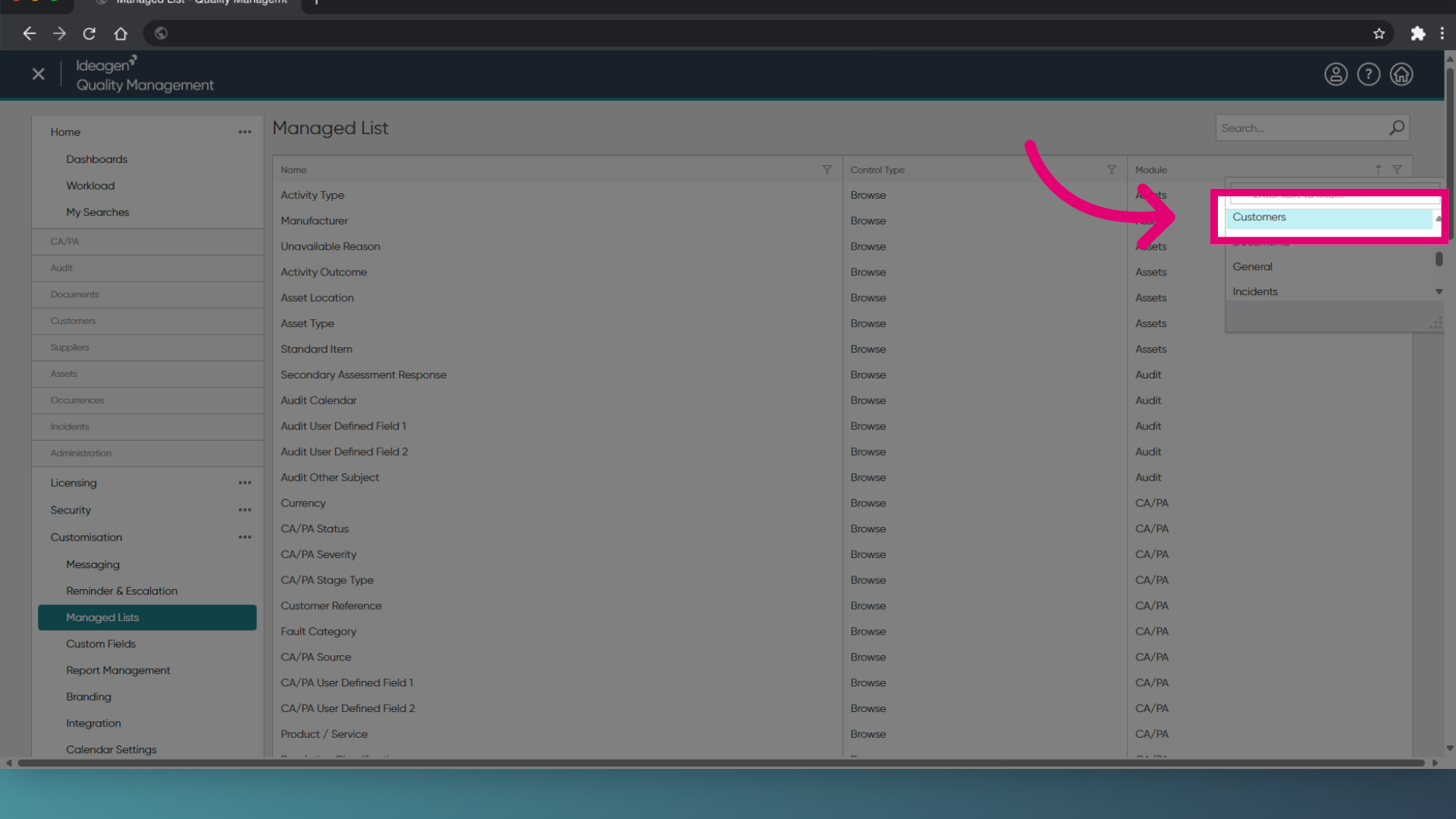
- Click on the Customer Name option.
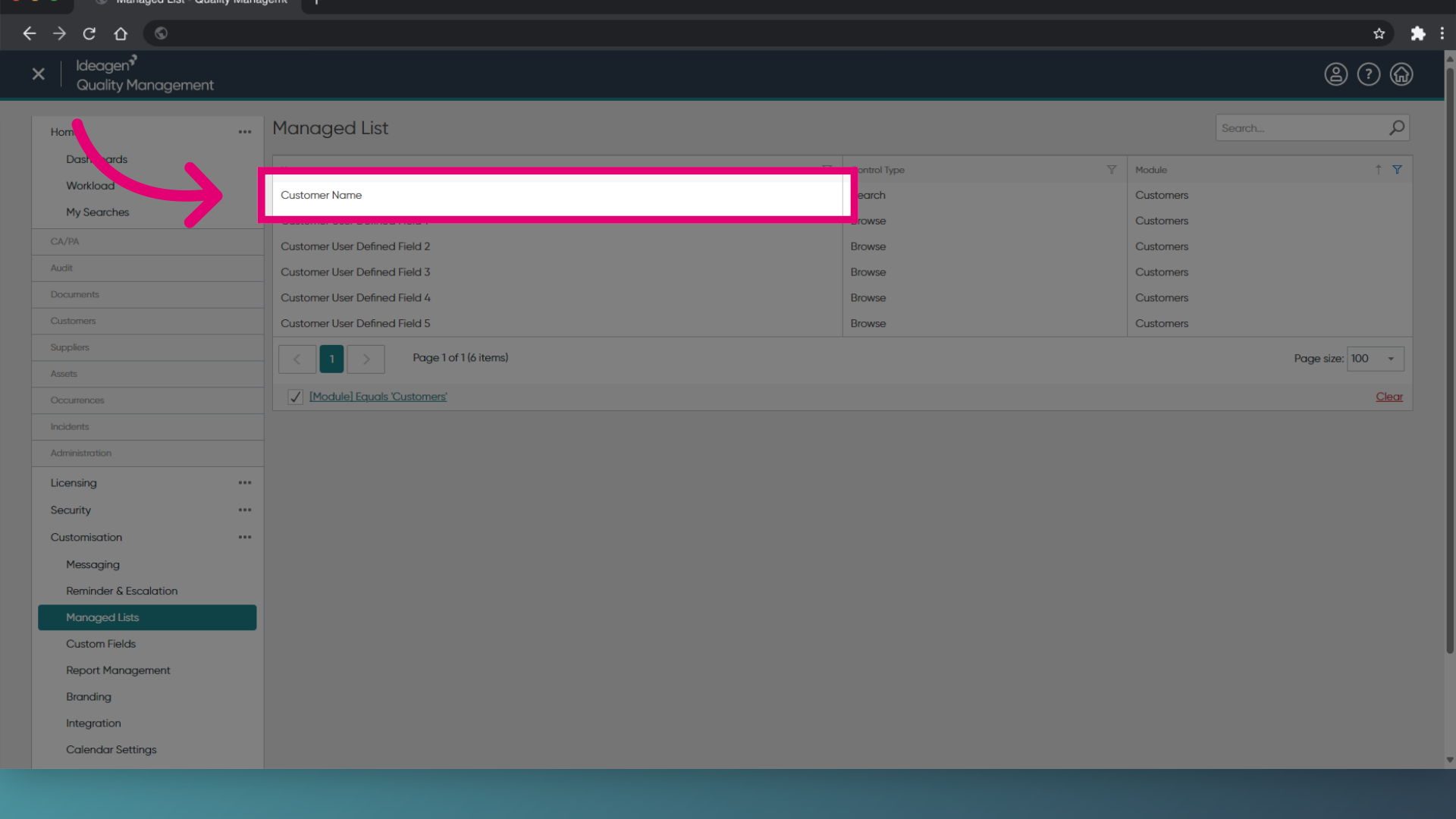
- Locate the customer you wish to reinstate and tick the box.
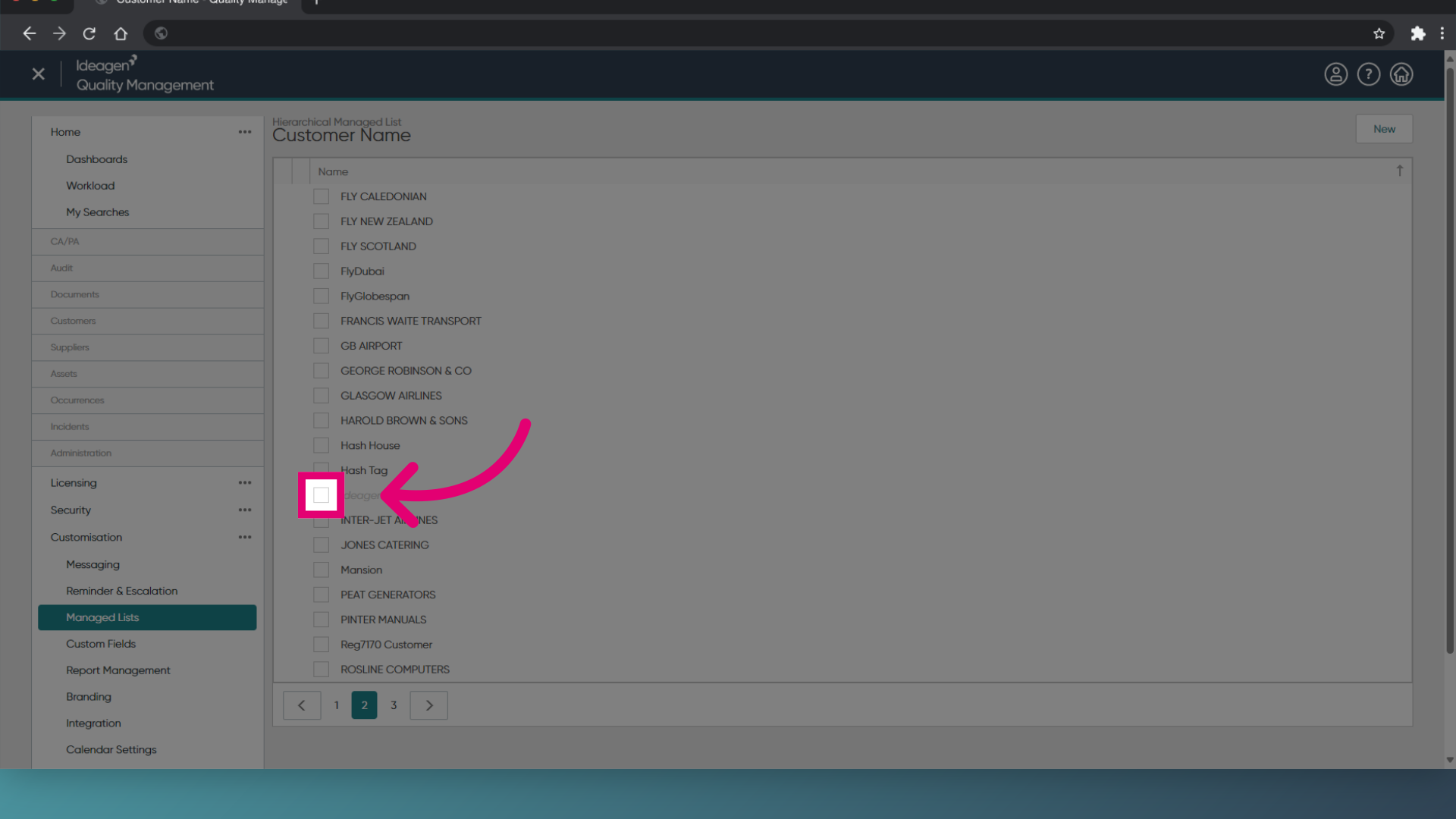
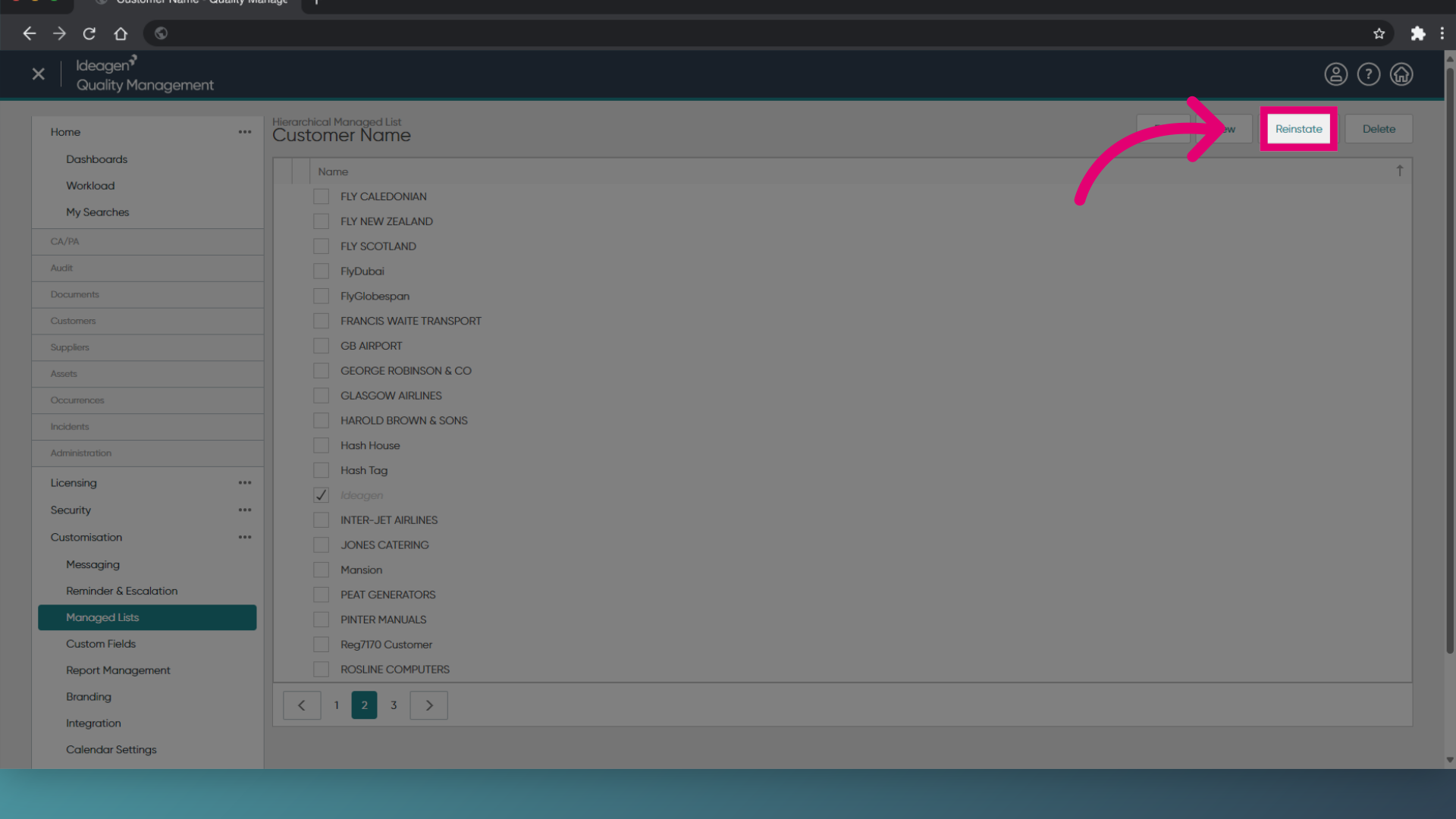
- Choose Reinstate.
1. Archiving a customer
To archive a customer:
- Open the Administration module.
- Navigate to Customisation and then Managed Lists.
- Filter the list to the Customer module.
- Double click on the Customer Name field.
- Highlight the required customer.
- Click Archive.
2. Reinstating a customer
To reinstate a customer:
- Open the Administration module.
- Navigate to Customisation and then Managed Lists.
- Filter the list to the Customer module.
- Double click on the Customer Name field.
- Highlight the required customer.
- Click Reinstate.